| Production priority | Better starting choice | Typical tier | Main tradeoff |
|---|---|---|---|
| ProRes-heavy editorial and fast multistream playback | ProRes | ProRes 422 HQ or ProRes 422 | Broad compatibility with larger files at higher tiers |
| Panasonic-native VariCam, P2, or broadcast conform | AVC-Intra | AVC-Intra 4K422 or AVC-Intra 4K444 | Strong camera-native path with more version-sensitive support |
| Heavy grade, keying, compositing, or VFX pulls | Either family in 4:4:4 | ProRes 4444, ProRes 4444 XQ, or AVC-Intra 4K444 | More color information with higher storage and offload cost |
| General V-Log mastering | Either tested 10-bit 4:2:2 intraframe path | ProRes 422 HQ or AVC-Intra 4K422 | Good balance of grading latitude, performance, and media volume |
| Storage-constrained shooting | Lower data-rate intraframe option | ProRes 422 LT or AVC-Intra LT | Smaller files with less headroom for noisy images or heavy grades |
- AVC-Intra 4K 444, AVC-Intra 4K 422, and AVC-Intra 4K-LT
- AVC-Intra 2K variants, AVC-Intra 100, and AVC-LongG
- ProRes 4444 XQ and ProRes 4444
- ProRes 422 HQ, ProRes 422, and ProRes 422 LT
The first decision is the finishing path
Start with the workflow that will touch the files first. For an editorial team cutting on Macs, especially if the project expects quick multistream playback, ProRes is the least surprising option. It's an intraframe codec family designed for post-production, and every major editorial department has muscle memory around it. If the camera can record the resolution, frame rate, and chroma sampling you need in ProRes, that choice usually reduces friction.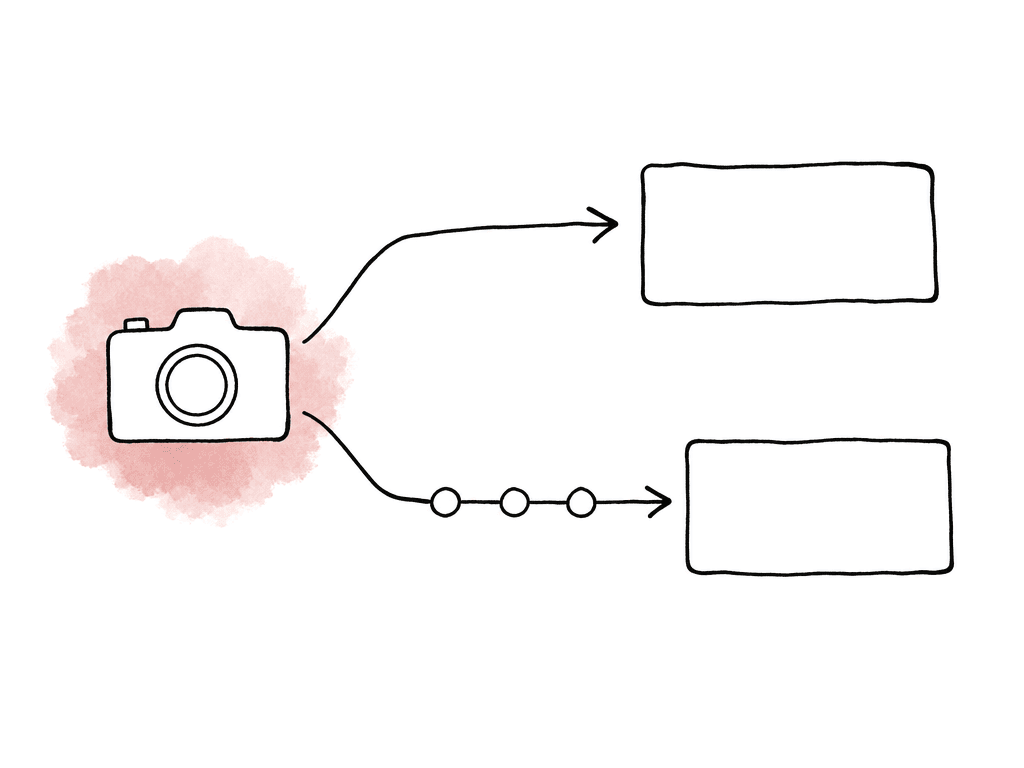
What AVC-Intra is doing in Panasonic cameras
AVC-Intra is Panasonic’s intraframe acquisition codec family. “Intra” is the important word for post. Each frame is encoded independently, so the NLE doesn't have to reconstruct every frame from a group of surrounding frames the way it does with long-GOP formats. That makes AVC-Intra more edit-friendly than many smaller delivery-style codecs, even though it isn't as universally familiar to every assistant editor as ProRes. On VariCam 35 and VariCam LT, Panasonic lists a wide range of AVC-Intra options for the main recorder. Depending on camera model and settings, those can include:- AVC-Intra 4K 444
- AVC-Intra 4K 422
- AVC-Intra 4K-LT
- AVC-Intra 2K 444
- AVC-Intra 2K 422
- AVC-Intra 444
- AVC-Intra 422
- AVC-Intra-LT
- AVC-Intra 100
- AVC-Intra 200 on some P2-style workflows
What ProRes is doing in Panasonic cameras
ProRes is a post-production codec family built around real-time editing performance and high image-quality preservation. Like AVC-Intra, standard ProRes flavors are intraframe. Unlike AVC-Intra, ProRes is widely treated as a house format in many editorial pipelines. That matters when a show has freelancers, remote editors, mixed machines, and tight turnaround. Panasonic’s VariCam menus list several ProRes options, depending on model and recording mode:- ProRes 4444 XQ
- ProRes 4444
- ProRes 422 HQ
- ProRes 422
- ProRes 422 LT
Quality differences that actually show up
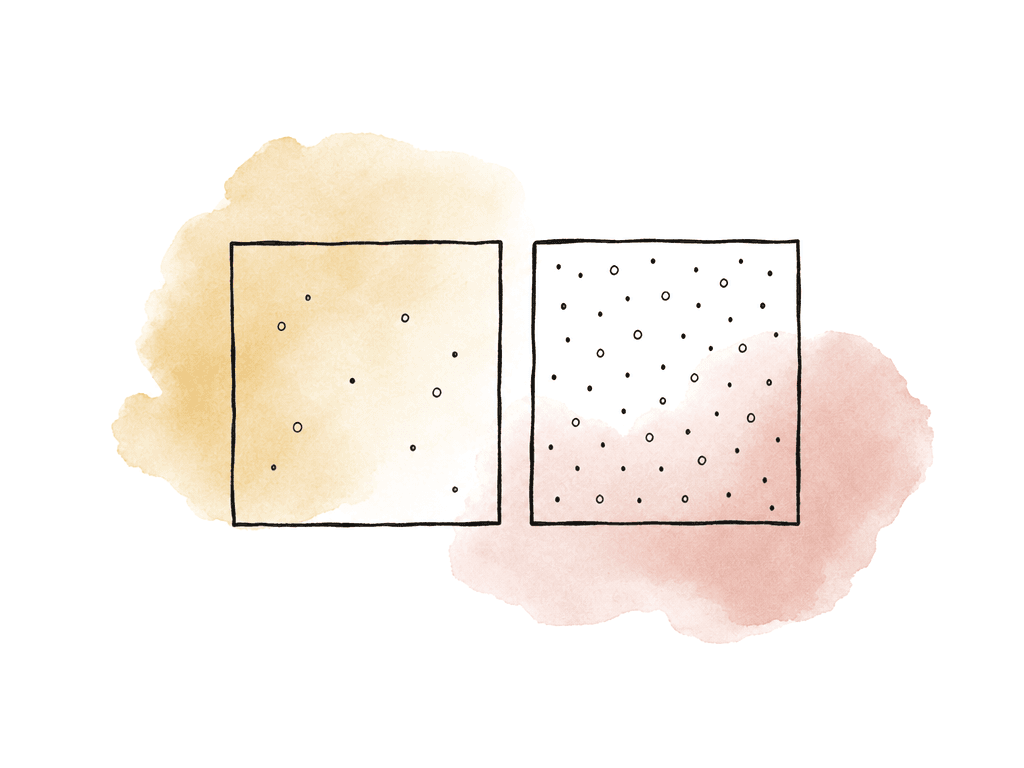
For most real productions, the image-quality difference between AVC-Intra and ProRes isn't visible as a simple “one is better” ranking. Both families can produce excellent masters, and the visible difference usually comes from choosing the wrong tier inside the family. A few useful rules hold up in post:- 4:4:4 formats are better suited for heavy keys, aggressive secondary color work, screen replacements, and VFX pulls.
- 4:2:2 10-bit formats are a solid master choice for most grading work, especially with good exposure and controlled lighting.
- LT formats save space, but they're the first place to question the choice if the job has underexposure, high ISO noise, smoke, gradients, fast texture, or a heavy grade.
- Baked looks reduce grading flexibility no matter which codec you use.
- V-Log or another log capture preserves more creative latitude than committing only to a display-ready look.
NLE compatibility and assistant editor reality
Final Cut Pro supports Apple ProRes, ProRes RAW, and AVC-ULTRA formats including AVC-LongG and AVC-Intra classes such as 50, 100, 200, 4:4:4, and LT. Apple’s Pro Video Formats package also includes AVC-Intra and AVC-LongG support for professional workflows. Panasonic also publishes NLE and external recorder support information for VariCam and P2HD AVC-ULTRA formats, with support varying by application version and codec flavor. That sounds broad, but “supported” isn't the same as “frictionless on this show.” A post supervisor should care about the exact chain:- Can the NLE import the exact codec, wrapper, resolution, and frame rate?
- Does the color system read the camera originals directly?
- Are proxies being made by the DIT, the camera, or editorial?
- Will relink happen from proxy to original without filename, reel, or timecode surprises?
- Are remote editors on systems with the required professional video components installed?
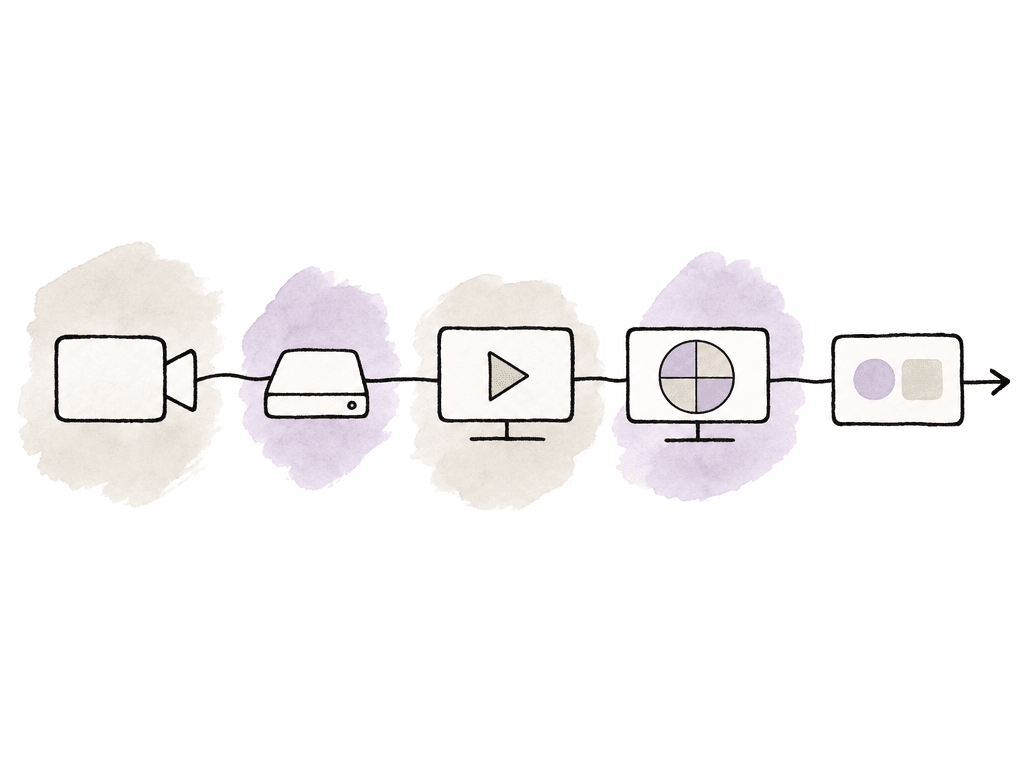
- The intended frame rate, audio channel layout, and timecode
- Card structure and offload method
- Proxy creation and edit import
- Color import and relink
Grading with V-Log, V-709, and LUTs
Panasonic’s VariCam workflow is built around separating the recorded master from what people need to see on set. In a V-Log workflow, the main recorder can capture 4K V-Log for post grading, while your team can set the sub-recorder, EVF, LCD, and monitor outputs to V-Log, V-709, or a graded look. If your production needs a full grade in post, record V-Log and use the viewing transform for monitoring. The codec decision should support that split. If the colorist expects to grade from V-Log originals, give them originals with enough bit depth and chroma information for the job. If production is using on-set CDL or 3D LUT work, keep the metadata and LUT files with the camera reports and media. Panasonic’s VariCam materials describe in-camera color grading where CDL and 3D LUT data can be stored with main and sub recordings. That's useful only if post receives it and knows whether the look is destructive or just monitoring/reference. V-709 is a different choice, and Panasonic positions V-709 as a cinematic VariCam look that can support simple post color or fast-turnaround projects, including live-event-style work. That may be exactly right when the schedule doesn't include a full grade. But if the client expects to reinvent the look later, recording a baked display look in a lower-tier codec is asking for pain. In practice, the grading recommendation is straightforward: for maximum flexibility, shoot V-Log/V-Gamut in a high-quality AVC-Intra or ProRes flavor, monitor with a show LUT or V-709-style transform, and preserve the viewing LUTs as part of the handoff.Storage planning without guessing
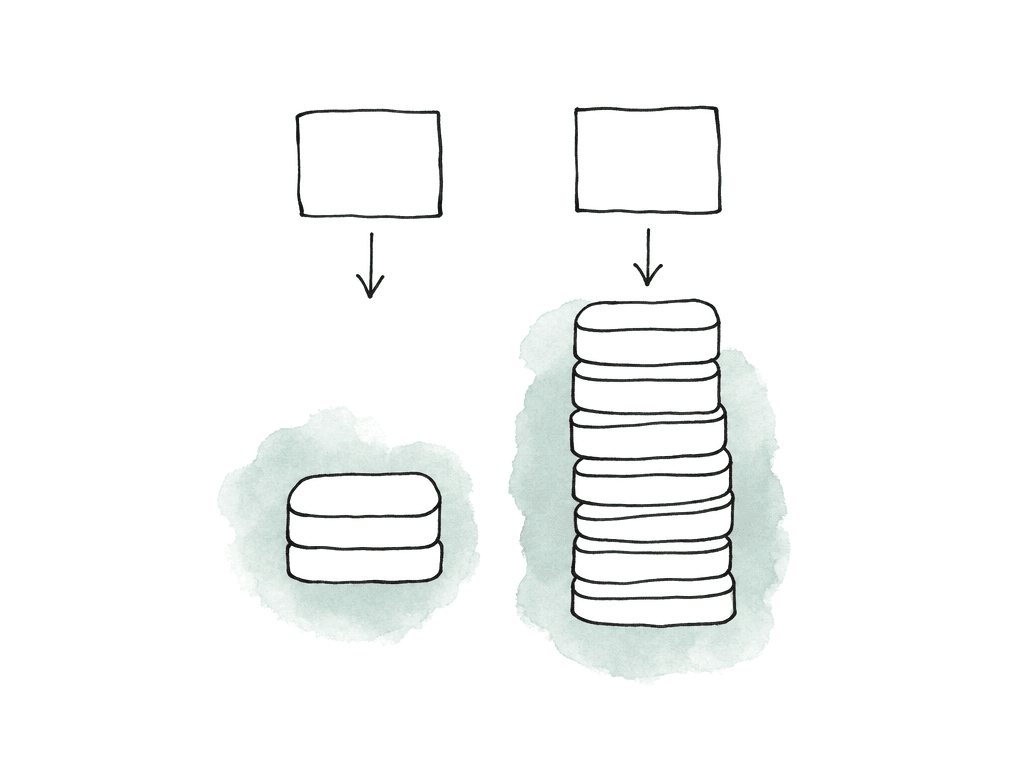
Don't plan storage from the camera menu label alone. ProRes is variable bit rate, so data rate changes with codec type, frame size, frame rate, and image content. AVC-Intra formats are usually discussed by class or target data rate, but the actual storage plan still depends on the selected resolution and frame rate. The safe move is to calculate from the expected megabits per second, then confirm with a camera test. The fast conversion is:- Mbps × 0.45 = approximate GB per hour
- 500 Mbps is about 225 GB per hour
- 1,000 Mbps is about 450 GB per hour
- 2,000 Mbps is about 900 GB per hour
Camera settings and wrapper details that can bite later
Panasonic’s operating guides list both OP-1b and OP-Atom recording formats depending on codec. On VariCam 35, many AVC-Intra 4K, AVC-Intra 2K, AVC-LongG, and ProRes options are listed as OP-1b, while AVC-Intra 100 and AVC-Intra 200-style workflows may be OP-Atom depending on model and mode. Check which MXF variant your older software, ingest tools, and archive systems accept. There are also recording behavior details worth catching early, and Panasonic’s VariCam operating guides note that recording can stop at six hours in certain cases, including when the main codec is set to ProRes, and in some CINE filename-style conditions. That may not matter on narrative takes, but it absolutely matters for concerts, stage events, houses of worship, conferences, surveillance-style documentary coverage, or anything where someone expects the camera to roll indefinitely. Other mode interactions can affect the recommendation:- Some codec choices disappear at certain resolutions, frequencies, or high-speed settings.
- Variable frame rate can change proxy or sub-recorder behavior.
- Sub-recorder formats may be limited compared with the main recorder.
- Monitoring outputs may not match the recorded format one-to-one.
- Older systems may import one AVC-Intra class but not another.
When AVC-Intra is the better call
Choose AVC-Intra when the camera’s strongest recording mode for the job is an AVC-Intra mode, especially on VariCam 4K V-Log workflows. AVC-Intra 4K422 is a strong general-purpose master. AVC-Intra 4K444 is a better match for heavier color, finishing, and VFX needs. If the production is already built around Panasonic media, P2/expressP2 handling, AVC-ULTRA support, and a tested NLE/color path, there's no need to transcode the decision into ProRes just for comfort. AVC-Intra also makes sense when storage pressure rules out the heaviest ProRes options but the team still wants a professional intraframe acquisition format. Panasonic’s LT variants can be useful in that middle ground, provided post has tested them and the grade isn't unusually punishing. The main caution is pipeline confidence. If editorial or finishing isn't used to AVC-Intra, don't discover that during ingest. Run the test. Confirm the NLE version. Confirm the color system. Confirm archive and restore. Confirm that proxies relink to the originals.When ProRes is the better call
Choose ProRes when the production’s post path is built around ProRes editorial, fast handoff, and broad compatibility. ProRes 422 HQ is often the safe high-quality 4:2:2 choice. ProRes 422 can be enough for many edit-first jobs. ProRes 4444 or 4444 XQ belongs on jobs that actually need the extra color fidelity and data rate. ProRes is especially attractive when multiple teams need to touch the media quickly: assistant editors, story producers, finishing editors, colorists, VFX vendors, and remote review teams. The less time everyone spends asking “can your system read this,” the better. The main caution is media volume and camera-mode availability. ProRes 4444 XQ can create very large files. ProRes options may not be available in every resolution, high-speed, or camera configuration you want. And on some Panasonic operating modes, long continuous recordings may hit behavior limits that matter for events.A sane default for most productions
If nobody has a strong reason to choose otherwise, use the highest-quality 4:2:2 intraframe format that fits the budget, schedule, and tested post path. On a ProRes-native post workflow, that often means ProRes 422 HQ. On a Panasonic VariCam V-Log workflow, that often means AVC-Intra 4K422. Step up to 4:4:4 when color, keying, compositing, or finishing requirements justify it. Step down to LT only when storage, offload, or runtime pressure is real and your team has tested the grade. The wrong choice is usually picking a codec because it sounds “better,” then finding out the assistant editor can't import it, the colorist got baked looks instead of V-Log, the drives are twice as full as expected, or the camera stopped during a long roll. Make the codec decision from the actual path the footage will travel: camera mode, media, offload, proxy, edit, grade, relink, archive. If your team tests that path, both AVC-Intra and ProRes can deliver excellent Panasonic camera originals.FAQ
No. ProRes is often easier in ProRes-heavy editorial pipelines, especially on Mac-based post teams, but AVC-Intra is a strong native Panasonic acquisition format. On VariCam and P2-style workflows, AVC-Intra 4K422 or 4K444 can be an excellent camera-original format for grading and finishing. The better choice depends on the exact codec flavor, camera mode, chroma sampling, bit depth, wrapper, and whether the post pipeline has been tested.
For serious grading, prioritize V-Log or V-Gamut capture in a high-quality 10-bit or better intraframe format. ProRes 422 HQ and AVC-Intra 4K422 are both common strong choices for 4:2:2 workflows. ProRes 4444, ProRes 4444 XQ, or AVC-Intra 4K444 are better suited when the job needs heavier color work, keying, compositing, or VFX. A baked V-709 look can be useful for fast turnaround, but it gives the colorist less flexibility.
No. Major NLEs have broad support for AVC-Intra and AVC-ULTRA formats, but support can depend on the exact AVC-Intra variant, wrapper, frame rate, resolution, operating system, plug-ins, and application version. ProRes is usually more frictionless in editorial environments because it's widely used as a house post format. If you plan to shoot AVC-Intra, test the real camera files through ingest, proxy creation, edit, color, relink, and archive before production.
Storage depends on the selected codec flavor, resolution, frame rate, and sometimes image content. A quick estimate is Mbps multiplied by 0.45 to get approximate GB per hour. For example, 500 Mbps is about 225 GB per hour, 1,000 Mbps is about 450 GB per hour, and 2,000 Mbps is about 900 GB per hour. Plan for camera originals, backup copies, proxies, turnovers, VFX pulls, and delivery files, not just the first copy of the media.
Use 4:4:4 when the production needs maximum color fidelity for heavy grading, green screen, detailed secondary corrections, screen replacements, beauty work, compositing, or VFX pulls. For many documentary, corporate, broadcast, and commercial jobs, a well-exposed 10-bit 4:2:2 V-Log recording is sufficient and more storage-efficient. The benefit of 4:4:4 is greatest when the rest of the workflow, including monitoring, lighting, exposure, color management, and finishing, is built to take advantage of it.
Treat the camera-original folder as the source of truth, then control who can view, download, comment, or edit from that same project space. That reduces duplicate drives, unclear handoffs, and relink surprises when ProRes or AVC-Intra originals move from offline to grade. Aspect supports per-user, folder, and link-level access control with granular sharing permissions.