The base configuration
For a Sony multicam package, use one shared acquisition target unless there's a strong reason not to:- Gamma: S-Log3
- Color gamut / color mode: S-Gamut3.Cine
- White balance: fixed Kelvin value, not auto
- Tint / color compensation: match manually if the body exposes it
- Shutter: matched by angle or speed across cameras
- ISO / EI method: agreed per camera model and exposure plan
- Monitoring LUT: same creative or technical LUT on every camera and monitor
- Recording format: 10-bit 4:2:2 or better where possible
Why “all Sony” doesn't mean “already matched”
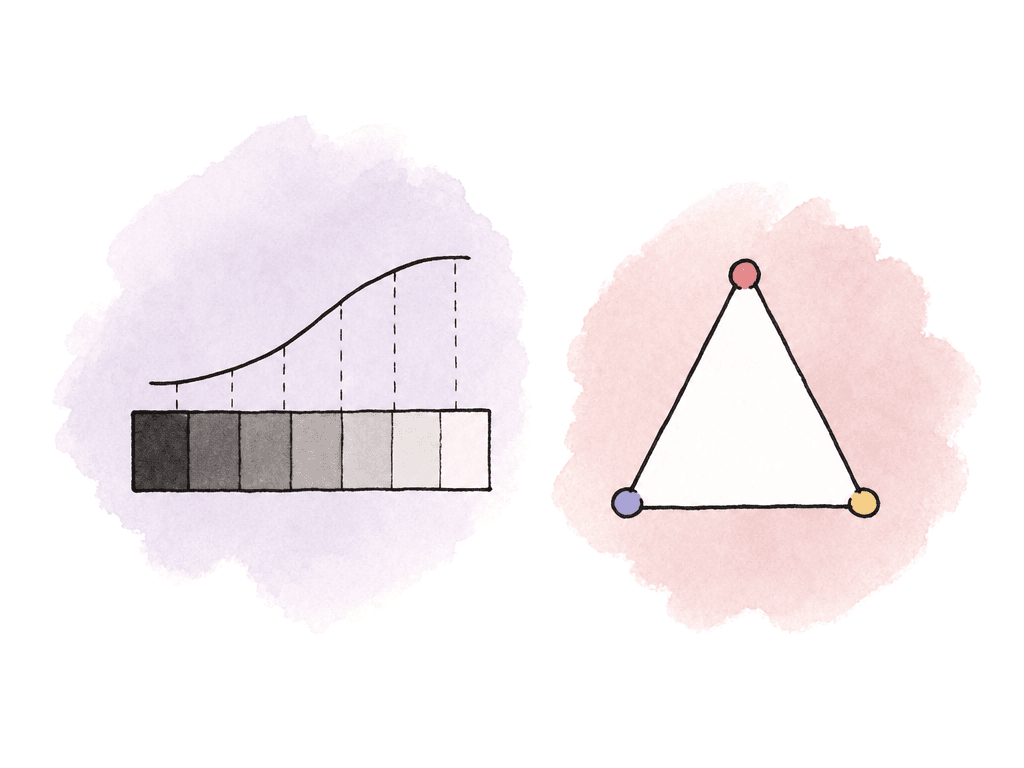
A common trap is assuming Sony bodies match because the menu labels look similar; even when they share S-Log3, check the camera mix and the post-relevant differences:- VENICE, FX9, and FX6
- FX3, FX30, and Alpha bodies
- Older FS-series cameras
- Sensor, internal processing, and noise behavior
- Dual-base ISO values and ND system; codec options and LUT handling
- S-Log3 for all log cameras
- S-Gamut3.Cine for all cameras that offer it
- Matching project frame rate and shutter angle or shutter speed
- Fixed white balance from the same lighting condition
- Same exposure reference, such as a gray card, chart, or waveform target
- Same monitor LUT from the same LUT file when possible
- Same data range interpretation in post, especially after transcodes
S-Gamut3.Cine versus S-Gamut3 in post
The important difference for post is that the input transform must match the recorded gamut.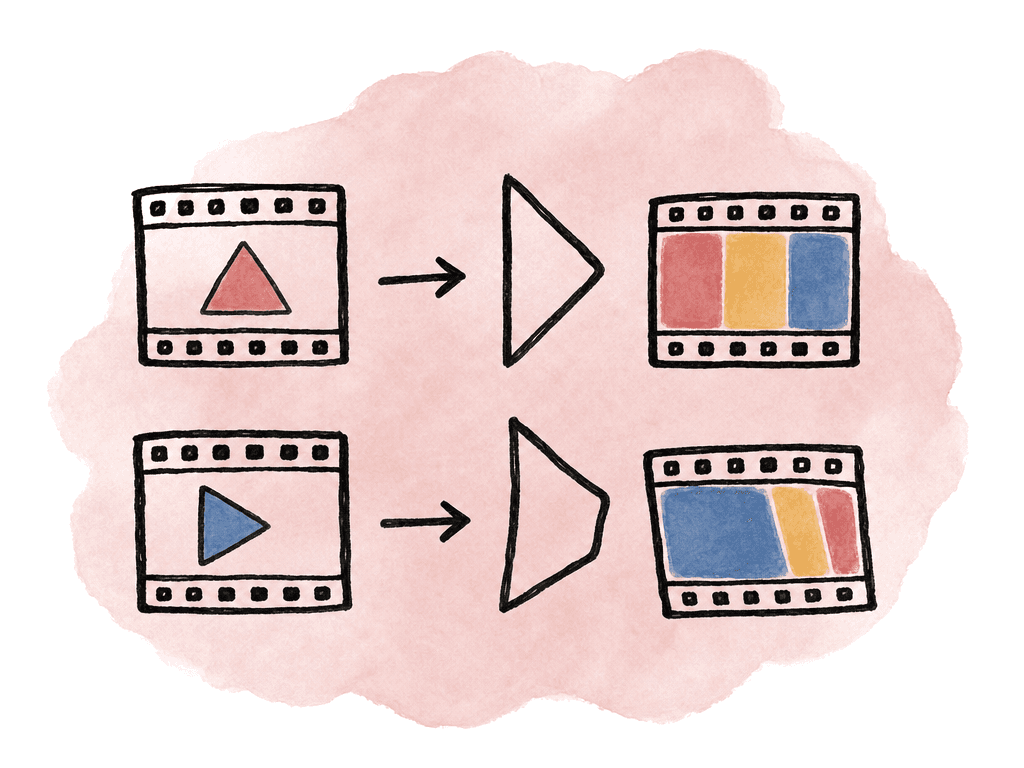
| Recorded state | Input assignment | Post treatment | If assigned incorrectly |
|---|---|---|---|
| S-Gamut3.Cine/S-Log3 | Sony S-Gamut3.Cine/S-Log3 | Standard log input for most Sony multicam angles | Matching stays predictable once exposure and white balance are balanced |
| S-Gamut3/S-Log3 | Sony S-Gamut3/S-Log3 | Wider Sony gamut, assigned separately from Cine clips | Saturated colors and skin tones can shift when treated as S-Gamut3.Cine |
| Rec.709 or S-Cinetone | Rec.709 or the matching camera-rendered input | Display-referred or camera-rendered footage, not log | Log transforms can distort contrast, saturation, and highlight rolloff |
| RAW or X-OCN | Camera raw decode to the chosen Sony gamma and gamut before color management | Decode settings establish the starting color state for the grade | Decode mismatches change the baseline before any creative correction |
- S-Gamut3.Cine/S-Log3 clips get a Sony S-Gamut3.Cine/S-Log3 input transform.
- S-Gamut3/S-Log3 clips get a Sony S-Gamut3/S-Log3 input transform.
- Treat Rec.709 or S-Cinetone clips as display-referred or camera-rendered footage, not log.
- Decode RAW or X-OCN clips through camera raw settings before the project color pipeline sees them.
Exposure consistency matters more than exposure fashion
S-Log3 gives you room to grade, but it doesn't make exposure irrelevant. In multicam, inconsistent exposure is one of the fastest ways to make matching slow and noisy. Before shooting, agree on the exposure reference every camera will use. Some crews rate Sony log a little brighter than nominal to keep noise down, especially on smaller bodies. That can work, but only if every camera operator exposes every camera to the same intent and the colorist knows what happened. For a controlled setup, use a chart or gray card under the key light and set every angle from the same reference. Crews commonly treat Sony’s S-Log3 middle gray target around 41 IRE, with official materials showing 18% gray in roughly the high-30s to low-40s range depending on implementation and display scale. One stop over middle gray lands around the high-40s. That gives you a useful language for exposure: nominal gray around 41, or a deliberate brighter placement around 48 to 50.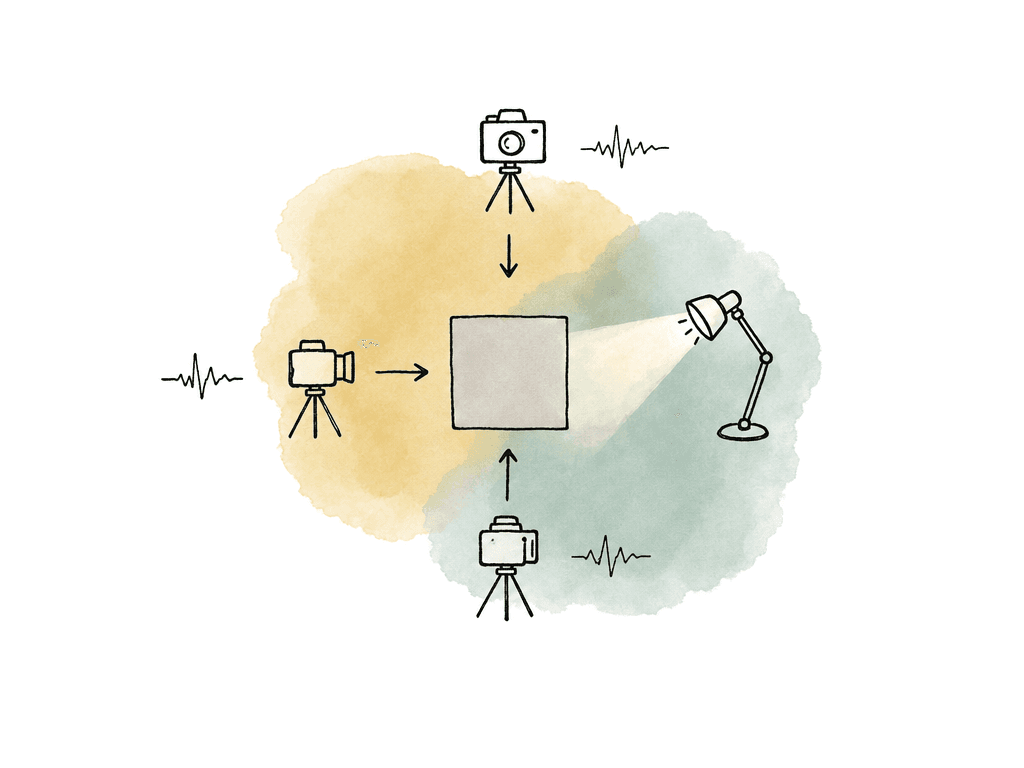
- Around 41 IRE for nominal 18% gray in S-Log3
- Around 48 to 50 IRE if the show is intentionally rating gray about one stop brighter
- A separate higher zebra for highlight protection if the camera allows multiple zebra levels
- A consistent viewing LUT for judging contrast and color
- A waveform, false color, or zebras reading the log signal or a known transformed signal
Camera reports should capture the color pipeline, not just lens data
For multicam, the camera report needs to say more than roll, scene, lens, and FPS. Editorial and post need the information that determines how post should interpret the clip.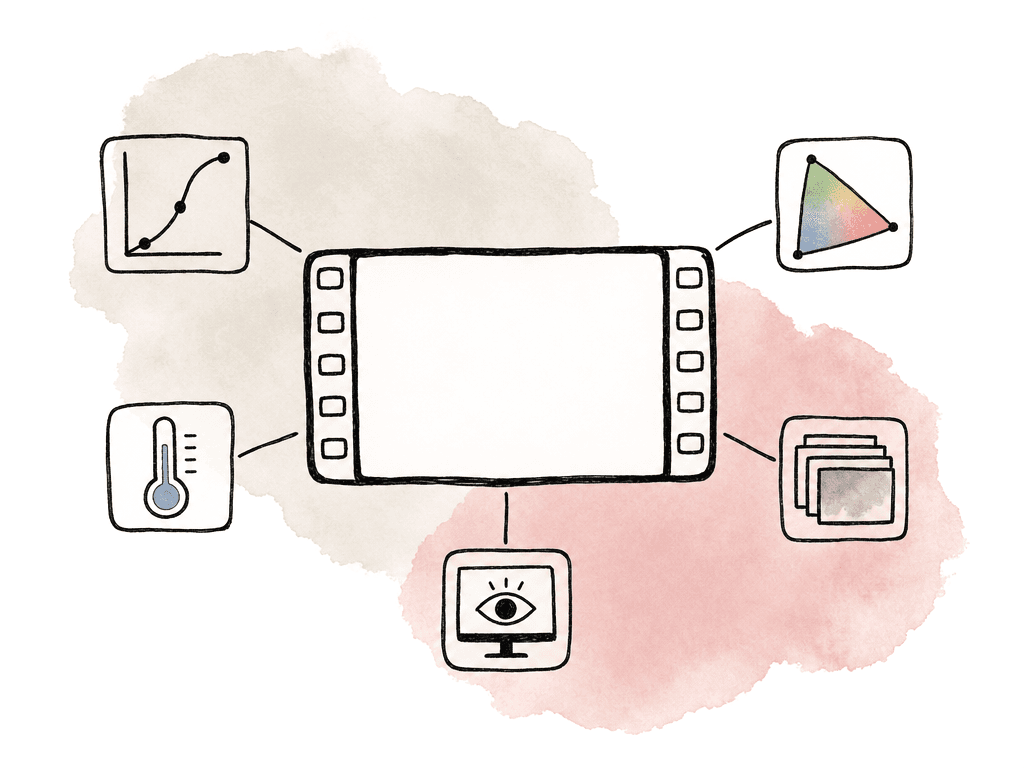
- Camera model and firmware if relevant
- Gamma setting
- Gamut / color mode setting
- Recording codec and bit depth
- ISO, base ISO, EI, or Cine EI mode
- White balance and tint
- Monitoring LUT name
- Whether your team used the LUT for viewing only or baked it into the recording
- Any known exceptions by card, scene, or camera angle
- menus
- picture profiles
- Cine EI behavior
- LUT options
- metadata support
Resolve setup for S-Gamut3.Cine/S-Log3
In DaVinci Resolve, you have three common approaches: Resolve Color Management, ACES, or manual CST/LUT nodes. Any can work, but the mistake is mixing them casually. For most editorial-to-color pipelines, Resolve Color Management is clean and easy to audit. A typical setup is:- Color science: DaVinci YRGB Color Managed
- Automatic color management: off, if you want explicit control
- Timeline color space: DaVinci Wide Gamut Intermediate
- Output color space: Rec.709 Gamma 2.4 for standard SDR finishing, or the show’s required output
- Clip input color space: Sony S-Gamut3.Cine/S-Log3 for the matching Sony log clips
LUTs are for viewing unless you decide otherwise
Sony provides Look Profiles and LUT downloads for S-Gamut3.Cine/S-Log3 workflows, and many cameras and monitors can load LUTs for on-set viewing. That's useful, but it isn't the same thing as color management. A technical LUT can transform S-Log3/S-Gamut3.Cine toward Rec.709 for monitoring or quick editorial viewing. A creative LUT can add a show look. Both assume a specific input. If the LUT expects S-Gamut3.Cine/S-Log3 and the clip is actually S-Gamut3/S-Log3, Rec.709, or S-Cinetone, the result isn't trustworthy. For multicam, decide where LUTs live:- In camera or monitor for viewing only
- In dailies generation for editorial reference
- In Resolve as a temporary viewing transform
- In the final grade as part of the approved look
Where multicam pipelines usually break
Most S-Log3 multicam problems come from repeatable setup mistakes, which is good news because they're preventable. Common failure modes include:- A camera operator sets one camera to S-Gamut3 while the others are S-Gamut3.Cine
- Auto white balance drifts during an interview or live event
- Your team bakes a LUT into one angle but uses it only for monitoring on the others
- An editor or colorist applies a CST node or LUT twice, once at the clip level and once at the timeline level
- Post interprets legal/full data range differently after transcode or export
A clean handoff for editorial and color
A good S-Log3/S-Gamut3.Cine multicam handoff gives post enough information to recreate the viewing intent and enough original data to grade properly. Editorial should know which files are camera originals, which are proxies, and whether any viewing LUT was applied. Assistant editors should preserve camera angle names and avoid flattening useful metadata during transcode. Post supervisors should make sure dailies, proxies, and finishing media don't silently change color interpretation. The colorist needs the camera reports, LUTs, CDLs if used, and a note explaining the exposure method. “All cameras S-Gamut3.Cine/S-Log3, gray exposed around 48 IRE for plus-one placement, LC-709A viewing LUT only, not baked” is the kind of sentence that saves real time. If the show used mixed Sony bodies, include the exceptions directly in the turnover notes. For example: “A/B cameras were FX6 in S-Gamut3.Cine/S-Log3. C camera was FX3 in S-Gamut3.Cine/S-Log3. Drone was Rec.709. Stage pickup on day 3 was S-Gamut3/S-Log3 by mistake.” That last sentence may feel painful to write, but it's much better than making the colorist discover it at midnight. Match camera settings where possible, measure exposure from a shared reference, and specify each clip’s input transform in Resolve. Use S-Log3 and S-Gamut3.Cine consistently from acquisition through post.FAQ
Use S-Log3 with S-Gamut3.Cine on every camera that supports it unless the production has a specific reason to use a different gamut or a camera-rendered profile. This gives post a consistent input transform and makes matching easier. If any camera records S-Gamut3, Rec.709, S-Cinetone, RAW, or another setting, document that clearly in the camera report and turnover notes.
S-Log3 is the gamma curve, which controls how brightness is encoded. S-Gamut3 and S-Gamut3.Cine are color gamuts, which control how color is encoded. S-Gamut3.Cine is commonly used for grading and standard post workflows, while S-Gamut3 is wider and may be used in higher-end cinema, RAW, or wide-gamut preservation workflows. In post, the input transform must match both the gamma and the gamut.
A common working target for 18% gray in S-Log3 is around 41 IRE. Some crews intentionally expose a little brighter, often placing gray around 48 to 50 IRE, to reduce noise or follow a show-specific exposure method. For multicam, use the same reference on every camera and communicate the exposure choice to post.
Yes, but make sure the LUT is used only for monitoring unless the workflow intentionally records a baked-in image. A Rec.709 or show LUT can help operators, clients, and directors view a more normal-looking image on set, but exposure tools must be understood correctly. If the waveform or zebras are reading the LUT output instead of the log signal, the numeric targets won't be the same as S-Log3 log targets.
In Resolve Color Management, a common setup is DaVinci YRGB Color Managed, automatic color management off for explicit control, DaVinci Wide Gamut Intermediate as the timeline color space, and Rec.709 Gamma 2.4 or the required delivery space as output. Assign each clip the correct input color space, such as Sony S-Gamut3.Cine/S-Log3 or Sony S-Gamut3/S-Log3. Don't use one global input setting if the cameras were recorded with different gamuts.
Treat gamma, gamut, LUT status, white balance, and exposure method as searchable production metadata, not just text in a PDF. Aspect supports project-level fields for camera and workflow notes, so assistants can keep those details attached to the assets as custom metadata.