Start with the delivery target, not the camera menu
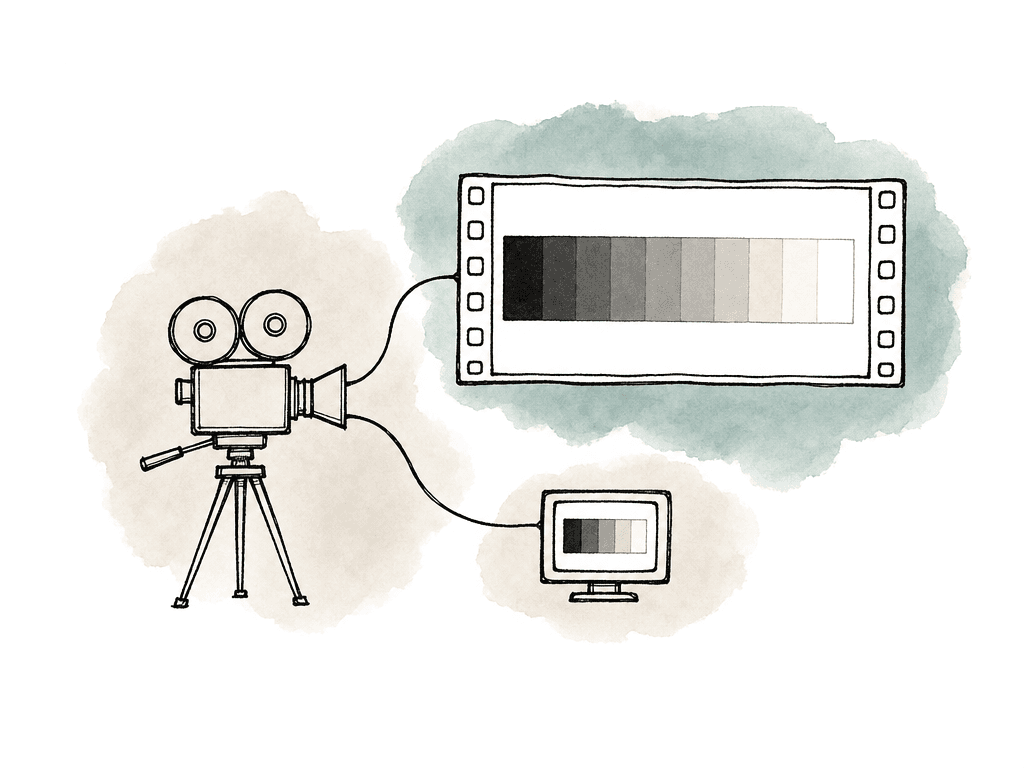
Before anyone starts picking LUTs, the production needs to know what HDR means for this job. HDR10 PQ, Dolby Vision, and HLG broadcast each imply different monitoring and review choices. So do SDR plus HDR trims, theatrical plus streaming, and SDR-only dailies with later HDR finishing. The camera team doesn't need to solve the whole delivery pipeline on set. It does need a few decisions from post:- The final HDR target, normally Rec. 2100 PQ or Rec. 2100 HLG
- The SDR requirement, including whether SDR is a separate grade, a trim, or the primary viewing path during editorial
- The monitoring reference, including whether set will judge exposure on SDR, HDR, or both
- The camera generation, such as LogC3/AWG or LogC4/AWG4
- The recording format, such as ARRIRAW, ARRICORE where applicable, or Log C ProRes
- The look-management plan, such as an ARRI Look File, 3D LUT, CDL, show LUT, or color-managed pipeline
Record the latitude you need for HDR
For HDR delivery, record the widest, least-destructive image the production can support. On ARRI cameras that means ARRIRAW when the workflow and storage budget allow it, or Log C encoded ProRes when that's the chosen production format. ARRIRAW is closest to a digital camera negative. It keeps the sensor data available for debayering and processing later, which gives post the most flexibility over exposure and white balance, and over color tint and color rendering. Log C ProRes is already processed into a Log C wide gamut image. It still carries the dynamic range and color information needed for professional HDR grading when exposed well.| Capture choice | Best fit | HDR advantage | Tradeoff to plan for |
|---|---|---|---|
| ARRIRAW | Productions that need maximum post flexibility and can support the storage, offload, debayer, and finishing requirements | Preserves the most camera-negative flexibility for debayering, white balance, tint, exposure interpretation, and color rendering decisions | Larger files, heavier data management, more demanding dailies and conform pipeline |
| Log C ProRes | Productions that want a robust HDR source with simpler storage and post handling | Records a wide gamut Log C image that can carry ARRI latitude well when exposed correctly | Less flexible than ARRIRAW because some image processing decisions are already committed |
| Baked SDR or display-referred recording | Only for very specific broadcast or fast-turnaround cases where post has approved the limitation | Simple viewing and turnaround path | Usually the wrong choice for HDR finishing because highlight and color latitude may already be compressed or clipped |
Exposure for HDR is mostly about highlight intent
HDR makes bad highlight decisions visible. A bright window, a chrome reflection, or a practical bulb can look acceptable compressed into SDR, then read as distracting or obviously clipped in HDR. Sun hits and LED walls do the same, and so do neon signs and speculars. Decide which highlights are meant to carry detail, which are meant to bloom or clip, and which are simply outside the story.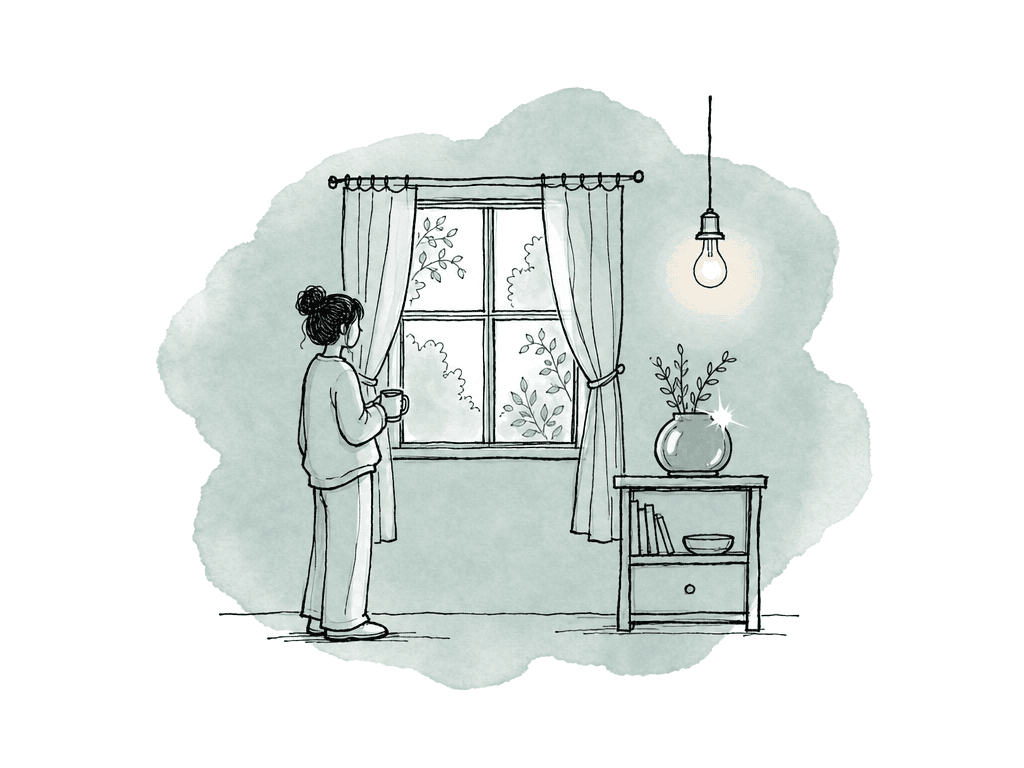
- Protect important highlight detail, especially faces near windows, reflective wardrobe, practical lamps, screens, and product surfaces.
- Avoid using the SDR monitor image as the only judge of highlight safety.
- Use false color, waveform, or a calibrated HDR monitor to separate controlled brightness from sensor clipping.
- Test show LUTs against real lighting conditions, not only charts or prebuilt looks.
- Be careful with underexposure as a highlight-protection strategy, because HDR grades can reveal noisy shadows quickly.
EI choices change the tradeoff
ARRI’s base sensitivity is commonly treated as EI 800, and that's a strong starting point because it preserves the expected balance of highlight and shadow latitude. Changing EI isn't the same as changing sensor sensitivity in the simple still-photo sense. It changes how exposure is rated and how the available latitude is distributed around middle gray. For HDR, that tradeoff matters. Rating the camera lower encourages more exposure and cleaner shadows, and it can reduce highlight headroom if the lighting isn't controlled. Rating it higher protects highlights by encouraging less exposure, and it puts more pressure on shadows and darker midtones. Make EI part of the HDR exposure conversation. A controlled interior with deep blacks, dark wardrobe, and subtle skin tones needs a different approach than a day exterior with clouds, glass, and hard sun. On ALEXA 35, Enhanced Sensitivity and texture settings can also be part of a low-light strategy. Test those for the show rather than discovering them during the first night shoot.Configure HDR monitoring without changing the recorded negative
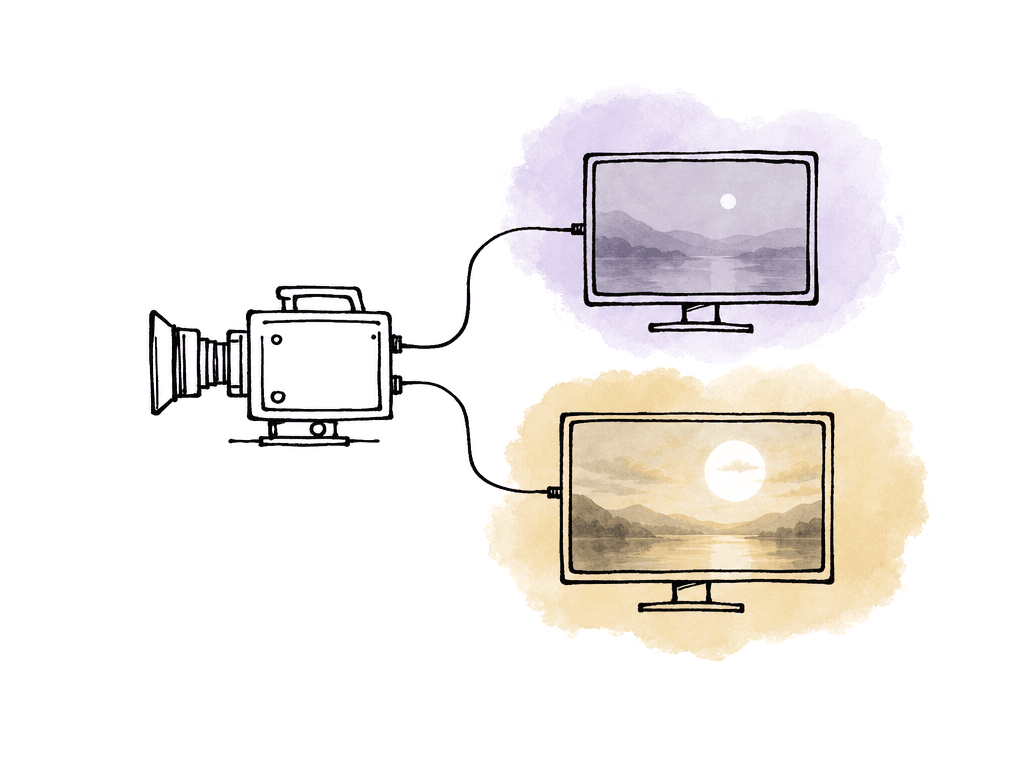
Record Log C and send a processed image to the monitor for HDR viewing. On ALEXA 35 and ALEXA 35 Xtreme, the camera can output natively to Rec. 2100 in PQ or HLG. That makes on-set HDR monitoring much simpler than older workflows, which need an external LUT box or a monitor that can apply the correct 3D LUT. For ALEXA 35-style workflows, the monitoring choices sit in these settings:- SDI processing: LogC4, LogC4 Wireless Video Optimized, or Look
- SDI color space: Rec. 709 SDR, Rec. 2020 SDR, Rec. 2100 PQ HDR, or Rec. 2100 HLG HDR
- EVF and monitor processing: LogC4, SDR look, or HDR/SDR split depending on configuration
- Look file: default look, show look, or custom ALF4
- Look intensity: adjust only when the workflow expects that behavior
PQ and HLG aren't interchangeable previews
If the delivery is HDR10 or Dolby Vision, the on-set HDR reference is usually PQ. If the delivery is broadcast HDR, HLG may be part of the conversation. ARRI provides transforms for both, and the monitor must match the signal. Sending a PQ transform into a monitor configured for the wrong EOTF is a fast way to make exposure decisions on a lie. For LogC4, ARRI’s standard transform names map clearly to common targets:- LogC4 to Gamma 2.4 Rec. 709 D65: Rec. 709 SDR
- LogC4 to Gamma 2.4 Rec. 2020 D65: Rec. 2020 SDR
- LogC4 to ST 2084 1000 nit Rec. 2100 D65: Rec. 2100 PQ HDR
- LogC4 to HLG 1000 nit Rec. 2100 D65: Rec. 2100 HLG HDR
Older ALEXA and AMIRA cameras need a slightly different monitoring plan
ALEXA 35 and newer REVEAL-based cameras are cleaner for HDR monitoring because they include native Rec. 2100 PQ and HLG output options. Other ALEXA models can still shoot HDR-quality material, and the display transform then happens outside the camera. A common older-camera setup is:- Record LogC3 or ARRIRAW.
- Send Log C over SDI.
- Use a LUT box or HDR monitor with the correct ARRI LogC3-to-PQ or LogC3-to-HLG 3D LUT.
- Set the monitor itself to the matching HDR mode.
- Keep an SDR monitoring path available if editorial or client review depends on SDR dailies.
Keep the show look useful, not destructive
A good show look is a communication tool. It helps the DP light with intent. It gives the director and producers something closer to the final image to react to, and it saves dailies from the flat gray look of Log C. For HDR work, build and test the show look in the viewing conditions that matter. The common mistake is building a LUT in a grading room, using it on set under different lighting and monitor conditions, then discovering that it pushes highlights, saturation, or skin in a way that complicates HDR finishing. Test the look with the actual camera model and lenses, using the show's exposure method and key lighting styles. Include real skin tones, wardrobe, and art department colors, and judge all of it on the HDR monitor. A strong HDR show look has these qualities:- It doesn't clip or crush useful image detail before the display transform.
- It behaves predictably across SDR and HDR outputs.
- It preserves skin tone separation under different exposure levels.
- It handles saturated lights, signage, LEDs, and neon without ugly channel clipping.
- It can travel to dailies and post as metadata, a LUT, or a documented transform.
Dailies should reflect the monitoring decision
Dailies are where a lot of HDR workflows get accidentally downgraded. Your dailies team needs to transform Log C images for viewing. If the dailies pipeline applies a Rec. 709 LUT and nobody tracks the HDR viewing transform, editorial cuts against an image that doesn't represent the HDR intent. That can be fine when SDR editorial is the plan. Make it a conscious choice. For HDR-aware dailies, your team should define whether dailies are:- SDR only, normally Rec. 709 Gamma 2.4
- HDR only, normally Rec. 2100 PQ or HLG
- Both SDR and HDR versions
- SDR editorial files with HDR reference stills or selected HDR review exports
Camera reports and metadata matter more in HDR trims
HDR finishing often includes an SDR trim, and SDR finishing may include an HDR pass later. Either way, early camera decisions affect how easy those trims are. The grade isn't starting from scratch every time. It inherits exposure choices, white balance choices, and look decisions, plus color space assumptions and any inconsistencies introduced during dailies. Make sure the following travel with the media where post can see them:
- Camera model and sensor mode
- Recording format and codec
- Log curve and gamut, especially LogC3 versus LogC4
- EI, white balance, tint, shutter, and ND choices
- Look file name and version
- LUT or DRT used for SDR monitoring
- LUT or DRT used for HDR monitoring
- Whether anyone baked a look into a file
- Dailies color transform and output color space
The failure modes are predictable
Most HDR problems from camera setup come from mismatched assumptions. The ones that show up most are:- Recording a baked Rec. 709 image when post expected Log C.
- Monitoring SDR only, then being surprised by HDR highlight behavior.
- Using a LogC3 LUT on LogC4 footage, or the reverse.
- Mixing ALEXA 35 and older ALEXA cameras without a color management plan.
- Failing to preserve checksum-verified original camera media before making transcodes.
A solid default ARRI HDR setup
If you need a sane starting point for an ARRI HDR production, start here and adjust:- Record ARRIRAW or Log C ProRes, depending on the show’s storage, budget, and post requirements.
- Keep the captured image in LogC4/AWG4 on ALEXA 35, and in LogC3/AWG on older cameras. Don't bake an SDR transform into the camera originals.
- Put an HDR reference monitor on set whenever the team makes HDR decisions.
- On ALEXA 35, feed that monitor through a Rec. 2100 PQ or HLG SDI output. On older models, use a LUT box or monitor LUT to convert Log C to the correct HDR target.
- Confirm the monitor is set to the same EOTF and color space as the camera or LUT output.
FAQ
ARRIRAW gives post the most flexibility, because it preserves more sensor-level information for later debayering and color decisions. Log C ProRes is also a valid HDR production format when exposed well and managed correctly. The choice depends on storage, budget, turnaround, and finishing requirements.
LogC3 is used with older ARRI ALEXA and AMIRA workflows. LogC4 is used with ALEXA 35 and ARRI’s newer REVEAL Color Science. LogC4 and AWG4 were designed for the wider dynamic range and color handling of the ALEXA 35 sensor. Mixed LogC3 and LogC4 productions need a defined color management plan so post doesn't treat every ARRI clip as the same input.
PQ is the usual monitoring choice for HDR10 and Dolby Vision style finishing. HLG is more common for broadcast HDR workflows. Either way, the camera output, LUT box, monitor mode, dailies transform, and finishing pipeline must all agree on the same HDR target.
An SDR LUT shouldn't be treated as the HDR grade or the HDR monitoring transform. A Rec. 709 LUT is useful for SDR viewing, video village, or dailies, but HDR monitoring needs a proper Rec. 2100 PQ or HLG transform. If a show look is used, design it to behave predictably across both SDR and HDR outputs.
HDR trims inherit the exposure, white balance, EI, look, and monitoring decisions made on set. Clipped highlights can't be recovered, and underexposed shadows can become noisy when lifted in HDR. Documenting camera settings, Log curve, gamut, LUTs, and dailies transforms helps colorists match shots and build cleaner HDR and SDR versions.
Those details should live somewhere searchable beside the media, not only in a PDF camera report. Aspect lets teams add structured fields for things like LogC3 versus LogC4, monitoring LUT, HDR target, EI, and dailies transform using custom metadata.