| Decision factor | ARRIRAW tends to fit when | ProRes tends to fit when |
|---|---|---|
| Storage and offload | You have the media, the verified backup capacity, and the hours for large files | The day depends on smaller files, faster copies, and limited travel storage |
| Grade flexibility | Exposure, white balance, or the final look may still change significantly in post | The look is controlled on set and the grade is expected to be moderate |
| VFX and plates | The work involves keying, CG integration, or LED wall plates | VFX is limited, the footage is clean, and ProRes 4444 XQ or 4444 covers the shot work |
| Editorial speed | Editorial can wait for a heavier dailies or proxy process | Editorial needs fast access, direct ProRes handling, or lightweight remote review files |
| Pipeline risk | Post has tested the exact camera, color pipeline, and conform path | The team benefits from broad NLE, finishing, and review compatibility |
| Archive and future use | Remasters, future HDR trims, or VFX revisions are likely | Deliverables are immediate and well-defined, with no need for camera-negative flexibility |
What ARRIRAW and ProRes actually are
ARRIRAW is ARRI's raw camera negative. ARRI describes it as uncompressed, unencrypted sensor data that preserves the camera's natural color response and exposure latitude. ALEV3 cameras record 12-bit log ARRIRAW data, and ALEXA 35 records 13-bit log ARRIRAW data. Either way, post still has to debayer it and process it into a viewable RGB image. That processing step is the point. ARRIRAW leaves the decisions open. The post team can revisit the debayer, the white balance interpretation, and the exposure handling later, inside a controlled finishing environment. Like film negative, it exists to preserve the source rather than to be the fastest file to work with. ProRes from an ARRI camera is a processed recording. The camera debayers the sensor data and encodes it into an Apple ProRes codec, commonly in LogC or LogC4 depending on camera generation and settings. The quality is still very high, especially in ProRes 4444 XQ and ProRes 4444. It is no longer raw sensor data.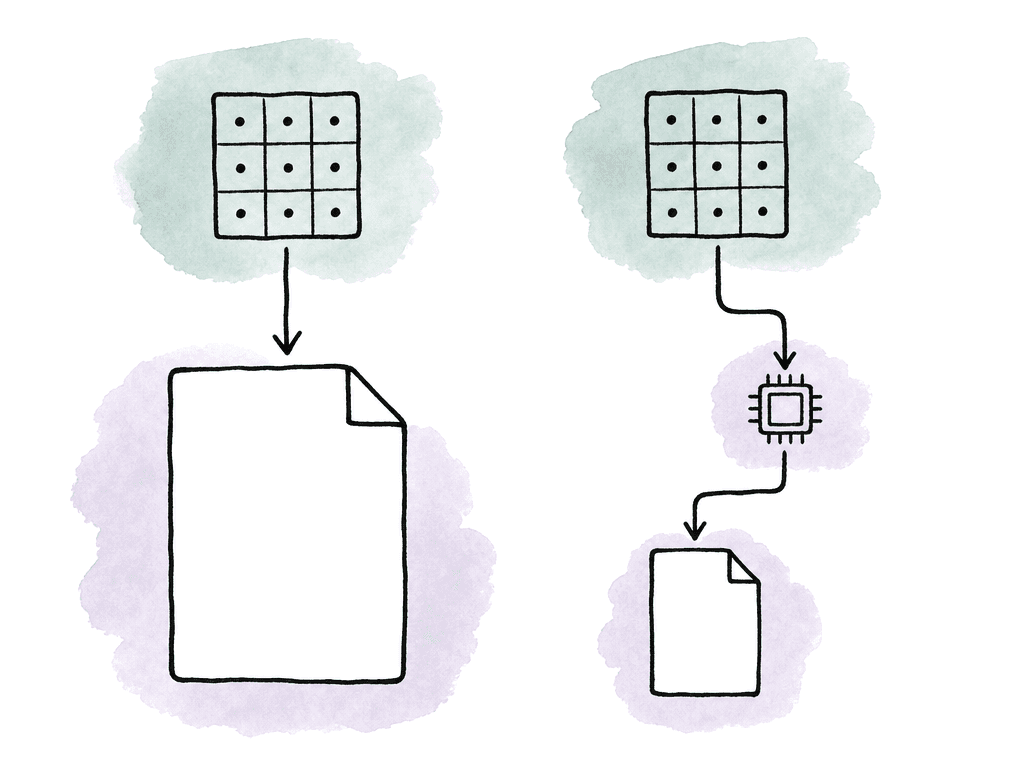
Storage is the real deciding factor
ARRIRAW produces much larger camera originals than ProRes. The exact number depends on the camera, the sensor mode, and the recording option. Resolution and frame rate move it further. The operational pattern holds regardless: ARRIRAW burns through media faster, takes longer to offload, and needs more shuttle storage. It also enlarges everything downstream. Backup drives, nearline storage, and LTO all grow. So do cloud transfer times and finishing storage.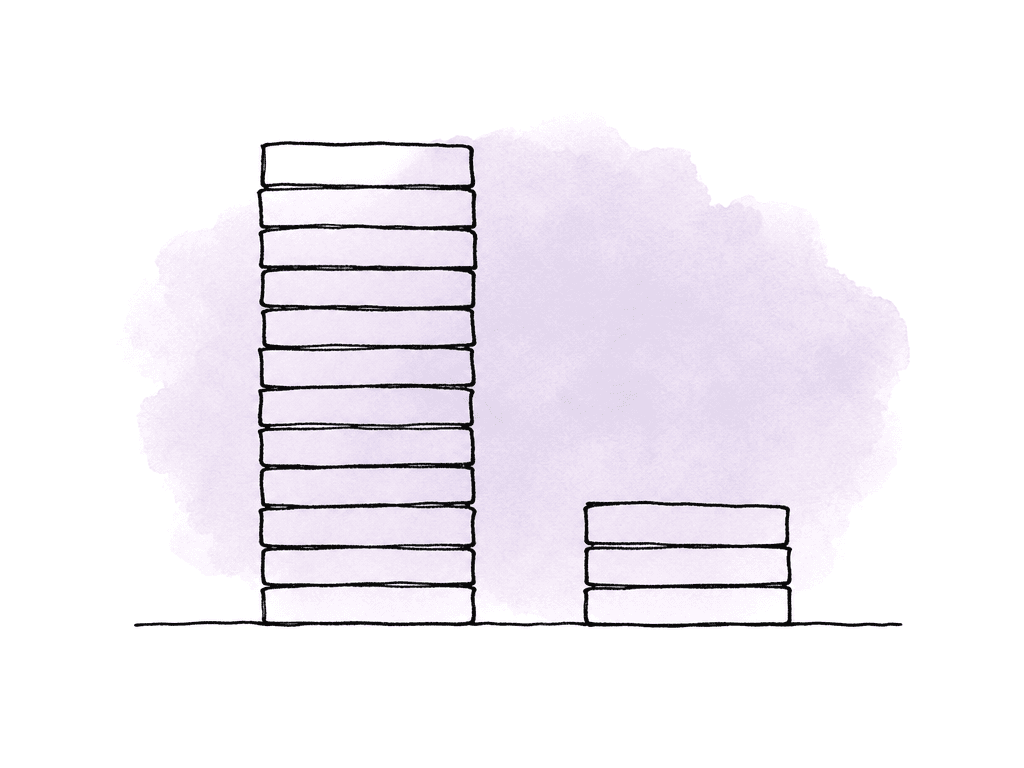
- Camera media count and reload rhythm
- Checksum verification time
- Number and size of backup drives
- Dailies render time
- Storage required for conform and grade
Where the grade starts to show the difference
In a normal grade with well-exposed footage, good lighting, and a clear show LUT, ProRes looks excellent. ARRI ProRes has finished high-end work for years because the camera's color science and LogC encoding hold up extremely well. If the DP is exposing carefully and the finishing target is SDR or a controlled HDR pass without aggressive rescue work, ProRes 4444 XQ or ProRes 4444 is more than enough. The differences show up when the grade asks the image to stretch.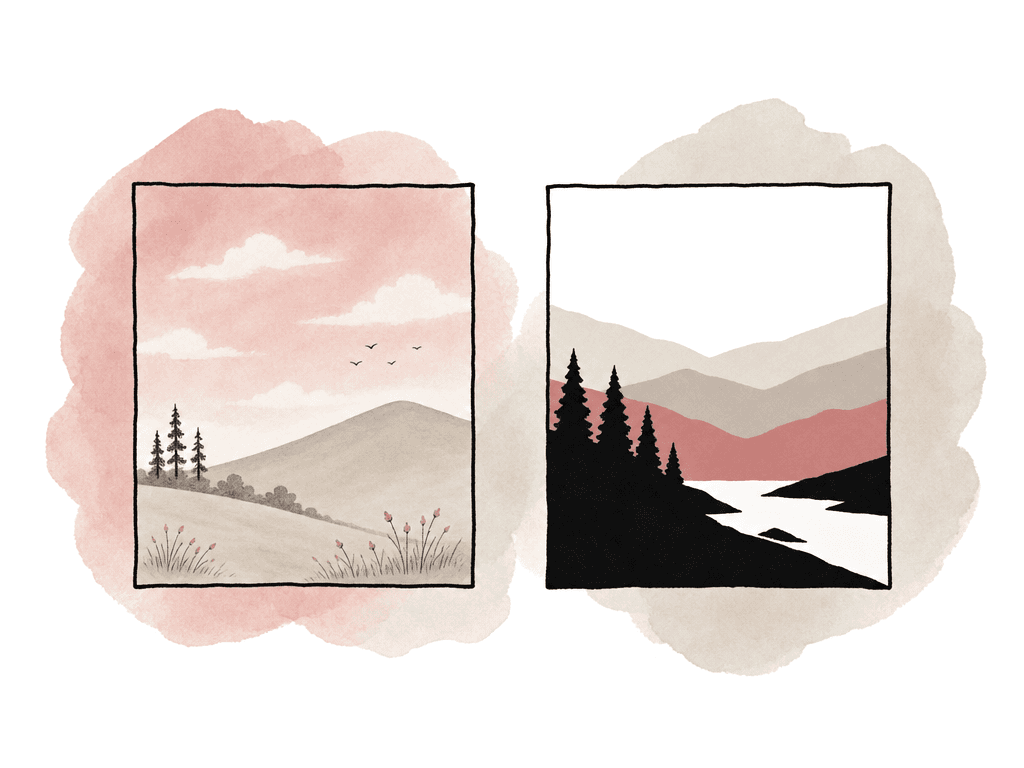
- Major white balance changes after the shoot
- Underexposed scenes that need shadow recovery
- Mixed lighting where color separation matters
- Heavy HDR highlight shaping
- Debayer choices for final resolution and texture
Dailies and editorial throughput
Dailies are where the format choice becomes visible to the whole production. ARRI describes dailies as color corrected and properly framed versions of the clips shot each day, created after multiple backups of the original camera negative. They are the bridge from set to post, and they let editorial start while the show is still shooting. ARRIRAW dailies require debayering and color processing. That means more compute, more time, and more attention to color management. The dailies team has to get several things right at once:- The correct camera color pipeline and look files
- CDL and LUT decisions
- Framing
- Audio sync and timecode
- Naming and metadata handling
- Will editorial cut camera originals, mezzanine files, or proxies?
- Will your team make dailies on set, near set, or at a lab?
- Is the upload path sized for OCN, proxies, or both?
- Will the dailies software, the NLE, or both handle sound sync?
- Is the show LUT/look metadata traveling consistently into editorial?
- Will the conform return to ARRIRAW, ProRes masters, or rendered graded media?
VFX pulls, plates, and metadata
For VFX-heavy work, shoot ARRIRAW. Green screen, set extensions, CG integration, and heavy plate manipulation all benefit from maximum source data. ARRIRAW gives the VFX and DI teams more control over debayering, color transforms, and exposure interpretation, and it leaves noise handling open. There is one real exception. VFX teams deliver finished shots from ProRes 4444 and 4444 XQ every day, when the work is limited and the photography is clean. That exception stops applying somewhere around hundreds of shots, complicated keys, or underexposed plates. LED wall interaction and extensive roto and comp end it as well. Metadata carries weight here too. ARRI notes that modern ALEXA cameras store per-frame and per-shot metadata in recorded formats such as MXF/ARRIRAW and MXF/ProRes. The camera can also capture active look files as metadata. That helps. It is not a replacement for a real VFX data package.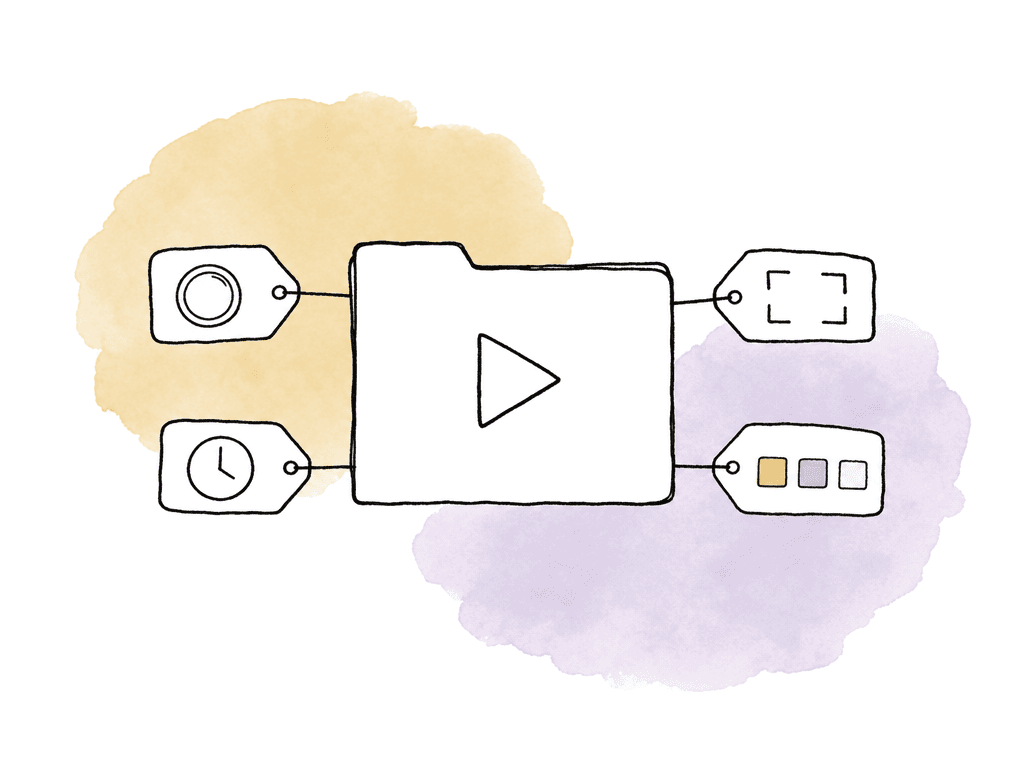
- Camera reports and clip metadata
- Lens metadata when available
- Frame lines and extraction notes
- Lens grids
- HDRI and witness camera material
- Color pipeline notes
- Show LUTs, CDLs, and viewing transforms
- Plate handles and retime information
- Any in-camera texture, sharpening, or noise reduction settings
Compatibility means more than opening the file
ProRes has the broadest practical compatibility of any camera master format. The four major NLEs all read it: Final Cut Pro, Premiere Pro, Media Composer, Resolve. So do most finishing and review systems, along with transcoders and many asset platforms. Final Cut Pro supports every ProRes version. That is one reason ProRes stays a safe choice for fast-moving productions. ARRIRAW support is also common in professional post, but it is more version-sensitive. You need support for the exact camera generation, wrapper, and resolution, and for that camera's color science and metadata. ALEXA 35 introduced LogC4 and the REVEAL color pipeline, so old assumptions from LogC3 workflows may not hold. A pipeline that hasn't been updated can import ARRIRAW and still display it incorrectly, lose metadata behavior, or demand extra conversion steps. The same applies to MXF. ARRI's newer cameras use MXF for both ARRIRAW and ProRes, and ARRI states that the camera stores metadata in the file header. That is good for professional workflows, but tools built around QuickTime ProRes habits need testing. “It supports ProRes” isn't specific enough. The useful sentence names the camera's MXF/ProRes, the resolution and frame rate, and the LogC version, and it confirms the metadata survives the trip. The practical compatibility test should include the actual route the footage will take:- Offload and checksum tool
- Dailies software
- Sound sync path
- Editorial NLE
- Assistant editor relink workflow
- VFX pull tool
- Color grading system
- Archive and restore process
- Any remote review or cloud proxy workflow
Delivery doesn't automatically require ARRIRAW
Delivery specs influence acquisition without always dictating it. A streamer, studio, or distributor may specify approved cameras, minimum raster, or HDR and archival deliverables. Broadcasters do the same. If the spec requires raw acquisition, the decision has been made for you. If it allows ProRes, you still have to judge whether ProRes carries the creative and post plan. For theatrical finishing, HDR mastering, and premium episodic, ARRIRAW is attractive because the negative remains maximally reprocessable. That is what long-term library value means in practice. Future remasters, alternate trims, and new HDR passes all pull from the raw source, and so do late VFX revisions. For corporate, documentary, and branded work, ProRes makes more sense. The same goes for social, event, and fast-turnaround broadcast jobs. The audience will never see the difference when the lighting, exposure, and lensing are good and the color management is clean. They will notice a missed deadline, a delayed edit, or a production that ran out of storage at lunch. Delivery is the final output. Acquisition is the bet you place on how safely the production gets there.Common ways the choice goes wrong
Most ARRIRAW versus ProRes problems come from choosing a format the workflow can't support. Almost none come from choosing the theoretically wrong format. The common failure patterns are predictable:- The team selects ARRIRAW, but the production doesn't add enough recording media.
- The team estimates offload time from file copy speed instead of checksum-verified backup time.
- Editorial assumes direct playback of OCN on hardware that can't handle it.
- The team chooses ProRes 422 for a VFX-heavy job that really needed 4444 XQ or ARRIRAW.
- ALEXA 35 LogC4 material enters a LogC3-based pipeline.
A decision model for set
In prep, start with the hardest part of the job instead of the average shot. One greenscreen day, one night exterior, or one sequence with no locked look can justify ARRIRAW even if the rest of the show would survive on ProRes. The reverse holds too. A single prestige scene doesn't justify ARRIRAW across a six-week documentary when the storage, the travel, and the editorial schedule make it unmanageable. ARRIRAW is the better call when the project has these conditions:- High-end narrative, commercial, or premium episodic finishing
- Heavy VFX, keying, cleanup, or CG integration
- Aggressive HDR grade or uncertain final look
- Significant reframing, extraction, or stabilization
- Enough media, storage, backup, and dailies capacity
- Fast editorial turnaround
- Limited storage or travel footprint
- Remote collaboration with large upload constraints
- Controlled lighting and exposure
- Minimal VFX
FAQ
No. ARRIRAW keeps the image as raw camera data, which preserves the most flexibility. It also increases storage, offload time, and dailies processing, and it complicates post. ProRes is the better choice when the look is controlled and the grade isn't expected to be extreme. It is also the better choice when editorial needs fast access or the production can't support a raw workflow.
For serious finishing, use ProRes 4444 XQ or ProRes 4444. Both preserve more color information than the 422 variants. ProRes 422 HQ is still appropriate for many broadcast, documentary, and fast-turnaround jobs. Treat ProRes 422 Proxy as an editorial proxy format only, never as a high-quality acquisition master.
ARRIRAW has to be debayered and processed into a viewable image before editorial dailies exist. That costs compute time. It also demands correct color management, look files, and metadata handling, plus framing and audio sync. ProRes arrives already processed in camera into a post-friendly video file, so it can move into dailies and editorial faster.
Yes, when the footage is clean, well exposed, and recorded in a high-quality ProRes format such as 4444 or 4444 XQ. ARRIRAW is still preferred for heavy keying, compositing, and underexposed plates. The same goes for CG integration, beauty work, and LED wall work, and for any shot that needs substantial manipulation. ARRIRAW gives VFX and DI teams more control over debayering, color, and exposure interpretation, and it leaves noise handling open.
Test the real path from camera to delivery. That means verified offload and backup, then dailies and sound sync. Then editorial import, relink, and VFX pulls. Then conform, grade, review, archive, and restore. Use the exact camera model, recording format, and resolution planned for production, with the same wrapper, frame rate, color science, LUTs, and metadata workflow. A file opening in one application proves nothing about the rest of the pipeline.
Mixed-format shows need consistent clip naming, camera reports, and color pipeline notes. They also need metadata that says which scenes are raw, which are ProRes, and which files are editorial proxies rather than finishing masters. Aspect tracks those attributes in searchable project-level fields, so assistants and post supervisors can filter by format, LUT status, or VFX status, and by delivery stage, using custom metadata.