Why LogC4 isn't a drop-in replacement for LogC3
LogC3 was designed around the original ALEXA sensor family and has been in use since 2011. Many post teams built their workflows around it. LogC3 footage comes in flat and desaturated, a LogC3-to-Rec.709 LUT or color managed transform brings it into view, and CDLs or show LUTs are built around that response. LogC4 was designed for the increased dynamic range of the ALEV4 sensor. To make room for that range, the exposure mapping changes. Middle gray sits lower in the LogC4 signal than many LogC3 users expect. In broad terms, LogC3 places 18% gray around the familiar upper-30% signal range, while LogC4 places it closer to the high-20% range. That lower placement isn't an error or an underexposure warning. It's how LogC4 allocates more code space for highlight latitude.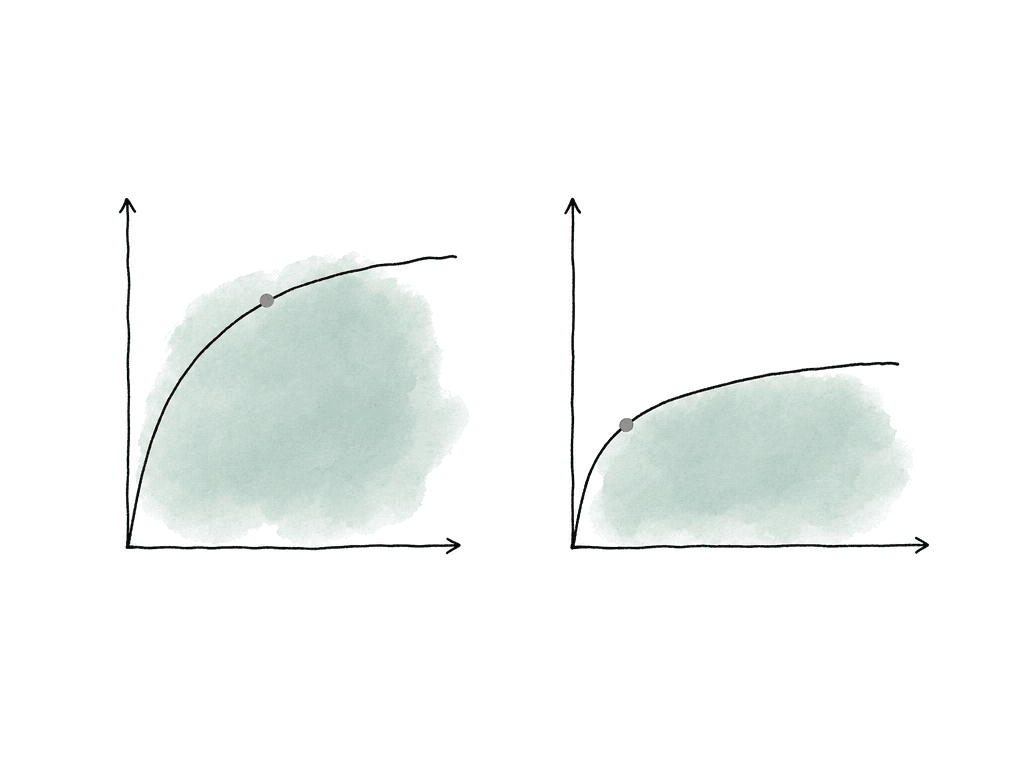
Cameras and formats set the starting point
The camera model and recording format determine what you're likely to receive, but there are a few traps. ALEXA 35 and ALEXA 265 can output LogC4 over SDI. Earlier cameras such as ALEXA Mini LF, ALEXA LF, ALEXA Mini, AMIRA, and earlier ALEXA bodies output LogC3 over SDI. For recorded media, the picture is slightly more flexible because post can process ARRIRAW from older cameras through REVEAL. That means your team can debayer legacy ARRIRAW into LogC4/AWG4, even though those same cameras couldn't have output LogC4 on set. ARRICORE, introduced with ALEXA 35 Xtreme, is already RGB processed in-camera rather than raw, but it retains REVEAL pipeline flexibility and delivers RGB LogC4 image data to supported software. In mixed jobs, the common sources usually fall into these buckets:- ALEXA 35, ALEXA 35 Xtreme, or ALEXA 265 recorded or monitored as LogC4/AWG4.
- ALEXA Mini LF, ALEXA LF, ALEXA Mini, AMIRA, SXT, or older ALEXA material recorded or monitored as LogC3/AWG3.
- Legacy ARRIRAW processed through the older LogC3 path or through REVEAL as LogC4/AWG4.
- Dailies, transcodes, or EXRs that may no longer clearly expose the original camera encoding unless your team preserves metadata and notes.
LUTs need the input they were built for
Most LogC3/LogC4 mistakes are LUT mistakes. A LUT isn't a general “ARRI look,” and it expects a specific input encoding and produces a specific output encoding. If the input is wrong, the result is wrong even if it looks subjectively acceptable on a few shots.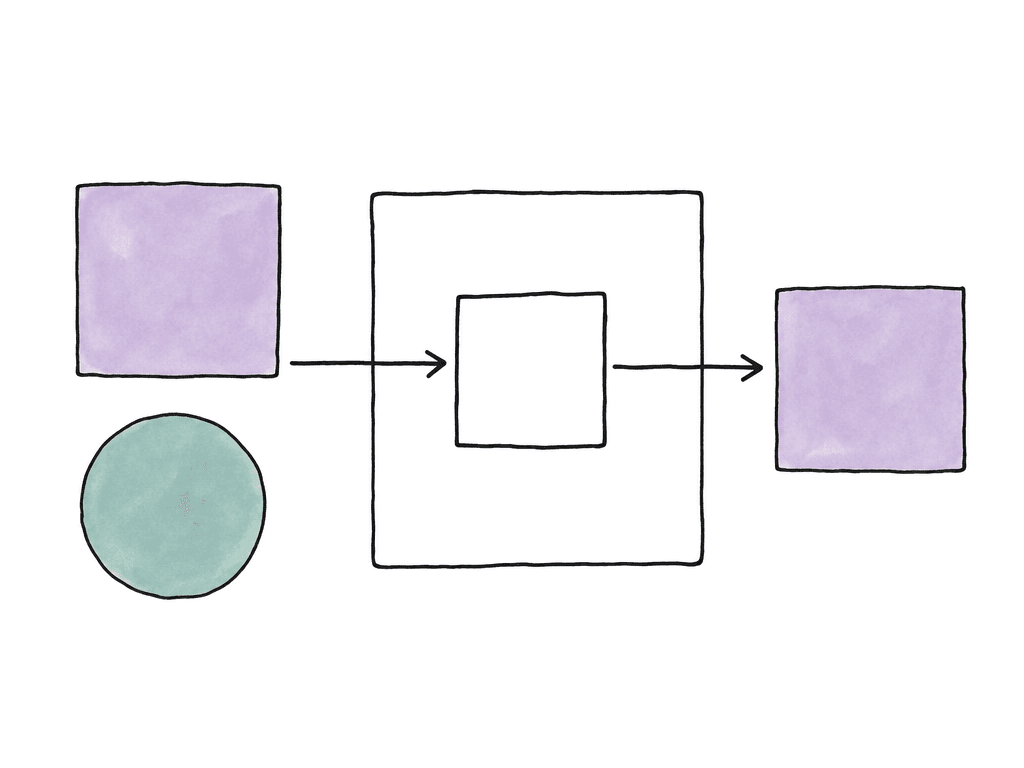
CDLs are portable, but not neutral
CDLs travel well through production because they're simple: slope, offset, power, and saturation. That simplicity can make them feel safer than LUTs, but they're still not color-space agnostic. If you apply a CDL in LogC3, it doesn't have the same visual effect when you apply it directly to LogC4. The code values are mapped differently, middle gray is in a different place, and the primaries are different. A small offset that felt right in LogC3 can move a LogC4 image differently, especially around lower midtones. Saturation also interacts with the working gamut, so the same saturation value may not match perceptually.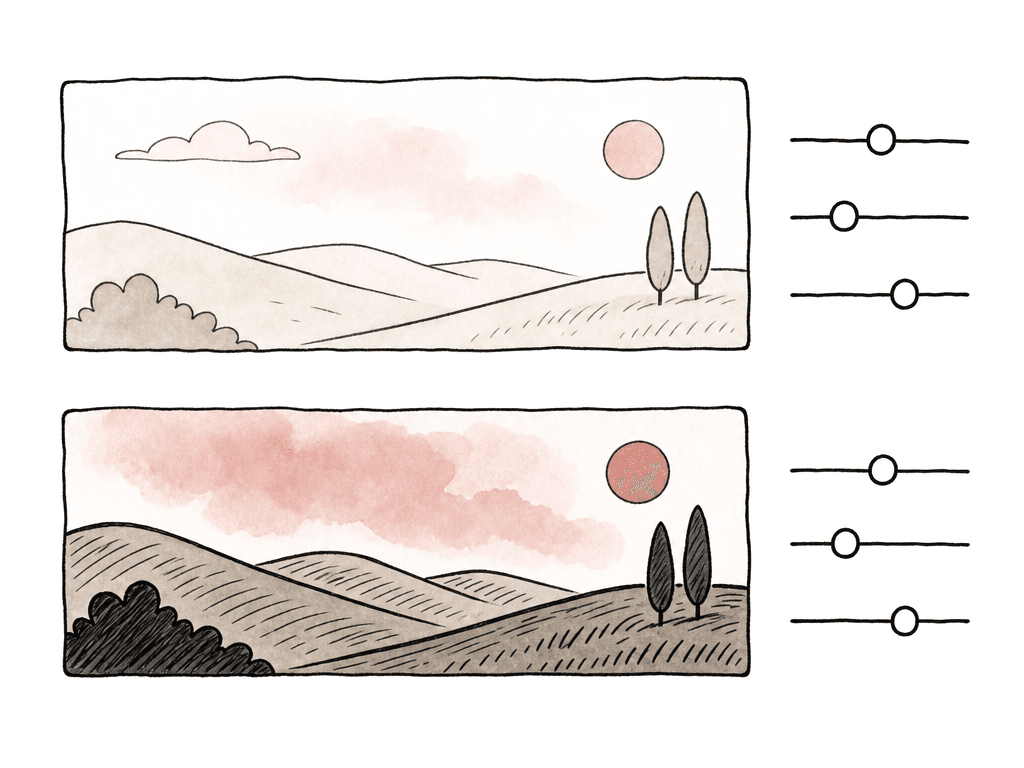
Resolve and ACES support
DaVinci Resolve Studio has native ARRI LogC4 support starting with version 18.0.1. If you're on an earlier Resolve build, you shouldn't assume that color management, CST nodes, or ACES input transforms will correctly identify LogC4/AWG4. Upgrade rather than building a fragile workaround, especially if the show is already mixed LogC3 and LogC4. In Resolve, the clean setup depends on whether you're using DaVinci color management, ACES, or a manual node pipeline. The important part is the same in all three: assign the right input transform per clip.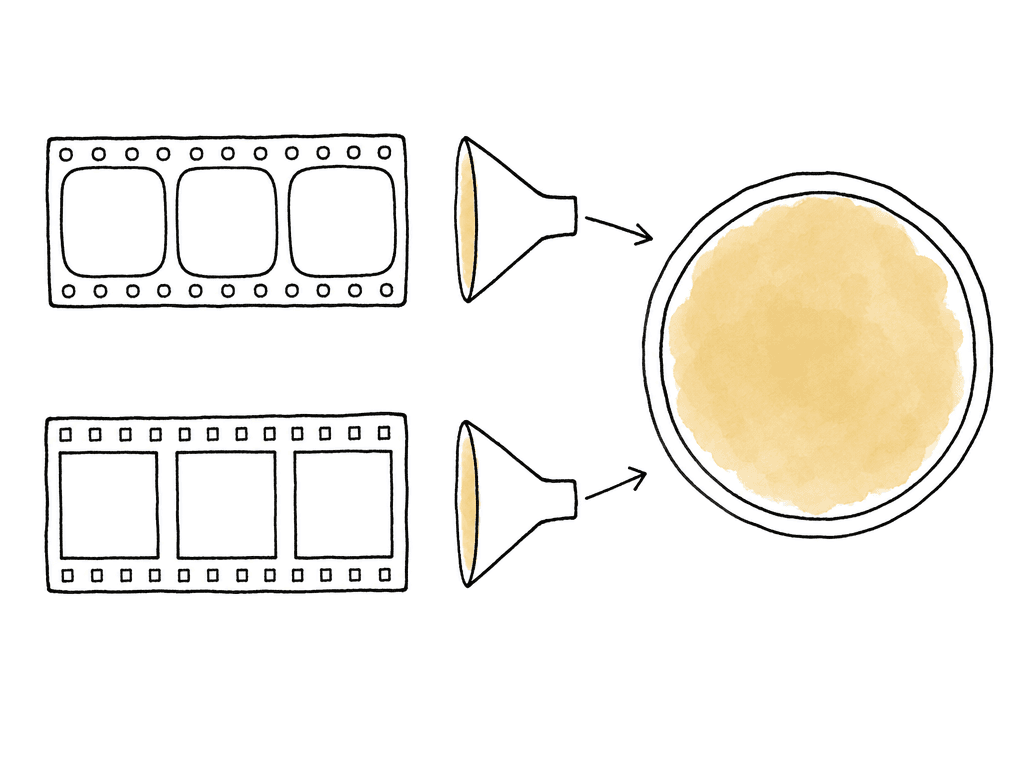
- For LogC3 media, use ARRI Wide Gamut 3 with LogC3 as the input.
- For LogC4 media, use ARRI Wide Gamut 4 with LogC4 as the input.
- For ARRIRAW, confirm the decode settings instead of assuming the clip is LogC3 because it came from an older camera.
- For EXR plates in ACES2065-1, treat them as ACES, then convert to the working space required by the show LUT or grade.
- For Rec.709 editorial references, don't use the reference file to infer the original log encoding.
Choosing the common working space
For a mixed LogC3/LogC4 job, decide where the show look, dailies, VFX pulls, and final grade need to agree.| Working choice | Best fit | LogC3 handling | LogC4 handling | Main tradeoff |
|---|---|---|---|---|
| LogC4/AWG4 or REVEAL-based pipeline | New shows led by ALEXA 35, ALEXA 35 Xtreme, or ALEXA 265 | Transform LogC3/AWG3 material into the chosen LogC4 or REVEAL working environment | Keep LogC4/AWG4 material in its native camera pipeline before shared looks | Existing LogC3 show LUTs and CDLs may need rebuilding or conversion |
| LogC3/AWG3 legacy pipeline | Returning series, archival-heavy jobs, or shows with an established LogC3 show LUT | Keep LogC3/AWG3 material in the established show pipeline | Transform LogC4/AWG4 material into the LogC3/AWG3 working environment before shared looks | Consistency with the legacy look takes priority over a native LogC4 pipeline |
| Scene-referred managed pipeline | VFX-heavy shows, ACES workflows, Resolve color management, or multi-camera projects | Assign ARRI Wide Gamut 3 and LogC3 as the clip input transform | Assign ARRI Wide Gamut 4 and LogC4 as the clip input transform | Every department needs compatible color management with LogC4 support |
- Normalize everything into LogC4/AWG4 or a REVEAL-based pipeline.
- Normalize everything into LogC3/AWG3 because the show LUT and legacy workflow are already built there.
- Normalize everything into a scene-referred color managed space, such as ACES or Resolve color management, and keep camera-specific input transforms at the clip level.
On-set monitoring with mixed ARRI cameras
The on-set version of the problem is simple: an ALEXA 35 can output LogC4, while a Mini LF can output LogC3. If both feeds go into the same LUT box or monitor LUT without source-aware transforms, the LUT box or monitor interprets one of them incorrectly. The DIT or color pipeline lead should decide whether your team will monitor in a common log space before the display transform, or whether each camera gets its own camera-to-display path that matches visually at the monitor. Either can work, but what doesn't work is pretending that one LogC3 show LUT is equally valid for a LogC4 SDI feed. For live monitoring, keep the labels painfully clear. Name LUTs with input and output, not just the show name. “ShowLook_LogC4_to_709” and “ShowLook_LogC3_to_709” are much harder to misuse than “ShowLook_v12.” If a LUT is only the creative component, name it as log-to-log and document the separate display transform. This also protects dailies. If the on-set look is baked into editorial transcodes, the dailies team needs to know whether the on-set pipeline generated that look from LogC3 or LogC4 and whether the source OCN should later be transformed the same way.Editorial and dailies need metadata, not guesses
Editors usually don't want to think about LogC curves, and they shouldn't have to. But editorial can easily inherit color ambiguity if your dailies team generates dailies without clear naming and metadata. A good dailies package should tell post what happened to each source. Did the dailies team transform LogC4 to Rec.709 with an ARRI display transform? Did the dailies team apply a show LUT? Did the dailies team apply CDLs before or after the camera transform? Did the dailies team render proxies from ARRIRAW using LogC3 or REVEAL LogC4 decode settings? This is especially important when editorial cuts proxies for weeks before online. The conform will relink to original camera files, not to the flattened editorial viewing file. If the finishing team only sees “ARRI” in the notes, they have to reverse engineer decisions that the team should have carried forward from day one. Media handling still matters too, and ARRI’s guidance is clear that your team should copy original camera media with checksum verification rather than simple Finder, Explorer, or basic command-line copies. That isn't specific to LogC4, but mixed color workflows make bad turnovers more expensive. Losing sidecar files, camera reports, LUT versions, or dailies notes can be just as damaging as losing picture metadata.Failure modes that show up late
Most LogC3/LogC4 pipeline errors are visible early if your team looks at the right comparison. They become expensive when they hide behind acceptable-looking dailies. The usual problems are easy to recognize:- LogC4 footage looks too dark or oddly compressed because the pipeline applied a LogC3 transform.
- A show LUT works on one camera but not the other because it includes a baked camera-to-display transform.
- CDLs from set don't match in final color because the team applied them in a different space than the one dailies used.
- Dailies and final color decode ARRIRAW from a legacy camera differently.
- Teams use Rec.709 proxies as color references without the LUT, CDL, and transform path that created them.
A clean mixed LogC3 and LogC4 handoff
For a mixed ARRI workflow, identify every clip as LogC3/AWG3, LogC4/AWG4, ACES, or display-referred. Label every LUT by expected input and output, and record the color space in which each CDL was created. Check Resolve, ACES, Baselight, VFX, and dailies systems for the LogC4 support your show needs before production starts. For Resolve, use Studio 18.0.1 or later for native LogC4 work, and preferably a current build on active productions. For ACES, use an implementation or OCIO configuration that includes ARRI LogC4/AWG4 support, commonly ACES 1.3-era configurations in current grading tools. If LogC4 isn't available as an input transform, don't substitute LogC3 and move on. Make the decision early: either bring LogC3 material forward into a LogC4 or scene-referred pipeline, or bring LogC4 material into an established LogC3 pipeline for a specific legacy reason. Your team can manage both. What breaks shows is mixing the two without admitting they're different.FAQ
You shouldn't treat a LogC3 LUT as valid for LogC4 footage. LogC3 and LogC4 use different tone mapping and different wide gamut color spaces, so the LUT will interpret exposure and color incorrectly. It may look usable on some shots, but it can create mismatched contrast, skin tone shifts, and highlight behavior later in the grade.
LogC4 places middle gray lower in the signal than LogC3 to leave more room for highlight latitude from newer ARRI sensors. That darker midtone appearance is normal when viewed without the correct transform. It doesn't automatically mean the image was underexposed.
CDLs can be transferred technically, but they aren't visually neutral across LogC3 and LogC4. The same slope, offset, power, and saturation values can produce different results because the log curves and color primaries differ. For mixed projects, apply source-specific CDLs in the space where they were created, or normalize all sources into a common working space before applying shared CDLs.
DaVinci Resolve Studio added native ARRI LogC4 support starting with version 18.0.1. Current Resolve Studio builds are preferable for active productions, especially when using color management, CST nodes, or ACES workflows. If LogC4 and ARRI Wide Gamut 4 aren't available as explicit input options, don't substitute LogC3.
Identify every source as LogC3/AWG3, LogC4/AWG4, ACES, or display-referred before dailies. Then transform each source into one agreed working space before applying shared creative LUTs, CDLs, trims, and output transforms. LUTs should be named by input and output, and dailies notes should record the decode path, LUTs, CDLs, and display transform used for each camera source.
Treat the color pipeline as asset metadata, not tribal knowledge. Aspect lets teams keep notes such as LogC3/AWG3, LogC4/AWG4, LUT version, CDL space, and dailies transform alongside the file using custom metadata.