
When media search becomes part of the workflow
Most media teams start with search inside the app. An editor needs a shot of the CEO saying “launch window,” a producer needs all clips with a certain athlete, or an archivist needs footage tagged for a specific rights region. That's already useful. The larger change comes when the same search index is available to other systems. At that point, search stops being a place people visit and becomes a service the workflow can call.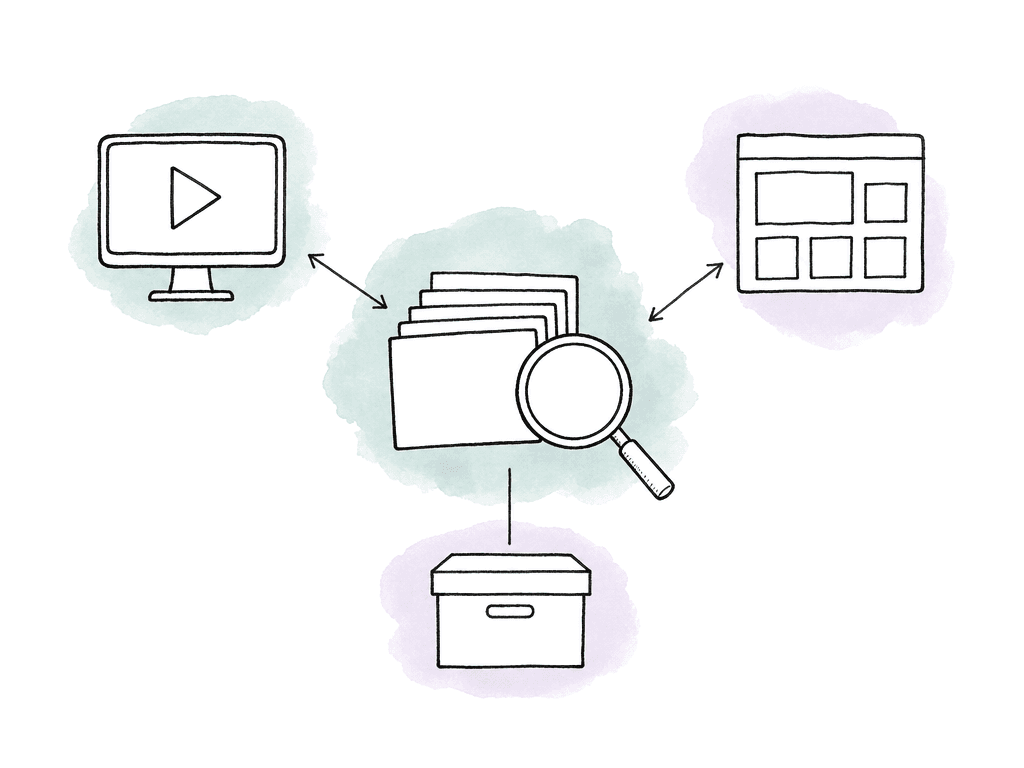
Start by deciding which metadata should drive action
Before touching an API, decide which fields should actually change a workflow. If your team pushes every detected object, phrase, and tag into every downstream system, you create noise. Expose the parts that other systems can use reliably. Aspect gives teams several kinds of searchable information to work with:- Transcript text from spoken dialogue, generated automatically on assets
- People detected through facial recognition when your team has provided reference images
- Objects, tags, and visual concepts detected from the media itself
- Custom metadata fields such as text, number, single select, and multi-select values
- Review and workflow metadata, including comments, versions, and change history where relevant to the team’s process

Use Aspect as the source of searchable media context
In this workflow, storage and review sit around the same assets. So do collaboration, AI search, and metadata. The asset doesn't need to be copied into a separate MAM just to be searchable, then copied again for review, then referenced separately in the CMS. The public Aspect SDK package describes a Python interface for video analysis, search, and management. It also describes indexes as organizational containers for assets, similar to folders or collections. Optional AI features such as embeddings are applied by default when assets are created in an index. That gives developers a starting model: organize assets into indexes that match the way automation needs to query them. In production terms, map an index boundary to a durable operational boundary rather than a temporary request. Useful boundaries might include:- A show, client, campaign, or brand library
- A rights-controlled archive
- A newsroom desk or production unit
- A footage intake lane from a partner or field team
- A reusable evergreen library for b-roll, interviews, or social clips
What an API query can safely ask for
The concrete question for your team is: what can another system query? The useful query surface covers transcript and visual content, people and objects, and scene descriptions and custom metadata. In plain workflow terms, an integration can ask for combinations like these:| Queryable signal | Example query | Best workflow use | Guardrail |
|---|---|---|---|
| Transcript text | Find clips where someone says a product name, quote, phrase, or topic | Locate interview bites, dialogue moments, speeches, press clips, and spoken references | Check timing and context before using a quote externally |
| People | Find assets where a known person appears, when reference images are available | Route celebrity, athlete, executive, or spokesperson footage to the right team | Treat face results as candidates when approval, reputation, or rights risk is involved |
| Objects and visual concepts | Find shots containing a product, logo, vehicle, crowd, landmark, or activity | Build b-roll sets, brand review queues, sports highlight lanes, or sponsor collections | Do not treat detection as clearance or approval |
| Scene descriptions | Find shots matching a natural-language scene, such as customer using product outdoors | Support creative search when exact tags or filenames are not enough | Expect broader results and narrow with metadata filters |
| Custom metadata | Find assets where approval_state is approved, rights_region includes North America, or campaign equals Spring Launch | Drive publishing, routing, access, archive, and CMS decisions | Use controlled values for fields that automation depends on |
| External IDs | Find the Aspect asset linked to a CMS entry, rights record, or planning item | Keep systems synchronized and trace records back to the original asset | Store IDs consistently and decide which system owns each identifier |
- Clips where the transcript includes a product name, quote, phrase, or topic
- Assets where a known person appears
- Shots containing a detected object or a custom-trained object
- Assets with a specific custom metadata value, such as “approved,” “needs legal,” or “rights cleared”
- Assets inside a certain project, folder, collection, or index boundary, depending on how your team organizes the library
Writing metadata back from another system
Search is only half the workflow. The other half is writing decisions back to the asset, so the next person and the next automation can both see them. The most common metadata writeback pattern is a system-of-record update. A rights database, a CMS, or a scheduling tool owns a decision, then writes a structured value back into Aspect. A project management system can do the same. That keeps Aspect useful for the people working directly with footage. Typical writebacks include:- Rights status from a rights or licensing system
- Publish status from a CMS
- Campaign or episode assignment from a planning system
- Review state from an approval workflow
- Talent, brand, or music restrictions from legal operations
- Archive disposition from a records or storage policy system
- External IDs that let Aspect assets map cleanly to another database
Example workflow: auto-populating a CMS
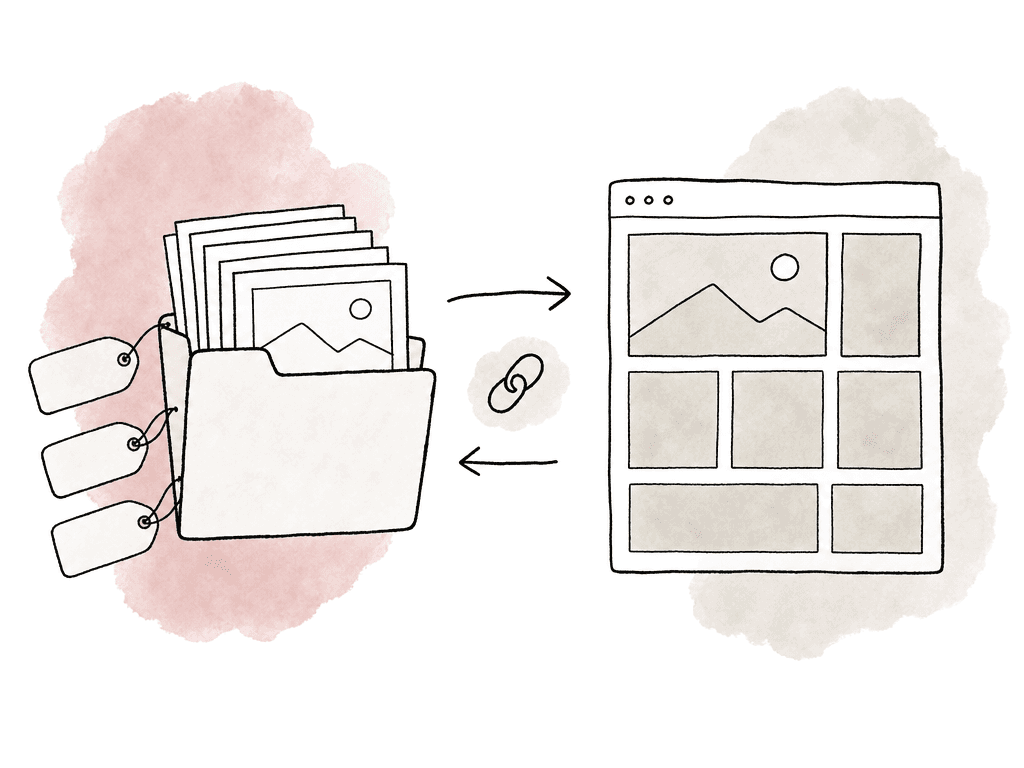
A CMS integration is a good place to start because the business value is obvious. Producers don't want to search, download, and rename the same approved assets over and over, then upload and describe them again. Editors don't want a CMS filled with the wrong versions. A simple CMS population flow can look like this in concept:CMS requests candidate media for campaign X
Integration queries Aspect for assets tagged campaign X
Integration filters to assets with approval_state = approved
Integration filters to rights fields allowed for the CMS channel
Integration pulls transcript snippets, description, thumbnail or preview data as needed
CMS creates or updates media entries with Aspect asset IDs attached
CMS writes publish status or CMS entry ID back to Aspect
Example workflow: routing footage by content
Routing is where API-driven search becomes part of production automation. Imagine a field team uploads footage from an event. Aspect analyzes the media as it arrives. It extracts transcripts, tags, and faces. It also extracts objects, scene descriptions, and other metadata. A routing service then queries new assets and applies workflow metadata based on the results. A sports team might route clips like this:- If a known athlete appears, assign the clip to that athlete’s content lane
- If the transcript mentions an injury, send it to producer review before social use
- If the scene includes fans, route it to community content
- If a custom object like a sponsor logo appears, tag it for brand partnership review
- If rights metadata is missing, prevent automatic CMS publication
Partner tools and where the boundary should sit
Some teams already have specialized systems around Aspect, and that's normal. The goal is to avoid duplicate search indexes, duplicate metadata, and unclear ownership. For high-volume transfer into a newsroom MAM, a tool like MASV paired with Mimir may be a better fit when the main job is fast file delivery into that existing MAM with custom intake metadata attached. A 2025 MASV tutorial describes that pattern for breaking news. A reporter submits footage through a portal, and the portal gathers metadata at upload. MASV delivers the files into Mimir, which stores and searches them and tags people, places, and things. If that's already the newsroom backbone, Aspect may not need to own that lane. For teams building a custom cloud-native metadata pipeline from scratch, AWS and Google Cloud examples show another path. An AWS for Media & Entertainment blog post published in March 2026 describes an architecture in four moves. Video is uploaded to S3. Lambda starts a Bedrock Data Automation job. Results are written back to S3, and DynamoDB tracks job state. Google’s media search solution materials describe automated ingestion, proxy generation, AI analysis, and queryable media search on Google Cloud. Those are strong fits when a team wants to own the full infrastructure and engineering surface. Aspect fits best when the searchable index should sit directly beside the working media, the review process, and the file access rules, including permissions and archive state. Instead of building a separate AI metadata system and then trying to keep it in sync with production, Aspect makes the production library itself queryable. Assign each system responsibility for the data it manages:- Aspect owns media storage context, searchable metadata and analysis, review state, versions, and production-facing metadata
- The CMS owns public publishing structure and page-level presentation
- The rights system owns contractual truth and writes rights decisions back to Aspect
- The project management system owns tasks, deadlines, and assignments
- Transfer tools own external intake when contributors aren't working directly in Aspect
- Archive policy systems own retention rules, while Aspect preserves previews, metadata, and AI access for archived assets where configured
Access and archive change the metadata design
Metadata also affects who can see, reuse, and recover media. Aspect supports sharing files and folders with permissions such as view, download, and comment, plus edit and full access. Project and workspace access controls sit alongside those. Collections can group assets without breaking folder hierarchy, and shared links can include controls such as password protection and expiry. For an API workflow, your automation should respect the difference between “findable internally” and “shareable externally.” Don't let a CMS integration pull from every asset that matches a visual query. Filter against approval, rights, and access metadata. A clip is searchable because Aspect understands what is in it. That does not mean it's cleared for every destination. Archive works the same way. Aspect’s enterprise archive capability preserves previews, metadata, and AI access for long-term storage. Archived footage can still be discoverable, so make archive metadata explicit. Use fields that tell automation whether an asset is active or archived, restorable or reusable, or restricted. Otherwise, old footage may appear in search results with no clear signal about whether anyone should touch it.
Failure modes to design around
API-driven search fails in unglamorous ways. The model finds things, but the workflow still breaks because the integration didn't account for uncertainty, ownership, or timing. The common failure modes are worth naming:- Teams treat AI tags as approvals
- Custom metadata fields drift because teams use free text for controlled decisions
- External systems update status but don't write the result back to the media library
- Different tools use different IDs for the same asset
- Integrations ignore archive state, so old or restricted media gets routed like active footage
Signals that the workflow is working
You'll know the integration is healthy when your team stops asking where the truth lives. A producer should be able to search in Aspect and see the same approval or CMS status that the downstream system used. A CMS editor should see rights-filtered media candidates. An archive manager should be able to find old footage by transcript or visual content without restoring everything first. An engineer should be able to trace a CMS entry or rights record back to the exact Aspect asset ID. Good validation signals include:- Transcript queries return expected interview moments and quotes
- Visual searches return usable candidates, with human review where needed
- Custom metadata filters match the values used by routing and publishing systems
- A metadata update from an external system appears on the correct asset in Aspect
- Automated publishing excludes restricted, unapproved, or archived assets
FAQ
In the capability context described by the article, useful API-driven queries can target transcript text and spoken moments where available. They can also target detected people, detected objects, and custom-trained objects, along with visual scene descriptions, semantic visual matches, and custom metadata fields. Teams can also scope searches by organizational boundaries such as projects, folders, collections, or indexes, depending on how the library is structured.
Usually not by themselves. AI-derived signals are best treated as discovery metadata that helps find candidates. Publishing, rights clearance, legal approval, and reuse decisions should be represented as controlled decision metadata, such as approval_state, rights_territory, or cms_publish_status. A safer automation pattern is to let AI broaden the search, then require controlled metadata or human review before routing to a public CMS or external destination.
Yes, the workflow described in the article assumes metadata writeback from systems such as a CMS, rights database, scheduling tool, approval system, or archive policy system. Common writebacks include rights status, publish status, and campaign assignment, along with review state, talent or music restrictions, archive disposition, and external IDs. External IDs are especially important because they let an Aspect asset map reliably to records in another system.
Indexes should usually follow durable operational boundaries, such as a show, client, campaign, brand library, rights-controlled archive, production unit, or intake lane. Creating a new index for every small automation task can make reuse and cross-project search harder. Metadata fields should map to decisions the workflow actually makes. Controlled fields such as approval_state, rights_region, campaign, archive_tier, or content_category are easier to automate than inconsistent free-text tags.
A CMS integration shouldn't rely only on transcript or visual matches. It should filter candidates by approval status and rights metadata, and by access rules, archive state, and the intended channel. The CMS can own page structure and publishing records, while Aspect retains production-facing status such as approval, rights, and the relationship to the CMS entry. Sanity’s Media Library documentation describes a related pattern: teams should decide which asset metadata is safe for public rendering and which should remain private or token-protected.
Treat AI matches as discovery signals, not final workflow decisions. A query can find clips that mention a phrase, show a person, or contain an object. Routing and publishing should still depend on controlled fields such as approval state, rights territory, or CMS status. Aspect lets teams define structured project-level custom metadata fields so automation can filter on decisions the team controls.