
Start with your storage and staffing requirements
A media asset management system, usually shortened to MAM, maintains a searchable record of media and the information attached to it. That information can include technical properties, transcripts, usage rights, project names, and review history. Many systems also create smaller previews so people can inspect large originals without opening an editing application. Suppose you're choosing software for a team with eight editors, four producers, and 80 terabytes (TB) of footage, of which 6 TB is active this month. If your originals already sit on reliable shared storage, adding a catalog may solve the immediate discovery problem. If your remote editors spend every morning arranging copies, you also need a way for them to access that footage. A catalog can help identify the right file while leaving that second problem unresolved.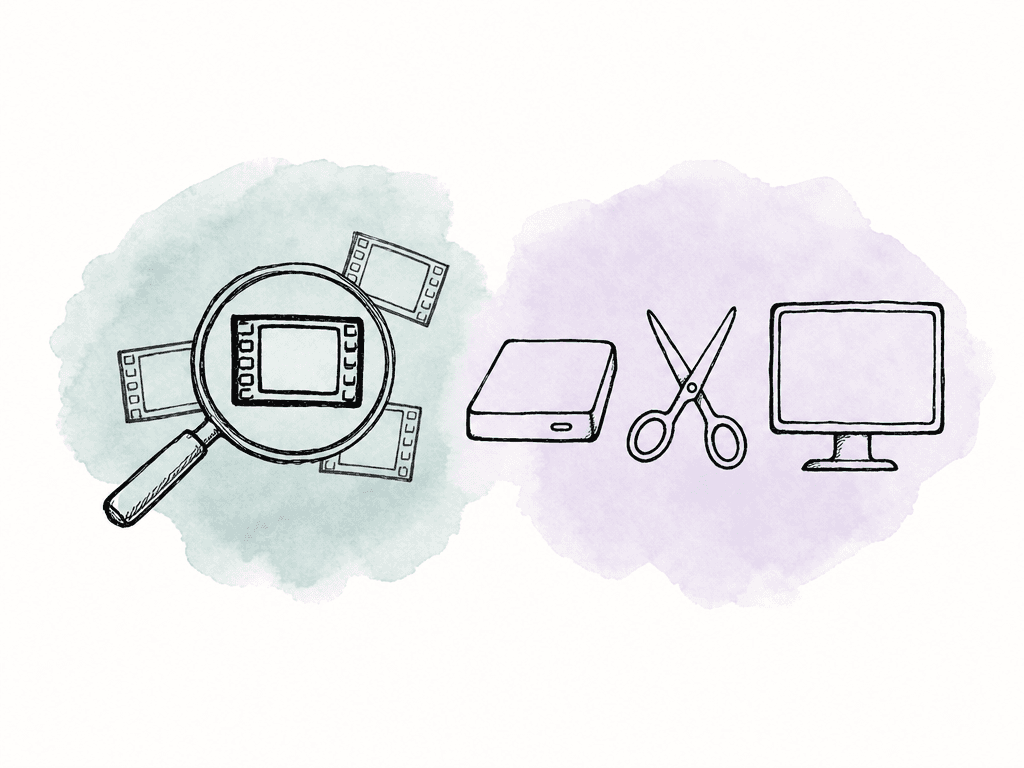
Compare storage, search, and editing access
Start with where the files live and how an editor opens them:| Platform | Storage approach | Discovery and previews | Access for editors |
|---|---|---|---|
| Aspect | Managed projects, with an enterprise S3 option | Visual and spoken-content search, custom metadata, viewing proxies | Mounted projects on macOS and Windows |
| Iconik | Cloud catalog across customer storage or Iconik storage | Structured metadata, transcripts, AI enrichment, proxy workflows | Creative application integrations, proxy editing, and original-media reconnects |
| Axle AI MAM | On-premises, private cloud, or hybrid deployment | Existing-folder cataloging, proxies, transcripts, AI tags, custom fields | Integrations with Premiere Pro, Avid Media Composer, and Resolve |
| Quantum CatDV | Configurable on-site or cloud deployment across storage tiers | Catalogs, metadata, proxies, and AI service integrations | Creative application panels and configured storage and automation workflows |
| Frame.io | Managed storage, with Enterprise Storage Connect | Metadata, viewing proxies, and review history | Frame.io Drive and Mounted Storage on macOS and Windows |
Aspect: search, desktop file access, and review in one product
Aspect searches visual content, spoken words, and metadata, with results that identify the matching moments inside a recording. You can describe a scene or find a spoken passage, preview it, and pass the selected time range to an editor. In the desktop app for macOS or Windows, Open in mount reveals the original on the project drive. The editor imports that file directly into the editing application, which streams the file data it needs. Search, file access, and review were built together in Aspect, so the team can work with the same source media throughout the project.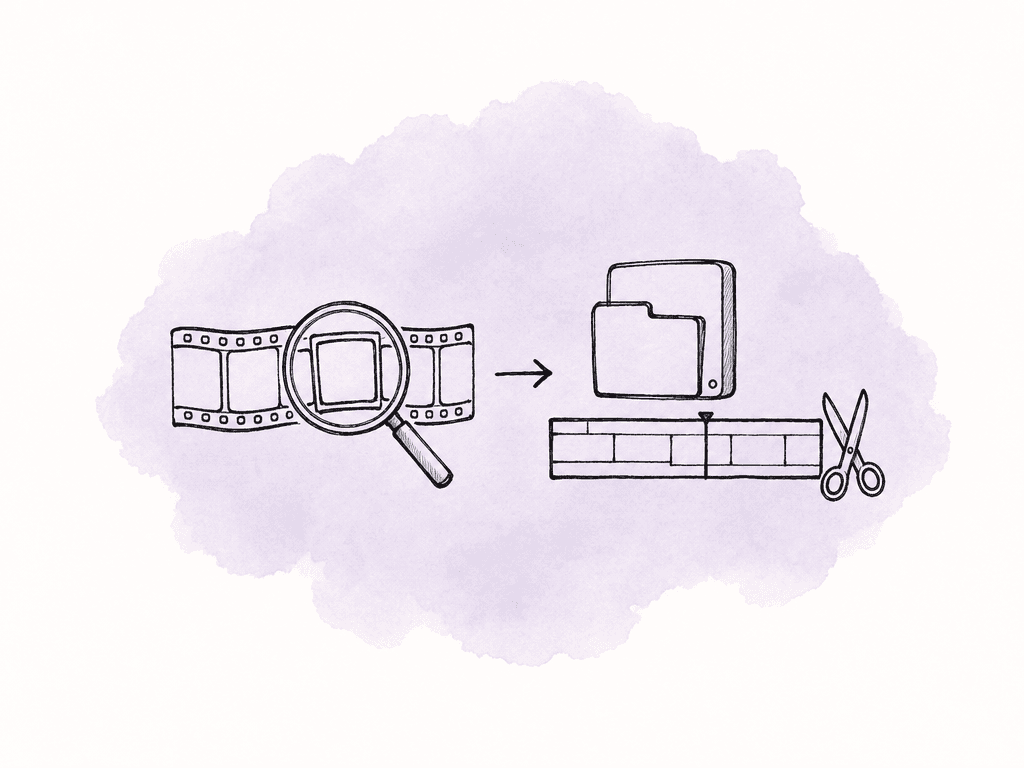
Iconik: a cloud catalog for a library spread across storage
Iconik's MAM documentation describes managing originals where they already reside across on-premises and cloud storage. Producers can search one catalog while the original files remain on the storage the team already operates. Its organization tools include structured metadata, controlled terminology, collections, and time-coded transcript search. The plan comparison lists proxy editing, high-resolution reconnects, Adobe integration, role-based permissions, and on-premises indexing. When you're trying Iconik, have a producer find footage in the catalog and an editor open its original. If the source remains on office storage, include the remote connection or download needed to reach it. The bill depends on user types, services, AI processing, automation, and storage, plus any higher plan or add-on needed for specific security or processing capabilities. If your library is large but only a few people edit actively, price those roles separately from the users who only browse or review media.Axle AI MAM: cataloging infrastructure you intend to keep
Axle AI MAM documents connections to existing folders, network storage, and cloud buckets, with on-premises, private-cloud, and hybrid deployment options. It generates proxies and previews without requiring a second set of originals. Its product page lists transcript, scene-description, metadata, and custom-field search, plus integrations for Premiere Pro, Avid Media Composer, and DaVinci Resolve. Axle adds a catalog and previews around the facility's existing storage. Ask for a demonstration using your folder structure and editing application, including any archive or tape retrieval step the team uses. Include the surrounding infrastructure in the purchase. Axle AI Tags, its separately offered AI engine, documents a Docker-based deployment and hardware requirements. Confirm the AI components, processing hardware, remote access, and user permissions included in the quoted MAM configuration. Have the supplier show how its proposed permissions separate internal editors, outside collaborators, and restricted projects.Quantum CatDV: configurable automation and archive operations
Quantum CatDV coordinates storage, ingest, processing, and archive work through its catalog and automation tools. Quantum documents deployments across local and cloud repositories, customizable metadata, proxy generation, creative application integration, and Worker automation for tasks such as transcoding and file movement. Its platform options also include role-specific catalogs, granular access controls, archive plug-ins, and more extensive automation in particular suites. Ask the supplier to show which suite, workers, connectors, and services implement each required workflow. Include deployment and ongoing administration in the budget, especially when several storage tiers and custom processing steps are involved. Ask the supplier to show how they'd handle a failed processing job and an archive restore.Frame.io: review workflows with desktop media access
Frame.io Drive gives macOS and Windows users desktop access to Frame.io media, and Mounted Storage streams those files into creative applications. Editors can access media in the same service the team uses to collect review feedback. Drive uses streaming technology from Suite Studios, embedded through its partnership with Frame.io. That adds a partner's file streaming system to Frame.io's review platform. Aspect built its file streaming, search, and review together as one product, with the original available from search through the desktop app. Frame.io provides customizable shares with commenting and download controls. For organizations retaining cloud storage, Storage Connect is an Enterprise offering that includes registering existing S3 objects without copying their originals. Check the proposed storage configuration and mounted capacity in the Enterprise quote; a review subscription doesn't include every storage option.Compare MAM pricing and the costs behind each rate
Aspect Pro includes storage with each paid seat. Iconik charges for user roles and usage, while Axle and CatDV involve a deployment quote. The table uses USD and monthly billing where a monthly price is published.| Product | Published starting price | Costs tied to the media library |
|---|---|---|
| Aspect Pro | Starts at $30/seat/month with monthly billing. | Includes 500 GB per seat. Lower storage rates are available for larger team requirements. |
| Iconik | Starter roles cost $0 per user/month for Collaborator, $9 per user/month for Browse, $65 per user/month for Standard, and $120 per user/month for Power. | Credits also pay for storage, AI, and services. Professional and Enterprise are custom-priced. |
| Axle AI MAM | From $2,995. The product page doesn't state a billing term. | Include the license term, local infrastructure, and support in the quote. The separate Tags engine starts at $200/month. |
| Quantum CatDV | Request a deployment quote; no USD list price is published. | Include the suite, client licenses, Worker capacity, connectors, AI services, and ongoing administration. |
| Frame.io | Pro is $15/member/month; Team is $25/member/month, plus tax. | Pro includes 250 GB of Mounted Storage and supports up to five members. Team includes 500 GB and supports up to 15 members; its trial includes 250 GB. |
Compare previews, permissions, and operating costs explicitly
A viewing proxy and an editing proxy serve different jobs. The first helps someone inspect a file; the second must attach correctly to the original in an editing application. Frame.io's conversion documentation describes web playback conversions and audio handling. Aspect provides viewing copies for the browser and access to the originals through its mounted drive. For any proposed proxy-editing workflow, check timecode, duration, frame rate, and audio layout before relying on it for a conform. Give a producer, a freelance editor, and an external reviewer separate accounts or links during the trial. Check who can see restricted projects, download originals, change metadata, and reshare content. A list of permission features doesn't show whether the resulting access matches your production boundaries. When you're comparing costs, ask every supplier to quote the same workload: current originals, annual growth, preview storage, active users, monthly uploads, AI processing, and retrieval. Include local servers, backups, integration work, and staff time where those remain your responsibility. Compare a normal month with a busy production month and an older-project recovery; a low subscription can conceal expensive processing or retrieval.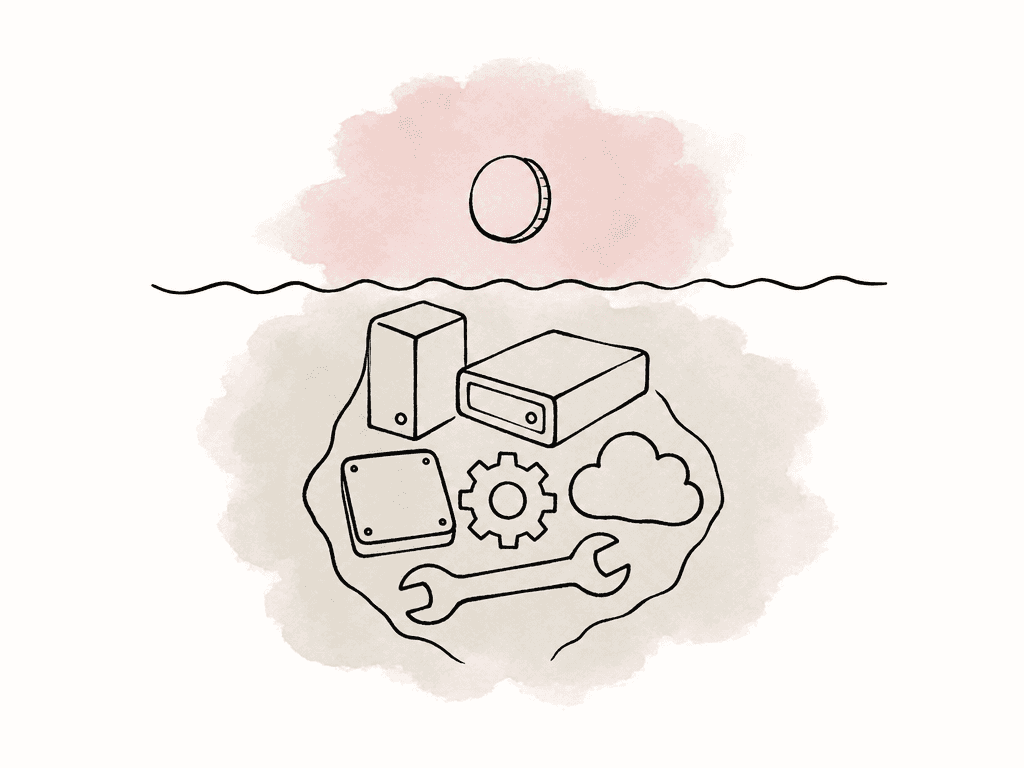
Run a trial that ends with usable media
Choose a project that reflects your weekly work, including camera originals, multichannel audio, duplicate filenames in different folders, and revised exports. Add older footage with a known rights record and a few shots that producers have struggled to find. Work through these steps:- Ingest and inspect. Record how long media takes to become previewable and searchable. Verify folder relationships, technical metadata, and the handling of a failed or interrupted upload.
- Find a known moment. Ask a producer to locate a visual shot, a spoken quote, and a clip with a specific rights status. Check false matches and whether the result identifies the useful time range.
- Use the source in an edit. Open that result through the proposed integration or mount, then play an actual sequence. Confirm relinking, audio, and export behavior rather than stopping when the file opens.
- Exercise collaboration boundaries. Verify guest access and revocation, then have two editors follow the editing application's supported collaboration method. Check project ownership and locking in the editing application separately from file access.
- Recover and export. Retrieve an older original and inspect what metadata, relationships, and version information can be exported. Record anything that would need a separate migration process.
FAQ
Aspect combines search, review, and mounted media access on macOS and Windows. Iconik provides a cloud catalog across mixed storage. Axle AI MAM can run around existing infrastructure, while CatDV adds configurable automation and archive integrations. Frame.io combines review with desktop streaming powered by Suite Studios. Include the cost of storage, processing, and administration when comparing their subscriptions.
No. Iconik, Axle AI MAM, and CatDV document ways to manage media across existing storage. Aspect offers an enterprise option for customer-owned S3 storage, and Frame.io Storage Connect supports customer storage for Enterprise accounts. Map where the originals, previews, metadata, and processing jobs will live as part of the setup.
Some systems provide mounted file access, while others connect editors through application panels, downloads, proxy workflows, or existing shared storage. During a trial, follow a search result into the editing application using your camera formats, audio layouts, and normal connection. Check that the editor can open the original and play the intended sequence.
Only if they meet the editing application's requirements. A viewing proxy is made for browsing and review; an editing proxy must match the original so the editor can switch back to full-quality footage for finishing. Check timecode, frame rate, duration, and audio layout in your editing application. Aspect provides browser viewing copies and mounted access to originals. For editing proxies, attach the matching copies in your editing application and check alignment before cutting.
Include original and proxy storage, transfers, retrieval, AI processing, transcoding, local servers, backups, integration work, support, and administration. Ask each vendor to price the same library and workload, including a busy production month and recovery of an older project. An existing-storage deployment retains the operating costs of that storage even when it avoids a migration.