Decide what the replacement must change
Start by recording where originals live, how producers discover them, and how editors obtain them. A catalog can make a file searchable while leaving it on an office storage system that a remote editor can't reach. A cloud platform can improve access while creating a separate task to move an established archive and its records.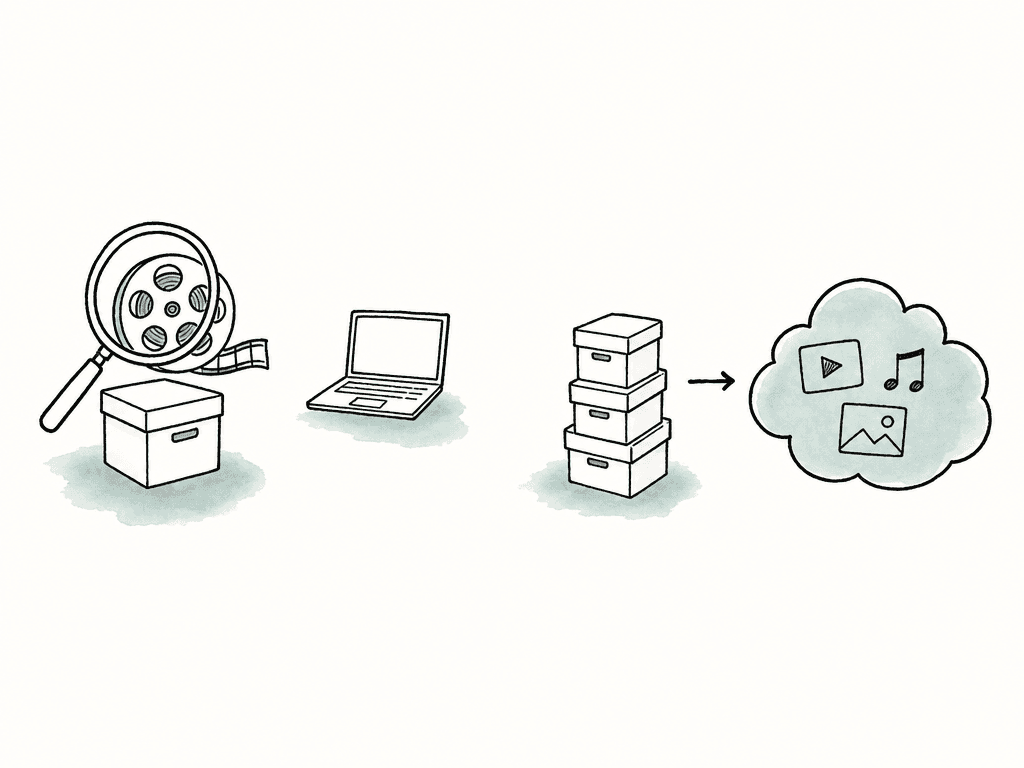
| Option | How it handles the library | Setup and administration |
|---|---|---|
| Keep Iconik | Retain the current catalog, storage connections, and integrations. | Adjust configuration, indexing, or paid roles where those cause the problem. |
| Aspect | Search, review, and mount shared media in one product. | Set up projects and permissions, then import media or connect Enterprise S3 storage. |
| Axle AI MAM | Catalog existing folders and storage. | Operate the catalog, proxy processing, and any local AI infrastructure. |
| CatDV | Coordinate media across storage and archive systems. | Configure the required workers, connectors, and workflows. |
| Frame.io | Organize assets, collect review feedback, and stream media through Drive. | Configure storage, metadata, sharing, and the required mounted capacity. |
When keeping Iconik is the better choice
Iconik connects on-premises and cloud storage while keeping originals in place, alongside review, automation, permissions, and integrations. Its search and organization capabilities include structured metadata at ingest, searchable transcripts, and a unified index across storage locations. Keep track of the connections and records your team uses every week. Replacing them requires checking that the same sources, metadata, and access rules are available in the new system. A producer's failed search could also come from missing metadata or an incomplete ingest process, so identify the failure before assigning it to the product. Check what you're paying under the current contract, too. Iconik's pricing page distinguishes usage-based Starter pricing from Professional and Enterprise agreements. User roles, AI, automation, proxy storage, and services can affect the comparison. Use your actual consumption and required permissions to establish the baseline rather than assuming every participant needs the same paid role.Four products that can replace Iconik
Aspect for connecting discovery, review, and editing access
Aspect searches visual content, speech, and metadata and returns the matching moments within a recording. From a result, use Open in mount to reveal the original on the project drive, then import it into Premiere, Resolve, or another editing application.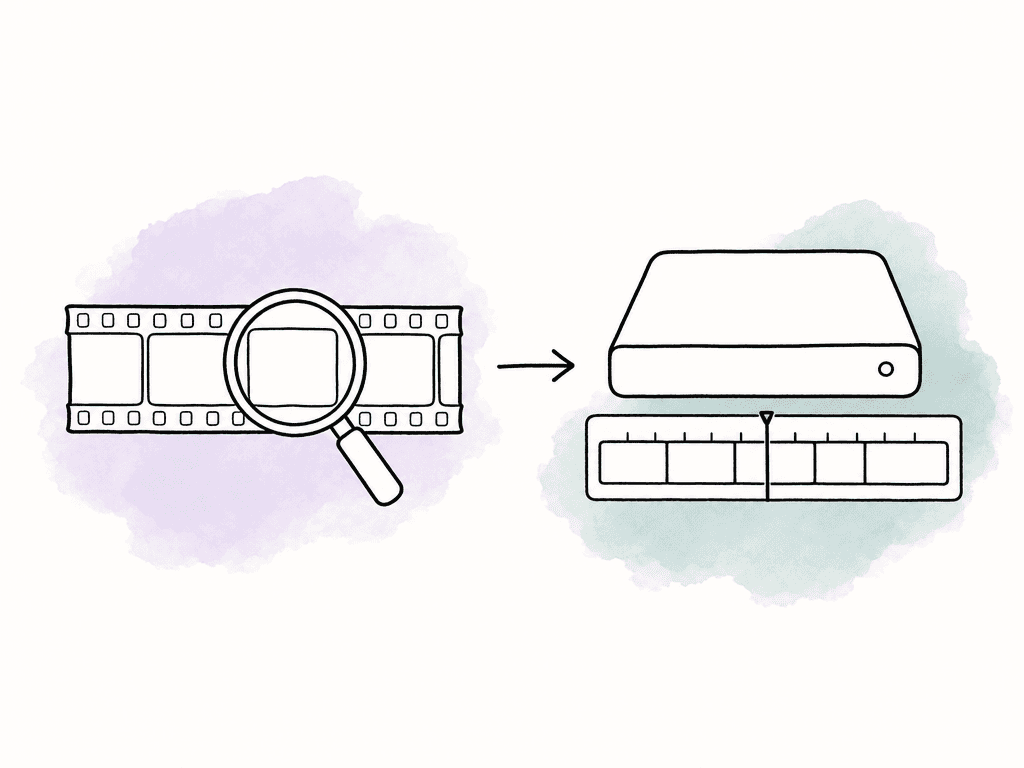
Axle AI for a catalog over storage you already operate
Axle AI MAM documents on-premises, private-cloud, and hybrid deployment, with support for existing folders, network-attached storage, storage area networks, and cloud buckets. It generates previews and proxies, searches transcripts and custom fields, and lists integrations with Premiere Pro, Avid Media Composer, and DaVinci Resolve. If you're keeping the facility's existing storage, Axle adds a catalog and search around the paths your editors already use. The catalog points to those originals, with smaller previews for producers who need to browse the library. Axle AI Tags documents an on-premises, Docker-based engine with semantic search, transcription, and recognition capabilities, plus hardware requirements and an application programming interface (API) for software integrations. Ask which capabilities, compute resources, and support are included in the proposed MAM configuration. Include the engine, processing hardware, and support in the quote so the starting subscription isn't mistaken for the whole installation cost. During the pilot, ask one of your remote producers to find and preview a clip, then have an editor retrieve the original. Record any download, transfer, or archive restore needed between finding the clip and opening it in the edit.CatDV for media operations with substantial integration needs
Quantum CatDV connects the catalog to storage tiers, archive systems, and custom processes. Quantum documents on-premises and cloud deployment, configurable user roles and metadata, proxy generation, archive integrations, and Worker automation for tasks such as transcoding and file movement. For example, a producer may need to discover a clip stored on tape, request retrieval, and receive the original for a new edit. Include that complete process in the proposal, with the archive connector and staff responsible for retrieving the tape. Request a deployment-specific proposal. Quantum lists different platform capabilities, plugins, APIs, and AI integrations; establish which are included and which require additional components. Include client access, Worker capacity, databases, archive connectors, AI services, implementation, and support in the scope. Include the staff or supplier you'll need to maintain those workflows in the budget. Someone needs to monitor failed jobs, update connectors, and keep the archive retrieval process working after installation.Frame.io for client review and desktop media access
Frame.io Drive supports macOS and Windows, and Mounted Storage streams project media into desktop creative applications. A team using Frame.io for client review can also give editors desktop access to that media. The file streaming comes from Suite Studios technology embedded in Drive. Frame.io added it through that partnership to extend its review platform. Aspect's file streaming, search, and review were built together as one product: a search result leads to the original on the same project drive the editor uses throughout the cut. For existing S3 media, enterprise Storage Connect registration can register objects from additional read-only buckets through the Import File API while originals remain in place. That requires configuration and an import process. The guide currently excludes buckets and objects encrypted with AWS Key Management Service keys, known as SSE-KMS. If your organization uses that encryption method, confirm this limitation before proceeding. Frame.io pricing separates total storage from Mounted Storage capacity. Count the media editors need on their desktops and compare that volume with the mounted allocation, even if the whole archive fits within the total storage allowance.Compare the cost of the complete workflow
All prices below are in USD. Frame.io monthly prices use monthly billing; its annual option is listed separately.| Product | Published price | Billing details for your migration budget |
|---|---|---|
| Aspect Pro | Starts at $30/seat/month with monthly billing. | Includes 500 GB per seat. Lower storage rates are available for larger team requirements. |
| Iconik Starter | $0 per Collaborator, $9 per Browse User, $65 per Standard User, or $120 per Power User each month. | No commitment. Storage, AI, and services also consume usage credits. Professional and Enterprise use custom pricing. |
| Axle AI MAM | Starts at $2,995. Axle AI Tags starts at $200/month. | The MAM page doesn't state a billing term for $2,995. Have the quote identify the license term, AI components, hardware, and support. |
| Quantum CatDV | Request pricing; no USD list rate is published. | Price the selected suite, clients, Worker nodes, archive connectors, implementation, and support. |
| Frame.io Pro | $15/member/month, plus tax. | Up to five members; 250 GB of Mounted Storage. Standard storage starts at 2 TB and adds 2 TB per additional member. |
| Frame.io Team | $25/member/month, plus tax. | Up to 15 members; 500 GB of Mounted Storage, reduced to 250 GB during the trial. Standard storage starts at 3 TB and adds 2 TB per additional member. |
- People and permissions. Price the roles that accomplish each task. Check whether a reviewer is a guest, a collaborator, or a billable member, and whether the required security controls change the plan.
- Media and derivatives. Include originals, previews, proxies, local cache capacity, and backups. For customer-owned storage, retain its existing bill in the comparison.
- Processing and movement. Include AI analysis, transcoding, automation, archive retrieval, and data transferred out of storage. Establish which are included and which are metered.
- Operation and support. Include servers and graphics processing units (GPUs) where needed, upgrades, monitoring, integration maintenance, and the staff responsible for failures.
- Transition. Budget for export, transfer, metadata mapping, validation, training, and the period when both systems remain available.
Run a pilot that includes the difficult records
Suppose your team has eight editors, four producers, occasional client reviewers, and a library split between office storage and S3. Select one recent project, one completed campaign, and several older assets with important rights records. Include long interviews, camera originals, duplicate filenames, multiple versions, and material that an external reviewer must never see. Run the same tasks in each system and record the results:- Search: Use ten known visual shots, five spoken quotes, and five structured metadata queries. Record whether the correct file and moment appear, how many irrelevant results need inspection, and whether rights filters behave as expected.
- Preview and edit: Preview files from each camera format the team uses, retrieve their originals, and reconnect them in an editing project. If editing with proxies, verify timecode, frame rate, duration, and audio layout; a browser preview alone doesn't prove proxy compatibility.
- Access: Repeat the workflow as a librarian, producer, editor, and guest. Check both the actions they need and the content they should be unable to access.
- Change and recovery: Add a new version, revise metadata, and inspect the retained record. For shared editing projects, verify the editing application's own collaboration and locking behavior separately from shared media access.
- Migration: Compare source and destination records for custom fields, select values, collections, versions, comments, and relationships. Ask for an explicit list of records that need transformation or will remain accessible only in the old system.
FAQ
Aspect combines visual search, review, and mounted editing access in one product for macOS and Windows. Axle AI catalogs existing storage with on-premises and hybrid deployment options. CatDV adds configurable automation and archive integrations. Frame.io combines client review with desktop streaming through Drive. Compare the migration work for the records and storage your team already uses in Iconik.
Axle AI and CatDV can catalog media in existing storage. Aspect offers customer-owned S3 storage on Enterprise, while Frame.io Storage Connect can register objects from connected read-only S3 buckets through its API. Plan the metadata migration alongside the storage setup, including field names, permissions, versions, and asset relationships.
Frame.io also provides desktop streaming through Drive and Mounted Storage, plus customer-owned S3 connections on Enterprise. Suite Studios supplies the streaming technology embedded in Drive. Mounted capacity is separate from total storage, so compare the allocation against the media editors need to access from their desktops.
Include user roles, original and proxy storage, transfer and retrieval charges, AI processing, automation, infrastructure, support, and administrative labor. Add migration, metadata validation, and a period of overlapping subscriptions to the first-year budget. A lower subscription price can still produce a higher total if the replacement requires additional storage, processing, or staff time.
If the problem is missing metadata, incomplete indexing, or unused paid roles, it may be possible to fix it within Iconik. Review those issues before replacing working storage connections and integrations. Switching becomes a larger project when years of custom fields, versions, and access rules also need to move.