
AW26 to show how your team can keep the folders, metadata, and review records together.
Assign responsibility before files arrive
Assign a producer to keep the campaign library organized. Editors and channel managers will add their own files and records, while the producer checks that each handoff includes what the next person needs. For AW26, the producer establishes the campaign identifier and receives footage. The editor maintains editing projects, source references, and exports. A designated marketing approver confirms the final creative decision after any required brand, product, or legal review. The channel manager checks delivery requirements and records what was published. In a small team, you may share these responsibilities with one colleague; a larger team may spread them across departments. At each handoff, the editor supplies a reviewable revision, the approver identifies the revision they accepted, and the channel manager publishes that revision for the agreed use. Set a decision rule for conflicting feedback as well. If a product manager requests a longer explanation while the social manager needs a shorter opening, the producer should bring that choice to the designated approver. Otherwise, the editor becomes responsible for a marketing decision that has never been resolved.Keep source footage and campaign work traceable
Create one campaign home with a stable identifier. A practical starting structure is:AW26_Autumn_Workspace_Launch/
01_Brief_and_Use_Records/
02_Source_Media/
Camera_A/
Camera_B/
Production_Audio/
03_Edit_Projects/
04_Graphics_and_Music/
05_Review_Exports/
06_Delivery_Masters/
07_Channel_Variants/
08_Captions_and_Publication_Record/
Use a small metadata template with clear owners
Choose fields that answer the questions your team asks before editing or publishing a video. Aspect supports project-specific custom metadata, including text, dates, single-select fields, and multi-select fields. It also extracts technical information such as duration and resolution when available, so the team doesn't need to transcribe every file property. For AW26, the following template separates the identity of a deliverable from its changing review state.| Field | Type | Example value |
|---|---|---|
| Campaign | Single select | AW26 |
| Creative identifier | Text | AW26_Story03 |
| Asset role | Single select | Source, Review, Master, Channel variant |
| Responsible owner | Text | Campaign producer's name |
| Intended channel | Multi select | Website, Organic social |
| Layout | Single select | 16:9, 1:1, 9:16 |
| Language | Text | en-US |
| Review status | Single select | Draft, In review, Changes requested, Approved |
| Approved revision and decision | Text | Revision 03; approver, date, and agreed use |
| Source references | Text | Source asset identifiers and editing timeline name |
| Use conditions | Text | Organic social only; supporting record location |
| Use review date | Date | Date the producer must reassess continued use |
Separate revisions from parallel deliverables
AW26 needs a 60-second landscape film, a 15-second vertical cut, and a vertical cut with different language graphics. All three share footage, but they're distinct deliverables. Each can be current at the same time.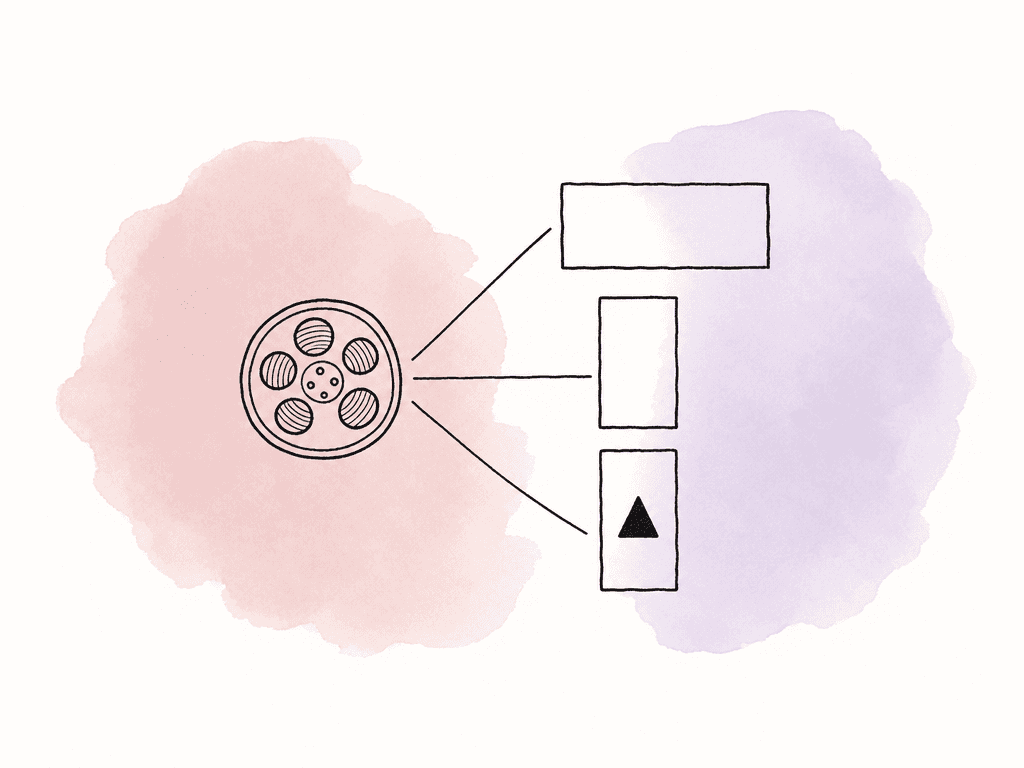
AW26_Story03_9x16_en-US_15s_r03.mp4 identifies the campaign, creative, layout, language, duration, and revision. Keep changing status in metadata rather than repeatedly adding Final or Approved to the filename.
Use version stacks for revisions of the same output. The English vertical cut's second and third revisions belong together. The landscape master belongs in its own stack, as does the other language version. If all three shared a stack, the channel manager could open it and see a different format or language from the one they need.
When exporting, add a source reference to the relevant editing project and timeline. Include any music license or graphics dependency another editor will need.
When an editor starts a revision, they should be able to follow that reference, open the correct timeline, and locate its media. The relationship matters most when the person making the next edit didn't work on the original campaign.
Record approval against the exact revision and use
Send a review request that identifies the deliverable, revision, intended placement, and decision required. For the AW26 vertical cut, that might be: “Please review revision 03 for English organic social. Confirm the opening claim, caption wording, product interface, and end card by Thursday.” The reviewer can then answer the current request without mixing it with feedback about another language version or a future paid campaign. As reviewers leave notes, keep them on the relevant version. Aspect retains comments with the revision where they were created, allowing the editor to compare the new cut with the earlier request. After the requested work is complete, the designated approver should identify the accepted revision and its intended use in the review conversation. In Aspect, approving a comment and updating an asset's custom approval status are separate actions. Once the designated reviewer accepts the cut, the producer records the approved revision and marks it ready for publication. If revision 04 is added later, return the current review status to In review and obtain a decision on that cut. Version stacks show the latest version by default, so an old Approved value must not be allowed to imply that an unreviewed replacement is ready.Prepare the files for publishing
After approval, gather only the intended files into a delivery set. For AW26, this includes the approved master, the approved vertical variant, matching captions, and a short publication record naming the permitted placements and current revision identifiers. The channel manager checks the actual files before scheduling: framing, readable captions, language, audio, end card, and the destination's current upload requirements. A correctly named file can still contain the wrong render. Record the publication date and destination alongside the delivered revision so a later correction can be traced to the right placement. Aspect collections can gather these assets without moving their originals. Check the selected revision whenever a collection contains a version stack. Collections point to existing assets, so keep the release record separately if you need to preserve exactly what was delivered before a later revision. For an outside publishing partner, create a dedicated link with download access to the delivery collection. Review metadata visibility and version permissions before sharing, and keep internal production notes out of the recipient's view. Open the collection and confirm that it contains the approved revision of each file.Work through a reuse request before making a new edit
In November, the AW26 team receives a request for a 15-second vertical video for a paid event promotion. The requester remembers an interview line about giving employees a quieter place to work, but can't remember the filename. The producer works through the request as follows:- Narrow the campaign library. Filter to AW26, Channel variant, 9:16, en-US, and Approved. These filters remove unrelated footage and unfinished cuts from the results.
- Search for the remembered content. Use the interview topic to find likely matches, then play the surrounding footage. Aspect search returns matching time ranges and lets you adjust the filters as you review the results. Check that indexing has finished if a recent asset is missing.
- Read the decision behind the status. In this example, the matching cut is approved for organic social only. The producer checks its supporting use record and asks the responsible owner to assess paid promotion. The paid version needs its own approval before publication.
- Open the recorded sources when a change is needed. Follow the editing project and timeline reference to produce a new event variant. Record its connection to AW26_Story03, give it its own review, and preserve the earlier organic-social deliverable.
Close the campaign with a usable handoff
Before moving AW26 out of active production, the producer checks that the delivery set is current, the editable sources are present, and outstanding use questions have an owner. Remove superseded files from reusable collections, review outside access, and leave a clear contact for future requests. Archiving a project doesn't revoke a publishing partner's link. Disable or delete that link when access should end. Ask a teammate who didn't edit AW26 to retrieve an approved deliverable and identify its revision, use conditions, and editing project. If they need the original editor to explain where something is, add that information to the record. Make this part of closing each campaign so the library stays usable as new work arrives.FAQ
Keep source footage, production audio, graphics, editing project files, review revisions, approved masters, channel variants, captions, and the records needed to explain their use. Connect related material through a campaign identifier and source references, so someone can trace a finished export back to the work needed to revise it.
Use one stack for successive revisions of the same deliverable. A vertical cut, a landscape cut, and a different language version usually need separate stacks because they can remain valid at the same time and require different review decisions. Connect them with shared campaign and creative identifiers.
Assign responsibility at each handoff. The producer usually establishes campaign and source information, the editor records the deliverable and its source references, the designated approver confirms the review decision, and the channel manager records publication details. One person can hold several roles, but each field needs a clear owner.
Approval covers the revision and use that the team reviewed. Before reuse, check the new channel, audience, territory, dates, claims, branding, music, and participant permissions against the original decision and supporting records. A new edit or a use outside that scope needs a new review.
Aspect supports comment approvals and custom metadata for an asset's review status, but these are separate actions. A responsible teammate must keep the status and revision record current. Rights fields can document the team's decisions; they should not be treated as automatic verification of a license or enforcement of every usage restriction.