

BROLL_MISC_03.
Build tagging and search workflows into post production before the library becomes difficult to navigate. The goal is reliable retrieval. An editor, producer, or finishing artist should be able to find the correct media without depending on memory, chat history, or the one assistant who logged the shoot.
Start with real search behavior
Do not start your tagging system with a taxonomy diagram. Start with the way your team actually searches under deadline pressure, because a post team searches differently from an archive librarian. Editors may search by scene, character, shot size, camera angle, usable moments, and story function. Producers may search by campaign, client, approval status, rights, and delivery version. Technical directors may search by codec, resolution, frame rate, color space, source camera, and whether a file is original, proxy, graded, mixed, or final. Build the first tagging model around the questions people ask while they are working. Your post library needs to answer searches such as:- “Show me all usable aerial b-roll from the downtown shoot.”
- “Find the close-up of the product pour from scene 4.”
- “Which selects include the CEO and exclude the customer interview?”
- “Where is the approved 16:9 master with clean audio?”
- “Do we have slow motion exterior footage from day 2?”
- “Which music stems are cleared for paid social?”
- “Find the latest color-approved version and exclude offline exports.”
Fields and tags
Libraries become unreliable when every piece of metadata goes into one tag field. That can work for a small personal library, but it breaks when multiple people start tagging. “Scene 12,” “approved,” “wide shot,” “Seattle,” “drone,” “do not use,” and “licensed until 2026” are different kinds of information, which means they need to behave differently in search. Use fields for metadata that needs consistency, filtering, reporting, or permissions. Use tags for descriptive retrieval language that helps people find media.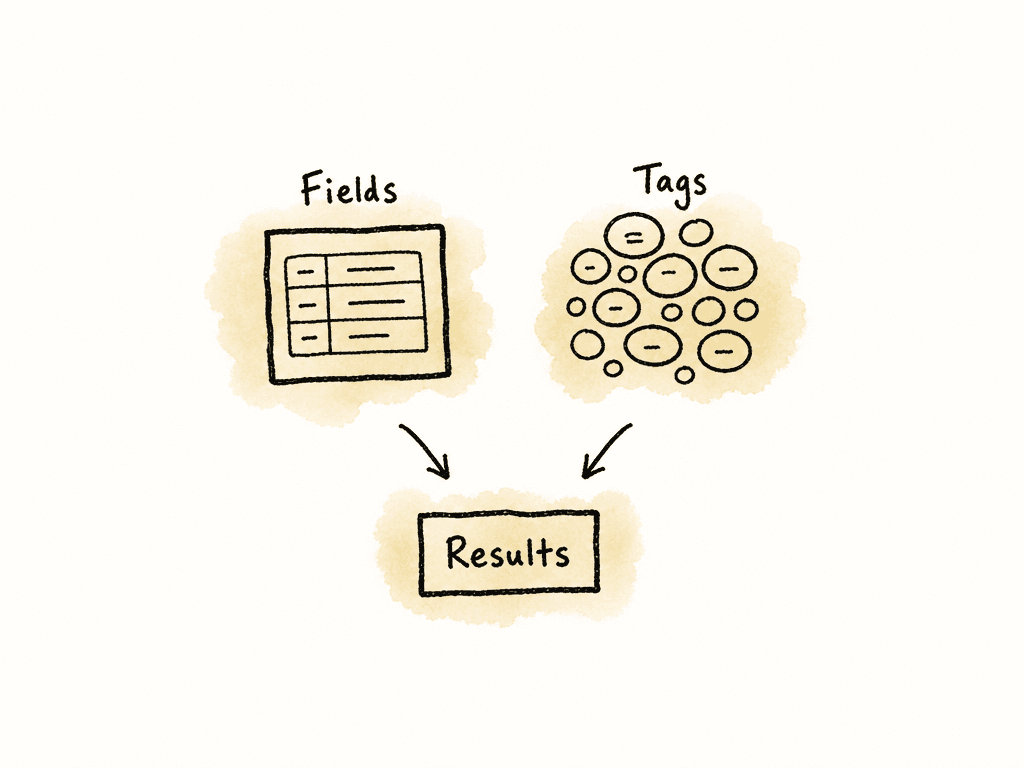
- Descriptive information covers what the asset shows or contains, such as subject, character, location, action, shot type, scene, emotion, product, or topic.
- Structural information shows how the asset relates to the project, such as production, episode, scene, camera roll, clip ID, sequence, version, derivative, proxy, source, or final master.
- Administrative information describes ownership and use, such as rights status, approval status, usage window, client, territory, owner, deletion hold, or archival status.
- Technical information describes the file itself, such as codec, resolution, frame rate, aspect ratio, audio channels, camera, color space, LUT, duration, and checksum.
A small controlled vocabulary
A controlled vocabulary is the approved list of terms your team uses. It prevents one person from tagging “CU,” another “closeup,” another “close-up,” and another “tight.” Search can sometimes handle synonyms, but do not rely on fuzzy matching as the only way to find core production metadata. Start with a small vocabulary that covers recurring work. An initial version might include fields like these:- Asset type can include original camera media, proxy, audio, music, SFX, graphic, VFX plate, VFX render, still, offline export, review export, master, textless master, and caption file.
- Shot type can include establishing, wide, medium, close-up, insert, over-the-shoulder, POV, aerial, timelapse, slow motion, and screen recording.
- Content type can include interview, b-roll, product, performance, testimonial, demo, behind the scenes, archival, stock, and social cutdown.
- Status can include ingesting, logged, selected, in edit, needs review, approved, rejected, superseded, and archived.
- Rights can include unrestricted, internal only, editorial only, paid media approved, expired, pending, and unknown.
- Version role can include offline, online, color review, mix review, legal review, final, revised final, and superseded.
Folders for custody, metadata for discovery
Keep folders in your post workflow, because they help with ingest, backups, relinking, turnover, and day-to-day navigation. Use folders for stable custody information, and use metadata for search. A folder path usually represents only one hierarchy. A shot might belong to a project, shoot day, scene, camera roll, character, location, rights category, and campaign. If the file can live in only one folder, that folder structure will help some searches and hurt others. Use folders for stable custody and provenance. Use metadata for discovery.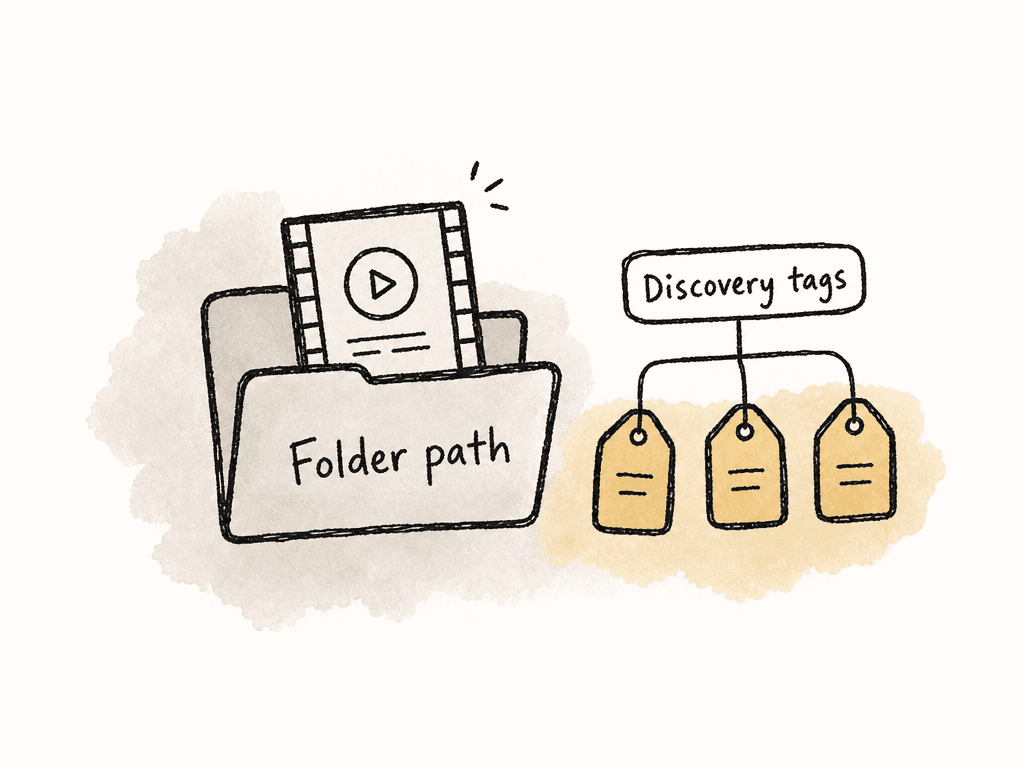
ProjectName/
  01_Ingest/
    2026-02-14_ShootDay01/
      Camera_A/
      Camera_B/
      Audio/
  02_Transcodes/
    Proxies/
    Editorial_Mezzanine/
  03_Project_Files/
    Premiere/
    Resolve/
    Media_Composer/
  04_Exports/
    Review/
    Masters/
    Textless/
  05_Delivery/
  06_Archive/
final_final_NEW.mov. At minimum, include project code, asset role, date or version, and a short descriptor where useful. For camera originals, avoid renaming unless your workflow preserves source filename, reel, camera roll, and timecode metadata for conform.
Put metadata at natural workflow points
Do not treat tagging as work you can do later, because later often means the edit is already moving and nobody has time to fill in metadata carefully. Assign metadata at specific points in the post workflow:- At ingest, capture project, shoot date, source, camera roll, asset type, checksum status, and basic technical metadata.
- During sync and prep, add scene, take, interviewee, transcript, camera angle, and usable audio notes.
- During selects, add shot type, content tags, quality notes, story function, and selects status.
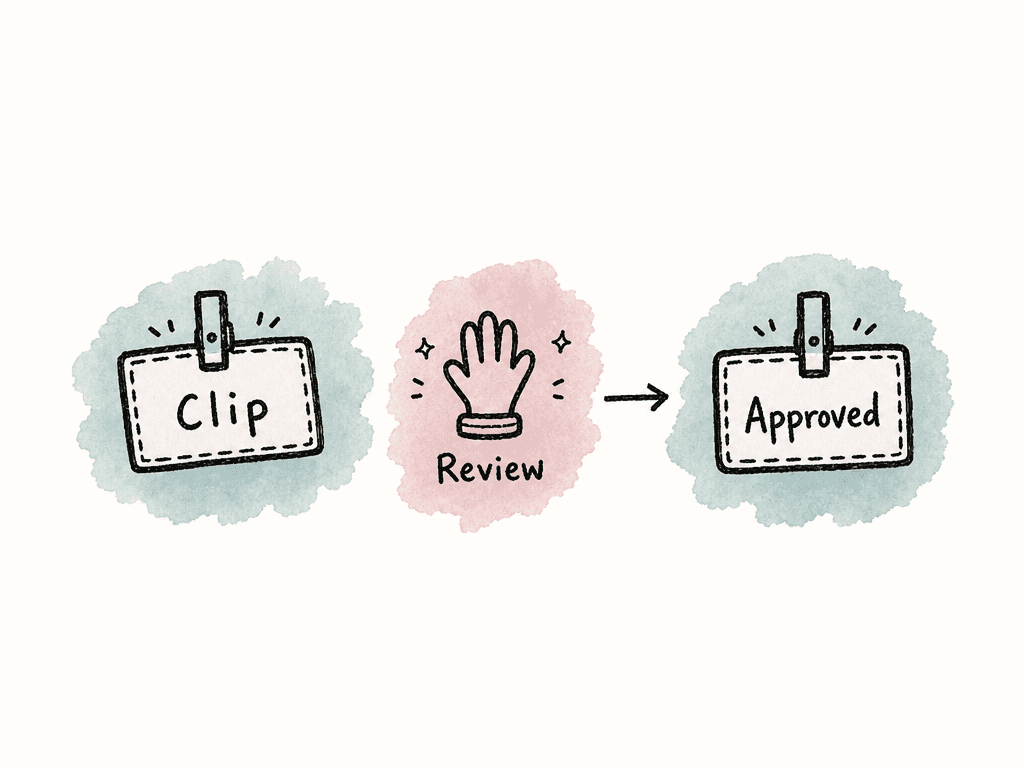
- During review, add approval status, rights status, client notes, and version role.
- During finishing and archive, add final delivery status, superseded relationships, master identifiers, and retention or deletion rules.
Core metadata that keeps a library usable
Do not make every field required. Too many required fields slow down ingest and push people to enter filler values just to move on. Make a few fields mandatory, or the library will become unreliable. For post teams, a practical minimum metadata set includes:- Project or production name.
- Asset type.
- Source or origin.
- Creation date or shoot date where applicable.
- Owner or responsible department.
- Status.
- Rights or usage status, even if the value is “unknown.”
- Version role for exports and deliverables.
- Unique ID or stable filename reference.
Tags for retrieval
Make each tag match how someone will try to find the asset. Decorative tags create noise. If nobody will search for “beautiful,” do not use it. If editors often search for “empty office,” “hands typing,” or “night exterior,” add those tags. For video, useful tags often describe visible content, editing function, and production context. A tagging pass might include terms for:- People, products, places, and visible subjects, such as CEO, customer, storefront, skyline, or audience.
- Actions, such as walking, typing, pouring, cheering, opening, or driving.
- Shot and camera language, such as wide, close-up, insert, aerial, handheld, or locked-off.
- Story use, such as intro, transition, reaction, process, proof point, or ending.
- Quality and editorial notes, such as best take, soft focus, noisy audio, camera bump, or alternate.
- Scene, segment, and location references, such as scene 12, cold open, product demo, warehouse, office, or exterior street.
NLE search during active edits
Premiere Pro, DaVinci Resolve, and Media Composer all give you ways to organize and find media inside an active editing project. For many teams, the NLE is the first search interface editors use during the edit. The limitation is that NLE organization is usually project-centered rather than library-centered. Here is a practical comparison.| Tool | Strengths for tagging and search | Tradeoffs |
|---|---|---|
| Premiere Pro | Flexible bins, labels, metadata columns, markers, Productions for larger multi-project work, integration with Adobe metadata concepts. Good for teams that want adaptable organization inside editorial. | Metadata practices can become inconsistent across projects unless templates and column layouts are standardized. Free-form naming and bins can drift quickly on larger teams. |
| DaVinci Resolve | Database-driven project structure, metadata panel, keywords, flags, markers, smart bins, scene and clip organization, plus finishing context. Good when editorial, color, and finishing live close together. | Teams need discipline around database and project management and shared libraries. Some metadata may stay inside Resolve unless export and handoff paths are planned. |
| Media Composer | Mature bin-based organization, custom columns, markers, script-based and long-form workflows, relink and conform discipline. Good for broadcast, scripted, reality, and larger assistant-editor-driven environments. | Powerful but less forgiving for casual users. Search quality depends heavily on bin discipline, column standards, and assistant editor process. |
Practical setup inside Premiere Pro
Premiere Pro works well when you standardize bins, labels, markers, and metadata columns before the project gets busy. For larger teams, use Productions to split work into multiple projects while keeping shared structure more manageable. Use bins for editing structure and metadata for search. For example, bins might separateInterviews, Broll, Audio, Graphics, Sequences, and Exports. Metadata columns can then carry scene, shot type, status, rights, and notes.
Set up a shared project template with the columns editors actually use. If each editor chooses different columns, the metadata exists but nobody sees it. Use markers for time-based notes inside clips, such as “good reaction,” “alt line,” “camera bump,” or “usable from 01:03:12:08.” Use labels sparingly for broad visual categories like interviews, b-roll, graphics, audio, and sequences.
Premiere’s flexibility is also the risk. Editors can move quickly, but you still need to maintain a consistent taxonomy. If the team uses free-text markers and inconsistent bin names, search becomes personal rather than shared. Assign an assistant editor or lead editor to maintain the project template and normalize recurring terms.
Practical setup inside DaVinci Resolve
Resolve’s media pool, metadata tools, keywords, flags, markers, and smart bins are useful when search needs to connect edit and finishing. This is especially relevant when the same system carries the project through edit, color, and delivery. Start your Resolve workflow with metadata entry during ingest or media pool organization. Use bins for broad production organization, then use keywords and metadata fields to drive smart bins. For example, smart bins can collect allInterview clips, all Scene 12 clips, all Drone shots, or all assets with Rights = Pending if you maintain that field.
Resolve’s advantage is that searchable organization can follow the work into color and finishing. A colorist can use scene, camera, reel, and status metadata if you have entered it consistently. Markers can also carry useful clip or timeline notes.
The tradeoff is that Resolve’s database and project structure need operational discipline. Be clear about who manages shared project libraries, how you make backups, and which metadata needs to leave Resolve for archive or MAM use. If important tags stay only inside one project database, they may not help the larger organization later.
Practical setup inside Media Composer
Media Composer remains strong in environments where bin discipline, custom columns, script workflows, and conform reliability matter. It can be less friendly for casual tagging, but it supports structured editing organization when the team is trained. Use consistent bins and custom columns. Assistant editors can create columns for scene, shoot day, camera, interviewee, location, rights, status, producer notes, and selects. Those columns become part of the editing language of the project. Media Composer encourages structured organization. In scripted, broadcast, documentary, and reality workflows, the assistant editor process often already includes logging, grouping, syncing, and bin preparation. Add controlled metadata fields to that process instead of creating a separate tagging job later. The tradeoff is adoption. If team members are not trained on bin views, columns, and search behavior, metadata can stay hidden or underused. Media Composer works best when the assistant editor team owns the organization model and keeps it consistent across episodes, reels, or segments.When an NLE is no longer enough
Use an NLE to organize the project in front of the editor. For broader library management, you usually need organization across departments, seasons, campaigns, storage locations, rights windows, and long-term reuse.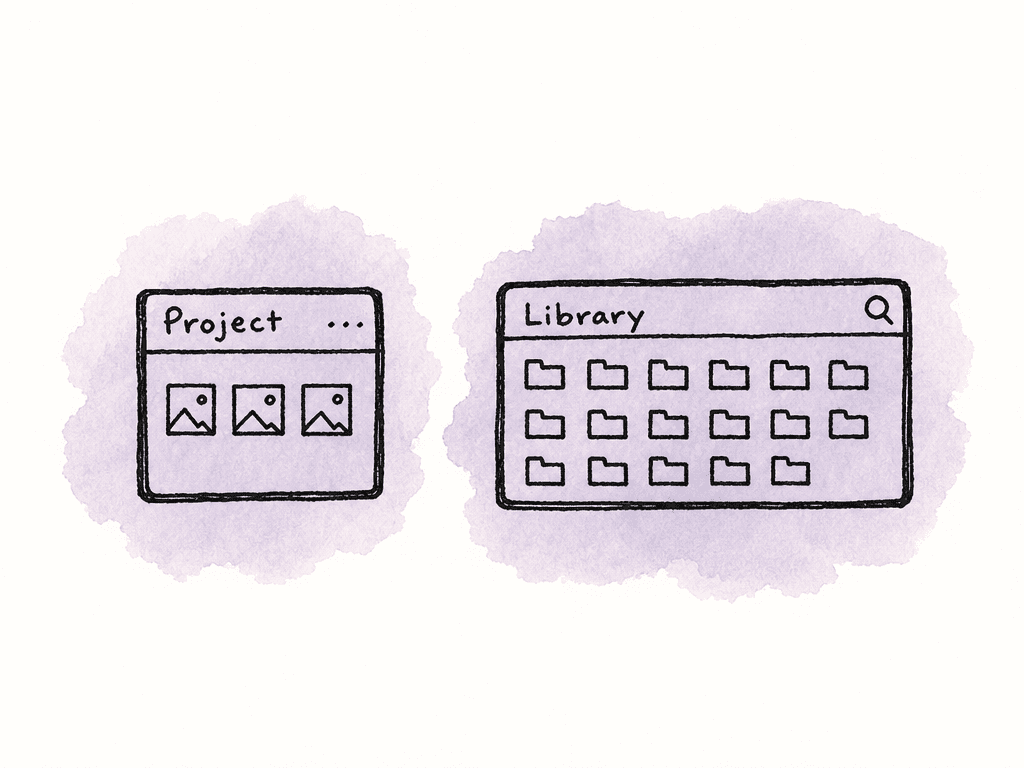
- Assets are reused across many projects, clients, seasons, or campaigns.
- Producers, marketers, legal reviewers, or clients need to search without opening an NLE.
- Rights, approvals, embargo dates, or territory restrictions affect reuse.
- The team needs browser-based review, download, permissions, or audit trails.
- Media lives across shared storage, cloud storage, LTO, shuttle drives, and archives.
- Search needs to include transcripts, captions, OCR, faces, logos, or visual similarity.
- The organization needs reporting on unused assets, duplicates, storage growth, or archive candidates.
The bridge between NLE metadata and library metadata
Tagging in one system is only part of the workflow. Make sure useful metadata survives between systems. A post team may touch the same asset in camera cards, offload software, shared storage, an NLE, a color system, a review platform, a MAM, and an archive. Some metadata travels well, while some does not. File system tags, for example, may not survive copies, transfers, or cloud upload. Embedded metadata may survive better for some file types, but not every workflow preserves it. NLE project metadata may stay inside the project unless you export or map it. Create a metadata map that states where each field lives and how it moves. For example:| Metadata | System of record | Where it should appear |
|---|---|---|
| Camera roll, clip name, timecode | Camera original and ingest log | NLE, conform, archive |
| Scene, take, shot type | NLE or logging system | NLE, MAM, archive |
| Rights status | MAM or production database | MAM, producer search, delivery review |
| Approval status | Review/MAM workflow | MAM, NLE reference, archive |
| Final master version | Delivery tracker or MAM | MAM, archive, project documentation |
| Transcript | Transcription system or MAM | MAM, NLE if supported, search index |
Tag consistency across team members
Create consistency through constraints, defaults, and review habits. Use a controlled vocabulary for fields that matter, and allow free-form tags only where variation is acceptable. Make the right term easier to choose than the wrong term. Autocomplete, dropdowns, saved searches, templates, and examples all reduce drift. A lightweight ownership model can cover the key decisions:- One owner maintains the vocabulary and approves new controlled terms.
- Assistant editors or media managers normalize tags during ingest and turnover.
- Producers own rights, approval, campaign, and client-facing status fields.
- Editors can add creative tags and notes, but should not redefine core fields.
- Superseded, rejected, and expired assets are tagged clearly instead of deleted casually.
Saved searches as workflow tools
Use saved searches to turn metadata into daily operations. Instead of asking the team to remember what needs attention, create views that reveal work states. Useful saved searches might include:- Assets with
Rights = Unknown. - Clips from the current shoot day with no scene assigned.
- Review exports with
Status = Needs Review. - Final masters missing captions.
- Approved b-roll tagged
aerialandcity. - Superseded exports created in the last 30 days.
- Assets tagged
best takebut not added to selects bins. - Files with missing proxy or missing checksum status.
AI tagging needs review
AI tagging can help with large backlogs. It can identify objects, faces, logos, speech, text in frame, and near-duplicates, but it can also create noise if the generated tags do not match how your team searches. Use AI for first-pass enrichment, then review and map the results. Let it suggest tags, generate transcripts, detect duplicate or similar files, and flag obvious content. Then map those outputs into your controlled vocabulary. For example, an AI system might tag a clip as “automobile,” “road,” and “person.” Your team may need “car exterior,” “driving b-roll,” “talent present,” and “paid social approved.” The machine description can be accurate while still falling short of production metadata. AI works best when your system already has structure. If the rights field is inconsistent, AI will not know which assets are safe to reuse. If the shot type vocabulary is undefined, AI will create near-synonyms at scale. If the archive containsfinal_v3_REAL.mov, AI can describe the pixels, but it may not know whether the file is the approved master.
Duplicates and near-duplicates
Libraries accumulate duplicates through repeated uploads, renamed exports, and derivative files that look similar but have different purposes. Do not let duplicate detection blindly delete files, because in post, two files can look identical but have different audio, captions, color, codec, rights, or delivery purpose. Treat duplicate handling as classification first. Each apparent duplicate should be sorted into a useful category:- Exact duplicates have the same file content and checksum.
- Technical derivatives include proxies, mezzanine files, transcodes, captioned versions, textless versions, audio splits, and alternate codecs.
- Creative versions include different edits, revised graphics, alternate grades, legal-safe versions, cutdowns, and localizations.
- Accidental duplicates are re-uploaded or renamed files with no valid workflow reason.
Phased scaling
Do not try to tag a 200,000-file archive to perfect standards all at once. Start with active work and high-value reusable assets, then backfill the archive based on demand. A practical scaling path can move in stages:- Define required fields, controlled vocabulary, folder rules, and NLE templates for new projects.
- Apply the system to active projects and recent assets that are likely to be reused.
- Create saved searches for missing metadata, rights unknowns, duplicate candidates, and superseded versions.
- Add transcript search, AI tagging, visual search, or MAM automation where it solves a known retrieval problem.
- Backfill older archive collections by priority, not by file count.
Evaluate search quality through real retrieval
Test a tagging system by seeing whether people can find the right assets, not by counting how many tags exist. Retrieval success matters more than metadata volume. Run common searches with the people who rely on the library. Ask an editor to find a specific b-roll type, a producer to find an approved master, and an assistant editor to find all footage from a shoot day and scene. Watch where they hesitate. If they search for terms the system does not support, add synonyms or adjust the vocabulary. If they get too many irrelevant results, tighten field definitions. If they get no results, the issue may be missing metadata or a search interface that does not expose the right fields. Natural search terms should also be supported. If someone types “closeup” instead of “close-up,” they should still be able to find the media. If they type “NYC” instead of “New York,” the system should account for that difference. Synonyms and aliases can preserve consistency at input while supporting natural search at output.Common failure modes
Media libraries tend to degrade in predictable ways. You usually fix the problem with process, not a different search box. A library starts to degrade when patterns like these appear:- File names are the only searchable metadata.
- Tags are optional during ingest and usually skipped under deadline pressure.
- Multiple terms mean the same thing, such as “IG,” “Instagram,” “social,” and “paid social.”
- Rights and approval status are stored in email threads instead of fields.
- Editors add useful markers and notes, but they never leave the NLE.
- Review exports, masters, and superseded versions are not clearly distinguished.
- AI-generated tags create thousands of low-value terms nobody uses.
- Old assets are migrated into a new system without cleanup or mapping.
- Nobody owns the vocabulary, so every project invents its own.
- Search results include too many irrelevant files, so users go back to asking people.
A practical operating rule
For a growing post library, make every asset findable by production identity, creative content, workflow status, and usage safety. That means you should be able to find a clip by project, scene, shoot day, camera, subject, shot type, and status. You should be able to find an export by project, version, aspect ratio, approval state, delivery role, and whether it has been superseded. You should be able to find a reusable asset by what it shows, what it is allowed to be used for, and who owns it. When your tagging and search workflow supports those questions, the library becomes easier to manage as storage, folders, projects, and software increase.| Workflow point | Likely owner | Metadata to add | Quick verification |
|---|---|---|---|
| Ingest | DIT, assistant editor, or media manager | Project, shoot date, source, camera roll, asset type, checksum status, technical metadata | Search by shoot day and confirm all expected camera rolls and audio appear |
| Sync and prep | Assistant editor | Scene, take, interviewee, transcript, camera angle, usable audio notes | Search by scene or interviewee and confirm synced material is easy to isolate |
| Selects | Editor or assistant editor | Shot type, content tags, quality notes, story function, selects status | Search by scene, shot type, and selects status to confirm useful options appear |
| Review | Producer, post supervisor, or review owner | Approval status, rights status, client notes, version role | Search for needs review, rights unknown, and approved versions to catch gaps |
| Finishing and archive | Online editor, finishing artist, or media manager | Final delivery status, superseded relationships, master ID, retention rules | Search by delivery ID and confirm the current master is not confused with review or superseded exports |
FAQ
Most post teams should require project or production name, asset type, source or origin, creation or shoot date, owner, status, rights or usage status, version role for exports, and a unique ID or stable filename reference. Keep required fields limited so people do not enter junk values just to move forward.
Use folders for custody and provenance, such as ingest, transcodes, project files, exports, delivery, and archive. Use tags and metadata fields for discovery. A file can only live in one folder path, but it may need to be found by scene, location, subject, shot type, rights status, and approval state.
An NLE is often enough when search is limited to one active edit and the main users are editors. A MAM or searchable media library becomes useful when assets are reused across projects, non-editors need browser access, rights and approvals affect reuse, media spans multiple storage locations, or the organization needs audit trails and lifecycle management.
Use controlled fields for important values, such as status, rights, asset type, shot type, and version role. Provide dropdowns, autocomplete, project templates, saved searches, and examples. Assign one owner to maintain the vocabulary, and let assistant editors or media managers normalize recurring terms during ingest and turnover.
Duplicate handling should start with classification, not deletion. Some files are exact duplicates, while others are proxies, mezzanine transcodes, captioned versions, alternate codecs, revised cuts, localized versions, or superseded review exports. Only accidental duplicates are simple cleanup candidates. Valid derivatives should be linked with clear metadata so users know which file is current and approved.
Review metadata should live next to the asset, not only in email threads or chat. Use timestamped comments, version stacking, custom fields for status, and a visible history of changes so editors can search for the current approved version and understand what changed. Aspect combines comments, annotations, custom metadata, version stacking, and change history inside its review workflow.


