

Understand which XF-AVC you are recording
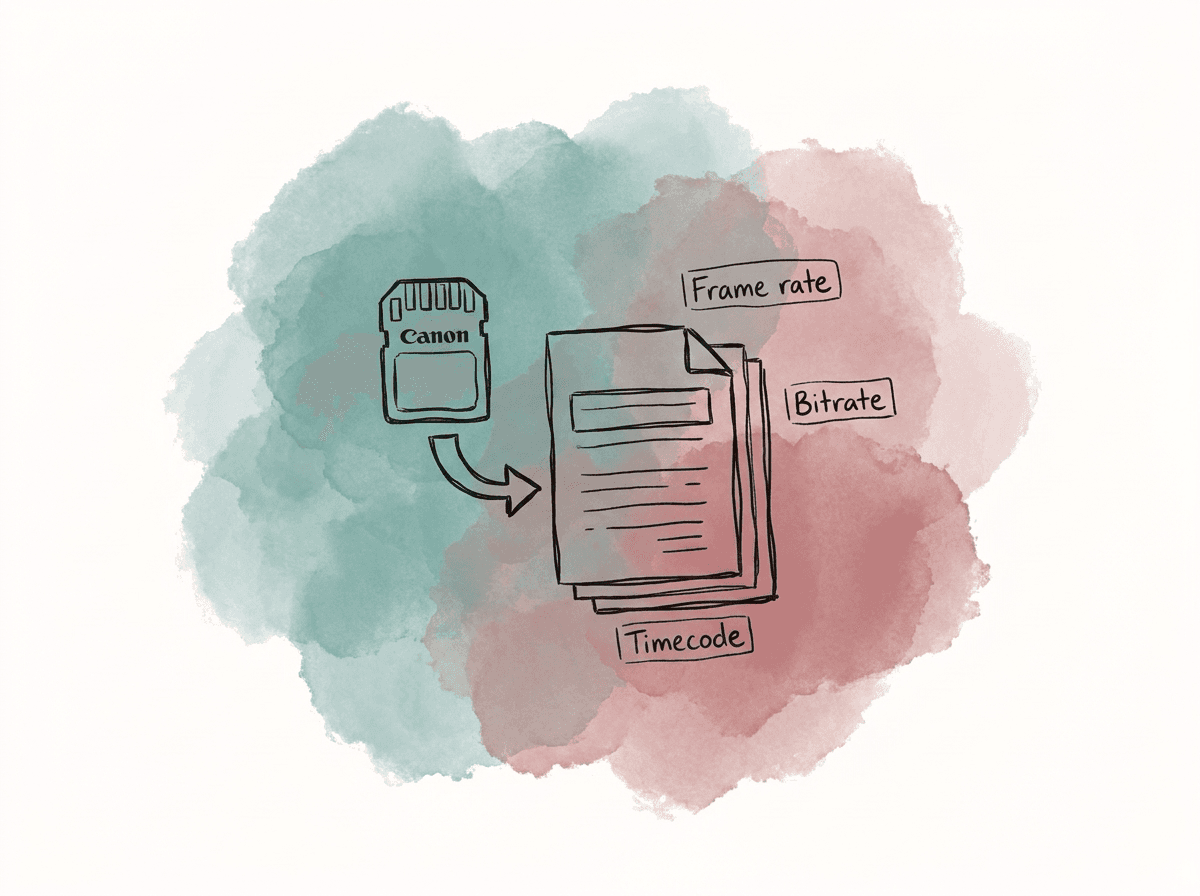
XF-AVC covers several camera settings. Canon has used the name across different Cinema EOS and XF-series cameras, and the available options vary by model, firmware, resolution, frame rate, and recording media. On many Cinema EOS bodies, XF-AVC can include 4K or UHD Intra-frame 10-bit 4:2:2 recording at high bitrates. On some camcorders, XF-AVC may be limited to HD, lower bitrates, or 8-bit 4:2:0, while 4K 10-bit 4:2:2 may be handled by XF-HEVC instead. Use the camera menu and current Canon documentation as the source of truth for the exact combinations available on the shoot. The production report should capture the actual recording setup rather than a generic codec name:- Intended raster, such as 1920x1080, 2048x1080, 3840x2160, or 4096x2160, depending on camera and mode.
- Exact frame rate, including true 23.976, 24.000, 25, 29.97, 50, 59.94, or any project-specific broadcast rate.
- Progressive, interlaced, or PsF recording if the camera and delivery environment use it.
- XF-AVC Intra or XF-AVC Long GOP.
- Bit depth and chroma sampling. Higher-end Cinema EOS XF-AVC modes commonly offer 10-bit 4:2:2, but each Canon model and mode needs confirmation.
- Selected bitrate. Canon options range from lower HD Long GOP rates to high 4K Intra rates, depending on the camera.
- Color profile, whether Rec.709, Canon Wide DR, Canon Log, Canon Log 2, Canon Log 3, HLG, or PQ.
- Audio channel count, sample rate, bit depth, and whether channels are discrete mono tracks or stereo pairs.
- Timecode behavior, such as free run, record run, time-of-day, jammed external TC, or another multicamera sync method.
Intra versus Long GOP
XF-AVC Intra stores each frame as a self-contained compressed image, while XF-AVC Long GOP stores groups of pictures, with some frames depending on surrounding frames. Both can produce images suitable for broadcast acquisition when the selected camera mode meets the production and broadcaster requirements, so their differences show up mainly in editing performance, grading, VFX pulls, and final transcodes.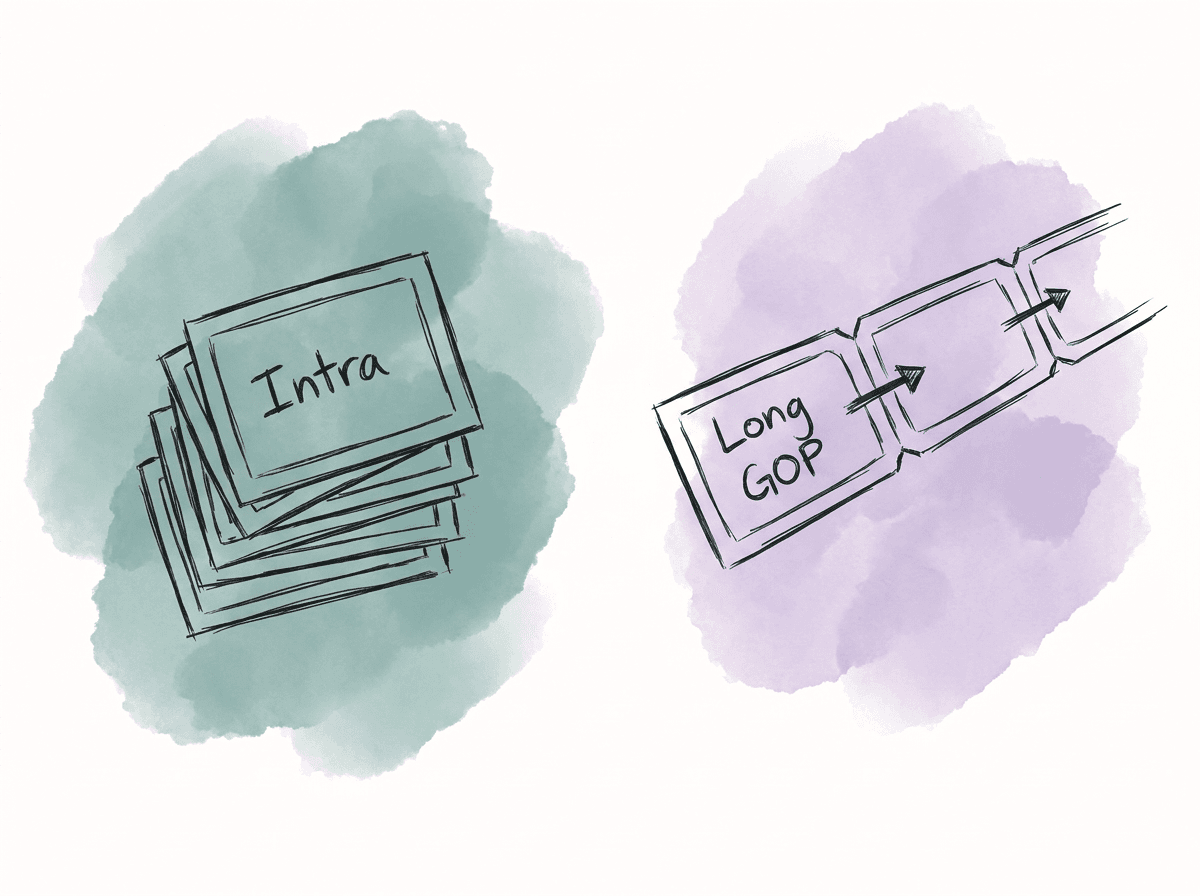
| Factor | XF-AVC Intra | XF-AVC Long GOP |
|---|---|---|
| Compression behavior | Each frame is encoded independently | Frames are encoded in groups, so some frames depend on neighboring frames |
| Editorial performance | Easier seeking and scrubbing, usually better for multicam and online | More CPU intensive to decode, especially UHD, high frame rate, or multicam |
| Storage and card use | Larger files, shorter record times, slower transfers | Smaller files, longer record times, faster transfers |
| Finishing resilience | Better for grading, VFX pulls, and frame-accurate conform | Acceptable for controlled grades, less ideal for heavy finishing |
| Best fit | Scripted, premium factual, VFX, online from camera originals | Documentary, news magazine, reality, high shooting ratios |
| Main risk | Storage, backup, and media cost | Playback bottlenecks and more fragile post performance |
Bitrate choices should match the whole production path
Higher bitrate can improve acquisition headroom, but only if the rest of the workflow can support it. It also increases card requirements, offload time, storage throughput, backup size, cloud transfer cost, and proxy generation time. The bitrate decision should account for the full production path:- High-bitrate XF-AVC Intra is suitable for acquisition that will go through heavier color work, VFX, or frame-accurate finishing, with higher storage and transfer requirements.
- Mid-bitrate XF-AVC Long GOP is efficient for broadcast factual and documentary acquisition, but it places heavier decode demands on the system and leaves less headroom for heavy finishing.
- Lower-bitrate HD XF-AVC can be useful for fast-turnaround or long-duration capture, though it may fall below broadcaster acquisition requirements for some commissions.
- Proxy or sub-record formats can improve editing speed, but they should replace camera originals only when the broadcaster explicitly accepts them.
Match camera settings to the delivery spec early
Do not assume that XF-AVC in MXF is automatically compliant with broadcast delivery, because MXF is only the container. The broadcaster may require XDCAM HD422, AVC-Intra, XAVC, ProRes, DNxHD/DNxHR, AS-11, IMF, or a specific house OP1a profile. The spec may also define audio track layout, loudness, captions, timecode start, slate requirements, legal range, and color gamut. Before shooting, translate the delivery spec into acquisition requirements where possible. The decisions that usually affect the shoot first are:- Shooting the required frame rate exactly.
- Avoiding mixed progressive and interlaced sources unless the delivery plan accounts for them.
- Choosing 10-bit 4:2:2 acquisition when the broadcaster or grade requirement expects it.
- Using Canon Log or HDR gamma only when the color pipeline has been defined.
- Keeping timecode consistent across cameras and audio recorders.
- Recording production audio in the sample rate and channel structure expected by post, typically 48 kHz PCM.
- Knowing whether the final master needs discrete mono audio tracks rather than stereo pairs.
- Knowing whether delivery is Rec.709 SDR, BT.2020 HLG, BT.2020 PQ, or another HDR profile.
Preserve the Canon card structure at ingest
XF-AVC clips are usually MXF files, but the full card structure is still important. Canon cameras may store clip metadata, thumbnails, custom picture information, spanned clip information, and other sidecar data in a card folder structure. Some NLEs can import individual MXF files, but preserving the full card image gives the ingest and conform process access to the camera’s sidecar metadata and folder relationships.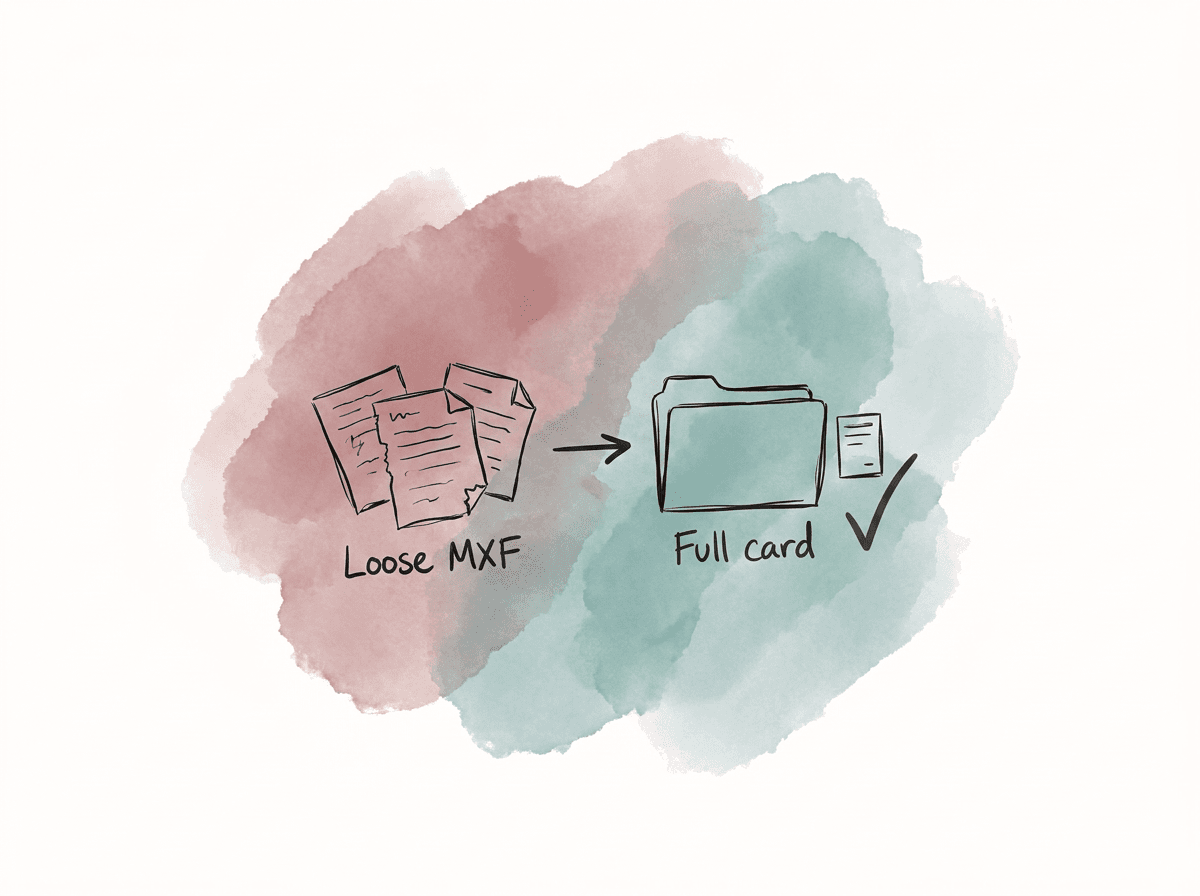
CAM_ORIG/A001_C300MKIII_2026-02-14/CAM_ORIG/B001_C500MKII_2026-02-14/PROXY/A001_C300MKIII_2026-02-14/AUDIO/PROD_SOUND/2026-02-14/REPORTS/CAMERA/REPORTS/SOUND/DELIVERABLES/
A001 from multiple shoot days or cameras to collide in the same folder tree.
Use verified copy software or a managed ingest system that performs checksum verification. If the offload tool reports success, open a few clips from the copied card structure before formatting the camera card, especially when the camera recorded spanned clips or high-frame-rate material. Rename MXF files inside the card structure only after you have tested the workflow from ingest through conform.
Metadata is useful, but NLE support varies
Canon XF-AVC can carry information such as clip name, reel, start timecode, duration, resolution, color information, gamma, white balance, lens metadata, and custom picture data. In practice, NLE support for camera metadata is inconsistent. One application may show timecode and reel cleanly but ignore color profile, while another may import clip names but hide some camera settings from the bin. This affects the edit and finishing because the edit needs an external record of what was shot, and finishing needs confirmation that a Canon Log clip has been tagged and transformed correctly after import. Camera reports and turnover notes should preserve the metadata that matters outside the NLE as well:- Camera body and firmware, if relevant.
- Camera card or reel name.
- Clip name range.
- Resolution, frame rate, and codec mode.
- Gamma and color space.
- LUT used for monitoring, if any.
- White balance and ISO when relevant to grading.
- Lens, lens squeeze, or anamorphic setting when relevant.
- Audio source and channel notes.
- Timecode source and jam status.
Premiere Pro workflow
Premiere Pro can work natively with XF-AVC MXF camera files, supports proxy attachment, and is commonly used on productions that handle editing, graphics, temp audio, and review exports in one environment. Native Long GOP H.264 performance can vary by machine, GPU, driver, and stream count. Start with a controlled import. Use Media Browser or another method that respects the copied card structure instead of dragging loose MXF files from Finder or Explorer. If the project uses proxies, create or attach them at ingest and keep the full-resolution footage online or clearly relinkable. For XF-AVC editing in Premiere, import, proxy, and relink behavior need consistent handling:- Import from copied card folders.
- Keep reel or tape name metadata consistent if your conform depends on it.
- Use proxies for UHD Long GOP, multicam, laptops, or remote editors.
- Make proxies with matching frame rate, audio channel count, and timecode.
- Avoid changing clip names after proxy attachment unless the team has tested relinking.
- Reconnect full-resolution footage before color-critical work, final effects review, and export.
- Test hardware decoding on the target edit systems before assuming native Long GOP playback will be smooth.
DaVinci Resolve workflow
DaVinci Resolve handles XF-AVC in MXF OP1a in current supported codec lists, including XF-AVC and XF-AVC Intra. It is commonly used when a project moves from ingest to edit to grade to final render in the same system, or when color management is the main concern. You can manage camera originals, proxies, color transforms, and finishing renders in one project database. The main performance issue is the same as in other NLEs: H.264 and H.265 are compressed acquisition codecs, and decompression can be CPU-intensive. Resolve uses the GPU for many image-processing tasks, but codec decode, debayering for other formats, noise reduction, temporal effects, and scaling can still bottleneck a system. In Resolve, native files, optimized media, generated proxy media, and timeline proxy mode are separate functions:- Native files mean Resolve reads the XF-AVC camera originals directly.
- Optimized media creates internal performance files managed by Resolve.
- Proxy media creates separate proxy files that you can relink or share more explicitly.
- Timeline proxy mode lowers playback processing resolution without creating proper offline edit proxies.
Media Composer workflow
Media Composer remains common in broadcast environments because of its bin management, shared project behavior, AAF workflows, and predictable finishing handoff. You can use XF-AVC in Avid workflows, and the practical question is whether to link natively, transcode to Avid media, or use a proxy/offline format. For fast broadcast editing, many teams link to the Canon files briefly, then transcode to DNxHD or DNxHR in Avid-managed MXF media. This gives editors intraframe or edit-friendly media, more predictable shared storage behavior, and a traditional relink path for online. The tradeoff is additional ingest time and storage. Avid workflow decisions usually follow a few patterns:- Link and edit native XF-AVC when you have tested system performance and shared storage.
- Transcode to DNxHD or DNxHR for editing when reliability and multi-editor performance matter more than instant access.
- Use low-bitrate DNxHD/DNxHR proxies for offline, then relink or conform to camera originals for finishing.
- Keep source file, reel, tape, timecode, and clip name metadata clean because Avid relink depends on stable identifiers.
- Deliver through an Avid finishing path when the broadcaster requires AAF, OP-Atom media, or an Avid-centered archive.
Comparing the three NLEs for XF-AVC
The NLE choice for an XF-AVC broadcast job depends on who edits, who grades, where you store files, and what the broadcaster expects at delivery.| Workflow need | Premiere Pro | DaVinci Resolve | Media Composer |
|---|---|---|---|
| Native XF-AVC editorial | Supports native XF-AVC editing in flexible desktop projects | Supports native XF-AVC when finishing stays in Resolve | Supports native linking, but many teams still transcode for reliability |
| Proxy workflow | Uses attach and reconnect workflows | Offers generated proxy media and optimized media | Uses offline/online workflows through Avid media and relink |
| Shared team workflow | Uses Productions and disciplined shared storage | Uses project libraries and collaboration setup | Uses established Avid shared project and bin workflows |
| Color management | Can handle color work, but final grade is often turned over to Resolve | Integrates editing, grading, HDR tools, and final rendering | Usually relies on external finishing or Symphony workflows |
| Broadcast finishing | Can export many OP1a and mezzanine formats | Can render graded masters and support IMF-style finishing paths | Fits workflows where Avid delivery, AAF, or facility standards dominate |
| Main risk | Proxy relink mistakes, hardware decode variability, mixed settings | Incorrect project frame rate or color management decisions | Metadata and relink errors if ingest discipline is weak |
Color pipeline decisions for Canon Log and HDR
XF-AVC defines the recording codec and container, while the color pipeline is defined by camera settings, monitoring, color management, grading, and mastering. Canon cameras may record Rec.709-style profiles, Wide DR, Canon Log, Canon Log 2, Canon Log 3, HLG, or PQ depending on model and settings. If the final delivery is SDR Rec.709, transform Canon Log footage into Rec.709 in a controlled way. You can do that through a technical LUT, color management, or manual grading. Use a known transform rather than an arbitrary display LUT applied in the edit, and treat a monitoring LUT used on set as a viewing reference unless it has been approved as part of the final color pipeline. If the final delivery is HDR, define the full path before shooting: camera gamma, monitoring, edit proxies, graphics color space, grade timeline, mastering monitor, and deliverable metadata. HDR broadcast failures often come from mismatched assumptions. For example, a project may shoot Log for HDR flexibility, edit SDR proxies for months, then discover that graphics and archive sources were created only for Rec.709. For SDR broadcast QC, watch legal levels and chroma excursions after the grade, not only on the camera original. Log-to-Rec.709 transforms, saturation adjustments, sharpening, and graphics overlays can all create violations even when the original XF-AVC files are clean.Audio handling can break an otherwise clean delivery
XF-AVC camera files may contain embedded PCM audio, but broadcast delivery often requires a specific audio layout that is independent of the camera recording. The camera may record two, four, or more channels depending on model and setup. The delivery may require stereo full mix, M&E, dialogue, effects, music, 5.1 stems, audio description, or discrete mono channel ordering. Decide channel mapping before export. In the NLE, set up the sequence or timeline so audio tracks correspond to the intended master layout. For example, if the delivery requires eight mono tracks, build the final mix and export routing around eight discrete mono tracks. Common audio failure modes include:- Camera scratch audio replacing production sound by accident.
- Stereo tracks exported where the spec requires discrete mono.
- Dual mono dialogue interpreted as stereo.
- Channel order changing between NLE, AAF, mix, and final export.
- 44.1 kHz material entering a 48 kHz broadcast timeline without controlled conversion.
- Loudness correction applied after stems were already approved.
Timecode and reel names determine conform reliability
XF-AVC generally carries proper timecode, but conform reliability depends on the surrounding file management. Duplicate clip names, duplicate card names, missing reel metadata, and renamed files can turn a simple relink into a manual rebuild. For single-camera short-form work, filename plus timecode may be enough. For multicamera, long-form, or external finishing, use stricter rules. Give each camera card a unique reel identifier, and make sure that identifier survives through proxies, edit bins, XML/AAF turnovers, and final conform. The most common conform failures are predictable:- Two cards have the same volume name.
- Proxies were made from renamed files rather than camera originals.
- The edit imported loose MXF files instead of card folders.
- Timecode was regenerated during transcode.
- Mixed frame rates were interpreted differently in the edit and finishing.
- Audio sync was based only on waveform, with no matching timecode or slate backup.
- Offline clips were modified, nested, speed-ramped, or stabilized in ways that do not translate cleanly.
Delivery transcodes are separate from acquisition
Most broadcast deliverables are masters made from the final timeline according to the network or distributor spec. That master may be MXF OP1a, and it may use a different codec and audio layout than the Canon source files.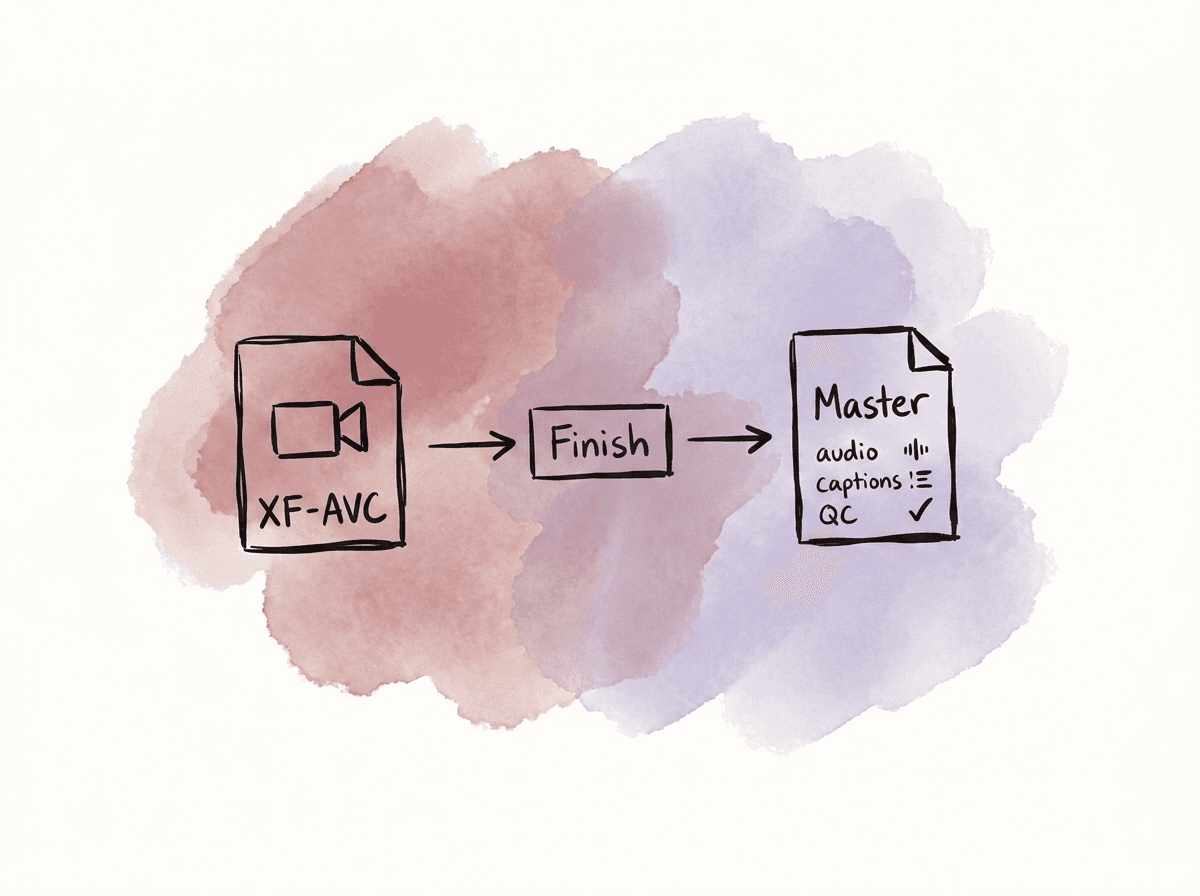
- The required container may be MXF OP1a, AS-11, IMF, QuickTime, or another house format.
- The video codec may be XDCAM HD422, AVC-Intra, XAVC, ProRes, DNxHD/DNxHR, JPEG 2000, or another approved codec.
- The resolution and raster may be 1920x1080, 3840x2160, or a broadcaster-specific variant.
- The frame rate and scan type may be 1080i59.94, 1080p25, 1080p50, UHDp59.94, or another required format.
- Professional broadcast masters often require 10-bit 4:2:2 video, but the spec decides the final bit depth and chroma sampling.
- Audio requirements usually define 48 kHz PCM, bit depth, track count, and channel order.
- Timecode requirements may include a specific start time, continuous code, bars/tone/slate, or clock rules.
- Captions and subtitles may need to be embedded, sidecar, or both.
- Loudness requirements set a region-specific target and true peak limit.
- Color requirements define legal SDR Rec.709, HDR10/PQ, HLG, or BT.2020 handling.
Failure modes that show up in broadcast QC
XF-AVC itself is rarely the reason a broadcast master fails QC. More often, the issue is introduced during ingest, edit, grade, mix, or export. The camera original can be technically sound while the final file is non-compliant. Common QC failures from XF-AVC-based workflows include:- Wrong frame rate because 23.976, 24.000, 25, 29.97, 50, or 59.94 was assumed incorrectly.
- Interlaced and progressive material mixed without a defined conversion.
- Log footage exported flat or transformed twice.
- Full-range and legal-range levels interpreted inconsistently.
- Chroma or luma excursions after grade or graphics.
- Incorrect audio channel order.
- Missing silence on unused audio tracks.
- Loudness outside the broadcaster target.
- Timecode start not matching the spec.
- Captions missing, out of sync, or in the wrong format.
- Offline media, proxy media, or watermarked temp shots accidentally included.
- File wrapper or codec profile close to the spec but not actually compliant.
Putting the XF-AVC workflow together
A reliable end-to-end workflow does not need to be complicated, but each stage needs a clear responsibility. Avoid casual file handling and undocumented conversions. A typical broadcast path starts with XF-AVC recorded at the agreed resolution, frame rate, bit depth, chroma sampling, gamma, and audio settings. The full Canon card structures are copied with checksum verification, and any proxies are created only from verified camera originals. During the edit, source metadata stays intact so timecode, reel names, clip names, and source paths can survive proxy use, turnovers, and conform. Finishing should return to camera originals or approved finishing files for color work. Audio should be built around the required delivery channel layout from the start rather than reworked at export. The final master should then be rendered to the broadcaster’s required codec and wrapper and checked as an exported file, not judged only from the NLE timeline. You can use this structure with Premiere, Resolve, or Media Composer. The important points are that camera originals remain traceable, proxies remain relinkable, and the final master is built to the delivery spec rather than inferred from the acquisition format. XF-AVC can serve broadcast acquisition when you treat it with the same discipline as any other professional camera format. Choose the camera settings for the shoot, preserve the metadata and folder structure, edit in the tool that fits the team, and master to the spec the broadcaster actually requires.FAQ
Usually not by default. XF-AVC is best treated as a camera acquisition format. A broadcaster may require a different master such as XDCAM HD422, AVC-Intra, XAVC, ProRes, DNxHD or DNxHR, AS-11, IMF, or a specific MXF OP1a profile. Always export and QC the final master to the broadcaster’s exact delivery specification.
Choose XF-AVC Intra when post reliability, grading, VFX, multicam finishing, and frame-accurate performance matter more than file size. Choose XF-AVC Long GOP when recording duration, smaller files, and fast field transfer are more important. Long GOP can look good, but it is typically harder to decode, especially with UHD, high frame rates, or multiple streams.
Yes, preserving the full card structure is the safest approach. Canon cameras may store metadata, thumbnails, spanned clip information, custom picture data, and other sidecar information outside the visible MXF files. Copying only individual MXF files can create relink, metadata, or conform problems later.
Yes. Current versions of Premiere Pro and DaVinci Resolve can work with Canon XF-AVC in MXF, but performance depends on the codec mode, resolution, frame rate, hardware decoding support, storage speed, and stream count. UHD Long GOP media and multicam timelines often benefit from proxies or optimized media.
Common failures include wrong frame rate, mixed interlaced and progressive handling, incorrect log-to-Rec.709 or HDR transforms, full-range and legal-range confusion, luma or chroma excursions, incorrect audio channel order, loudness violations, wrong timecode start, missing captions, proxy media accidentally exported, and a wrapper or codec profile that is close to the spec but not actually compliant.
Do not rely only on NLE bin columns, because metadata visibility can change between Premiere, Resolve, Media Composer, proxies, and turnovers. A shared asset system can track card ID, camera, codec mode, frame rate, gamma, audio notes, approval status, and delivery status as searchable custom metadata. Aspect lets teams view assets in a spreadsheet-like list, extract file metadata, and add custom fields so editorial and finishing can find the right XF-AVC sources when conform or QC questions come up: custom metadata tools


