
NEW_NEW_FINAL holding A001_C003_0819AB.mov, BROLL_12.mp4, and Untitled Export 7.mov. Then a producer asks for “that shot where Maya says the product name while standing near the red car.” Nobody logged it on set. Nobody had time to rename clips before the edit. So the team scrubs, asks around, or gives up and reshoots.
Automatic labeling doesn't replace a real media workflow. It does something narrower: it gives unnamed footage enough derived context to become searchable before a human has time to clean it up.
In Aspect, your team can search uploaded media by transcript, people, objects, scene description, or custom metadata. Raw media stops being findable only if you know the filename. It becomes findable by what was said, who appears, and what is visible.
The ingest problem automatic labeling actually solves
Camera media arrives with two kinds of information. The first kind is technical metadata, meaning whatever survived the camera and transcode path:- Camera, codec, and resolution
- Timecode, reel, and date
- Duration and audio channels
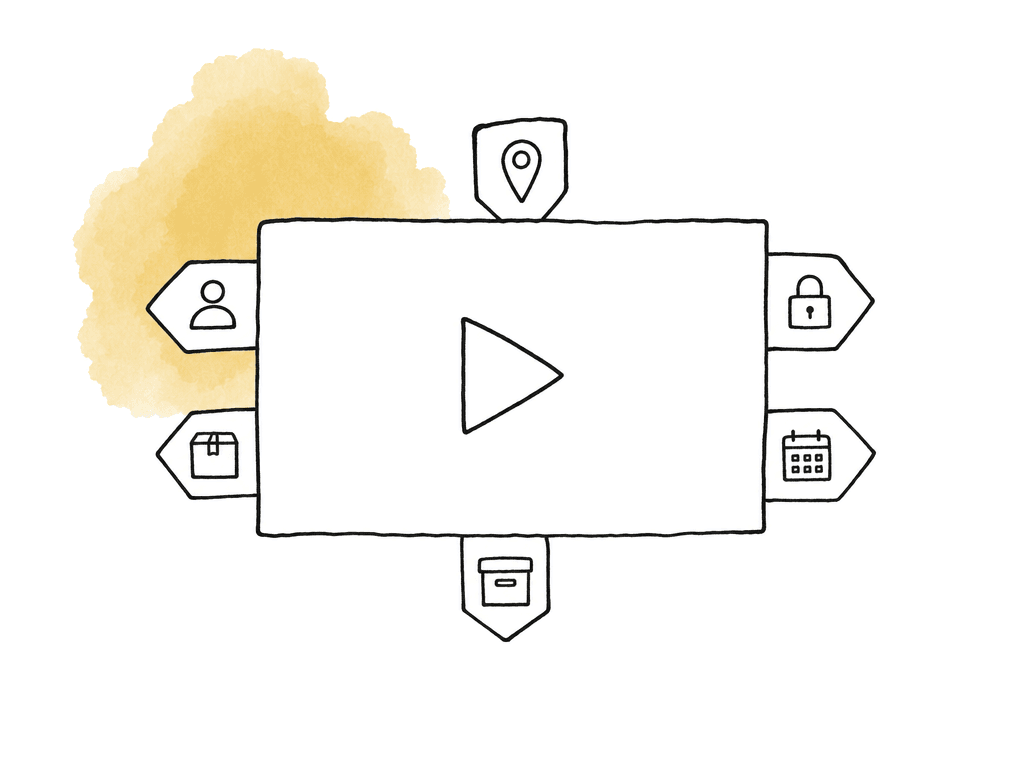
- Who is in the shot, what they say, and what product appears
- What location it shows, and whether the clip is usable
- What campaign it belongs to, and whether it carries legal or approval constraints
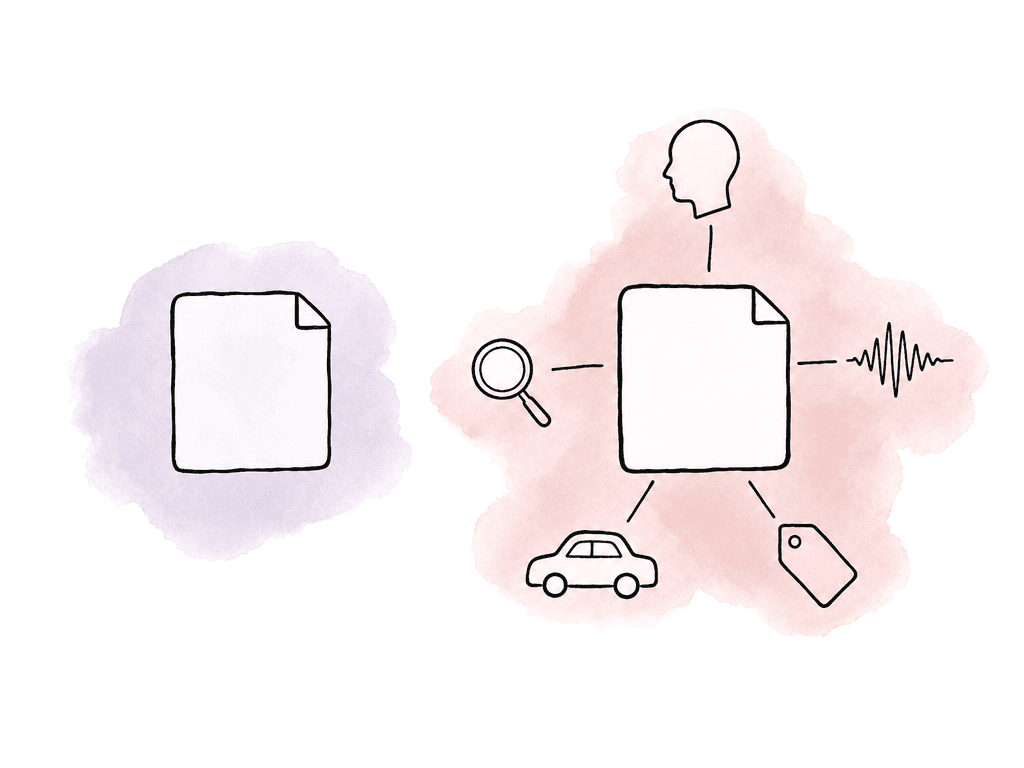
What Aspect can derive without a human tagger
Derived metadata falls into a few buckets. What your workspace actually produces depends on how it's set up, but these are the categories to design the workflow around:- Transcription for spoken-word search across video and audio assets
- Face recognition for known people once your team provides reference images
- Object and visual detection for things visible in the frame
- Custom metadata fields that your team can populate manually or Aspect can populate automatically from a prompt
- Folder, project, and asset context that stays attached as media moves through review, editing, and archive
| Label or metadata layer | Helps the team find | Common operating limit | Human decision that remains |
|---|---|---|---|
| Transcript | Spoken lines, topics, interview answers, off-camera discussion, and quote candidates | Poor audio, overlapping speakers, music, accents, and crosstalk can reduce accuracy | Verify quotes, captions, legal language, and final wording |
| Face recognition | Known hosts, executives, cast, athletes, creators, guests, and recurring talent | Works best when reference images exist and the person is visible enough to identify | Decide clearance, likeness approval, flattering use, and campaign suitability |
| Object and visual detection | Common objects, vehicles, props, animals, locations, products, logos, and visual motifs | Generic detection may miss niche items or describe them too broadly | Map the result to the correct product, brand, rights, or taxonomy term |
| Custom object detection | Brand-specific products, uniforms, package designs, equipment, props, or other visual items the default model may not know | Reliability depends on the quality and range of the sample image groups | Confirm matches, update training examples, and resolve close visual variants |
| Custom metadata fields | Campaign, market, rights status, approval state, product line, content type, owner, and archive status | Too many required fields can slow ingest and lead to incomplete or low-quality entries | Define the taxonomy, decide required fields, and resolve ambiguous values |
| Folder and project context | The production, client, project, folder, or archive location the asset belongs to | Wrong upload location or inherited context can misroute assets | Decide ownership, access tier, retention path, and long-term archive treatment |
- Campaign, region, and product line
- Usage rights, talent approval, and embargo date
- Content type
Keep camera identity separate from search identity
One common mistake is letting automatic organization rename or reshape camera media too aggressively. Don't do that. Original camera filenames, reel names, and timecode exist for a reason, and so do folder relationships. ARRI’s data handling guidance recommends checksum-verified backups and warns against relying on simple file copy methods for original camera data. Their editorial workflow guidance also makes clear that proxy and original media need to line up for later conform. An ingest workflow that “organizes” footage by breaking relink metadata has created a bigger problem than the one it solved. Aspect labeling sits on top of the media identity rather than replacing it. Keep the technical chain intact, then add search context.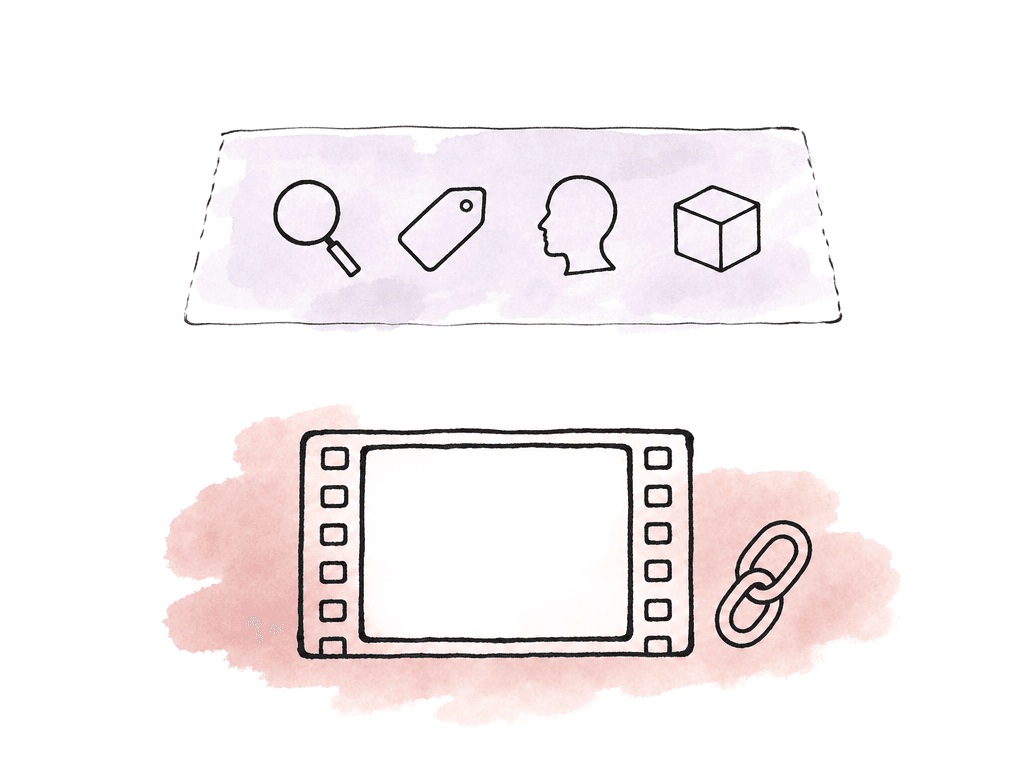
- Original media identity includes the camera folder, source filename, reel, timecode, checksum, and card structure
- Editorial identity includes proxies, transcodes, bins, selects, stringouts, and NLE project structure
- Search identity includes transcript, faces, objects, scene descriptions, tags, and custom metadata
- Governance identity includes rights, approvals, embargoes, owner, client, campaign, and archive status
Designing custom metadata fields that don't become busywork
Custom metadata can be either the best part of the workflow or the place where good intentions go to die. The trap is creating too many required fields. If every upload demands fifteen decisions, your team will bypass the system, fill fields with junk, or delay ingest until “later.” Later usually means never. Start with fields that change downstream behavior. If a field doesn't help someone find the asset, route it, or decide what happens to it, your team probably doesn't need to require it at ingest. Common high-value fields include:- Project or campaign
- Asset type, such as interview, B-roll, product shot, behind the scenes, final, cutdown, or graphic
- Shoot date or production day
- Location or market
- Talent, guest, host, athlete, or spokesperson
- Product, brand, show, episode, or content series
- Usage rights or clearance status
- Approval state
- Archive status
- Sensitivity or access tier
Where humans still need to decide
Automatic labeling reduces manual logging. It doesn't remove editorial judgment, legal review, or archive discipline. There are several places where the system should deliberately hand control back to a person:- Rights, likeness, music, stock, and union or contract restrictions
- Whether an object detection result maps to the correct product or brand term
- Whether a transcript is accurate enough for captions, quotes, or legal review
- Whether a clip is good, bad, preferred, alternate, restricted, or rejected
- Whether an asset belongs in long-term archive, active project storage, or deletion review
How automatic labeling fits with editing and review
The value of derived metadata compounds when it stays connected to the rest of the workflow. Split the work across four tools, with search in one, review notes in another, files in a third, and archive decisions in a spreadsheet, and the team spends its time translating context between them. Aspect keeps storage, search, and review connected to metadata and archive state. The same asset moves through the workflow without shedding its context.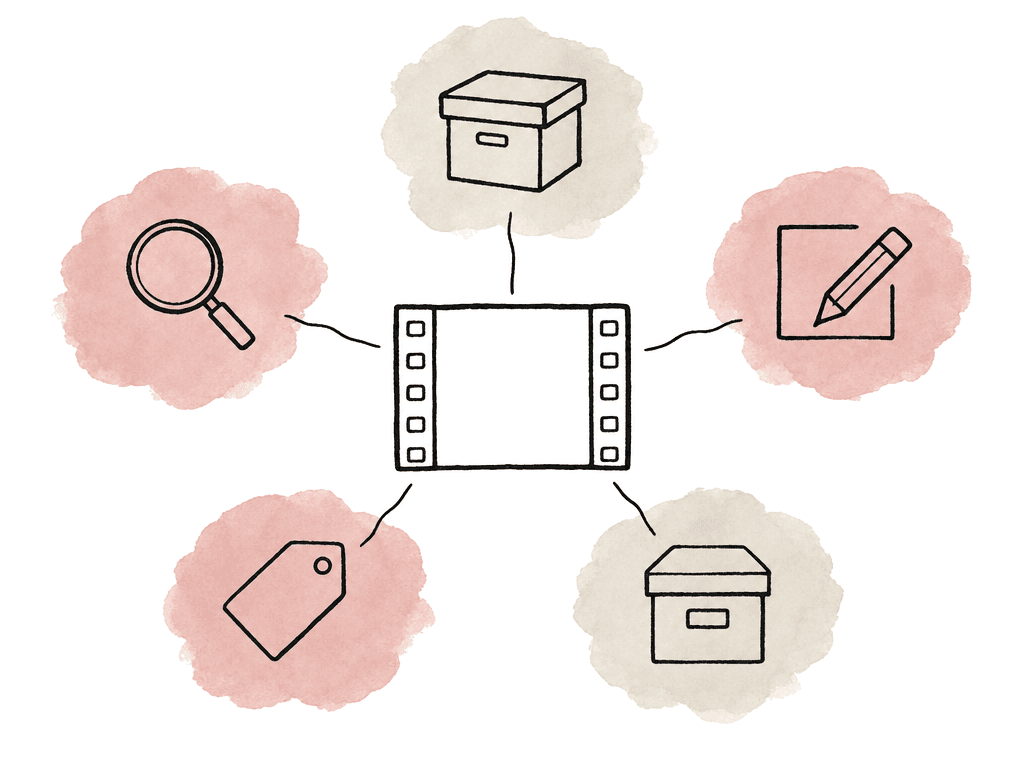
Where partner tools still matter
Aspect doesn't need to own every job in the pipeline. Dedicated offload and checksum tools still matter on set, especially for original camera media. ARRI’s guidance is clear that checksum verification should be part of the minimum standard before your team erases camera media. If a production already has a DIT or data manager, a dailies lab, or a studio-mandated offload process, keep that process. Aspect labeling begins after your team safely transfers media into the workspace or connected storage path. Dailies and transcoding tools may also remain in the workflow. ARRI describes dailies as the bridge between set and post, often generated after the production has made multiple backups of original camera negative. In offline workflows, proxies need to preserve the metadata required to relink to originals later. Aspect can support generated previews and proxies for uploaded media. Your editorial workflow may still require a specific dailies pipeline, LUT process, sound sync process, or NLE-friendly transcode recipe. NLEs remain the place where editorial decisions happen. Automatic labels help editors find clips. They don't build a clean bin structure or choose performances. They don't manage multicam sync or decide the story. Keep the editorial craft inside the NLE, whether that's Premiere Pro or Avid, Resolve or Final Cut, and use Aspect as the shared media, search, and organization layer around it. Rights and business systems may also stay separate if they're the system of record. Aspect custom metadata can expose rights-related fields to your team, but if legal approval lives in another platform, be clear about which system wins when there's a conflict. The boundary should be explicit. Aspect is strongest when it makes media searchable, reviewable, and organized across the team. Specialist tools should keep doing the jobs where they're the authority.What a good ingest configuration looks like
The best automatic labeling workflow is unremarkable. Footage arrives, becomes searchable, and carries enough metadata that nobody has to ask where it went. For most teams, the working pattern looks like this:- Copy media from cards using the approved checksum and backup process.
- Preserve original structure and relink-critical metadata.
- Upload media to the right Aspect project or folder.
- Aspect generates previews, proxies, transcripts, and AI-derived searchable labels.
- Configure face recognition for known people the team frequently searches for.
- Train custom object detection for niche products, props, or brand-specific visuals when generic detection isn't enough.
- Capture the custom metadata fields that drive search, access, approval, and archive behavior.
- Editors and producers search by natural language, transcript, people, objects, and filters.
- Humans confirm subjective, legal, and final-use decisions.
Signals the workflow is working
You can tell automatic labeling is doing its job by looking at the questions people stop asking. If producers still ask “where is the footage?” after every shoot, the ingest path isn't clear enough. If editors still scrub entire cards looking for a quote, your team isn't using transcript search or Aspect isn't indexing media early enough. If everyone searches successfully but then argues about rights, your team is missing usage fields or doesn't trust them. If archive search returns hundreds of vaguely related clips, the taxonomy may be too broad. Useful validation signals include:- A producer can find a spoken line without knowing the filename.
- An editor can find B-roll by visible subject, person, object, or scene description.
- Your team can find a custom product, prop, or brand object even when it isn't part of a generic detection model.
- Review notes, versions, approvals, and asset metadata stay attached to the same asset context.
- Your team can still search archived media by transcript, people, objects, and metadata after the active project is closed.
FAQ
Aspect can derive transcripts, detected faces, and visible objects. It can also produce broader scene descriptions and fill metadata from configured fields or prompts. The exact results depend on how the workspace is configured, how good the media is, and whether the team has supplied reference images or custom object examples.
No. Automatic labeling gives raw or poorly named footage enough context to be searched sooner. Humans still make the subjective and operational calls: selects, legal clearance, and rights status. A person also decides final naming, archive disposition, and whether an AI label maps to the team’s approved taxonomy.
Usually no. Camera filenames, reel names, and timecode should be preserved, and so should folder structure and any other relink-critical metadata. ARRI’s workflow guidance emphasizes the importance of metadata continuity for proxy and original camera media, and checksum-verified handling for camera originals. Aspect labels should sit on top of the media identity rather than replacing it.
They're useful retrieval aids, not final truth. Poor audio, overlapping speech, and accents all degrade a transcript, and so do music beds and off-camera chatter. Face recognition works best when the people are known and reference images are supplied. Object detection is stronger for common objects, and it may need custom training examples for niche products, uniforms, or brand-specific visuals.
Dedicated offload tools are still the better fit for on-set checksum copying and camera card verification. Dailies tools may still be needed for specific LUT, sync, and transcode requirements. NLEs remain the place for editorial judgment, bin structure, and multicam work, along with performance choices and final storytelling. Aspect is best used as the shared layer for media access, search, review, metadata, and archive context.
Keep the camera filename, timecode, and folder structure intact, then add searchable context on ingest. Aspect supports automatic transcription, face recognition, and object detection, plus custom objects and metadata fields. A clip named A001_C003 can then be found by spoken phrase, person, visible product, or campaign field. A person should still confirm quotes, rights, and final-use decisions.