
Work directly from a mounted Aspect project
Mount the Aspect project on the workstation, then import or relink media in Resolve from that mounted path. Aspect appears in Finder or File Explorer like a shared drive. When Resolve asks for bytes from a clip, Aspect streams the needed data into a local cache. You don't need to download a full card, a full shoot day, or a full 100 GB clip before Resolve can open it. Aspect also prefetches data ahead of playback, so the experience is closer to a shared network volume than a browser-based transfer tool.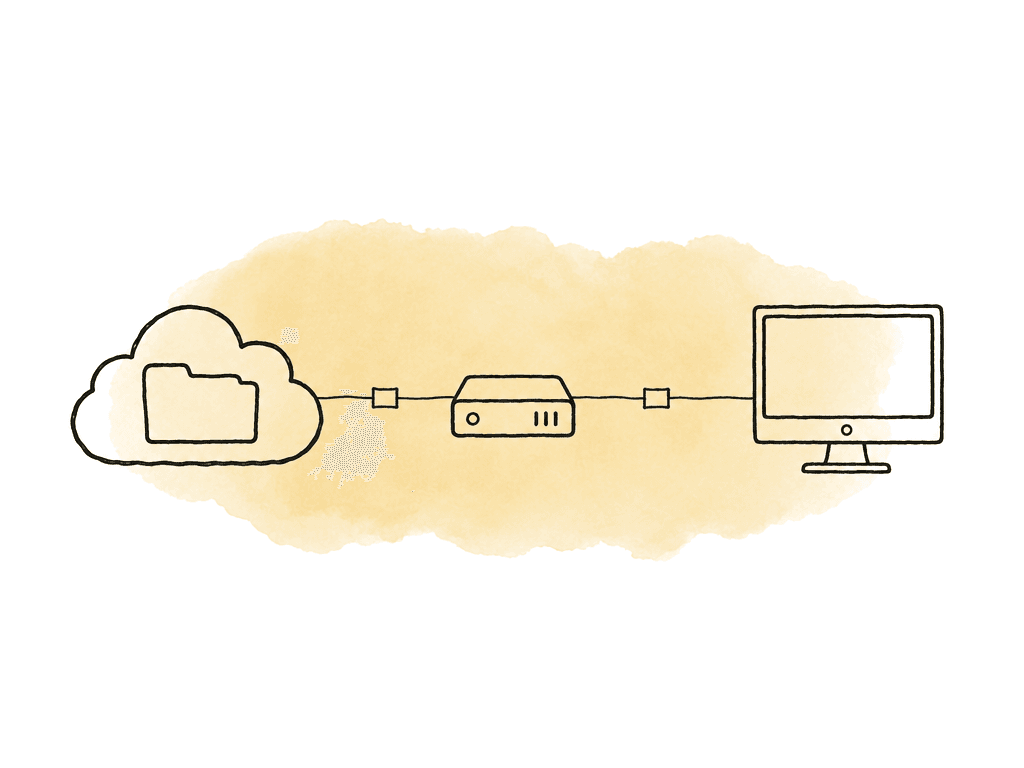
- An editor can start building a timeline from camera originals before the entire project has downloaded.
- A colorist can open the same folder structure the assistant used, instead of relinking from a renamed local drive.
- A producer can review browser previews without touching Resolve.
- An assistant can keep exports, XMLs, DRPs, reference movies, LUTs, audio deliverables, and graphics beside the media they belong to.
- Keep camera originals in a protected source folder.
- Keep editorial proxies or Resolve-generated proxy media in a dedicated proxy folder.
- Put Resolve project exports, XMLs, EDLs, LUTs, stills, refs, and delivery renders in their own predictable folders.
- Version review exports as assets, not replaced in place without context.
- Keep archive candidates in the same project structure so metadata and previews remain useful later.
Size the cache for the session, not the whole project
Aspect’s cache is local storage used for streamed files. You can choose the cache location and size limit. That choice matters on Resolve systems, because color sessions can burn through fast storage quickly. The mistake is sizing cache like storage. You don't need enough local cache for the whole project. You need enough for the part of the project Resolve will actively touch during the session.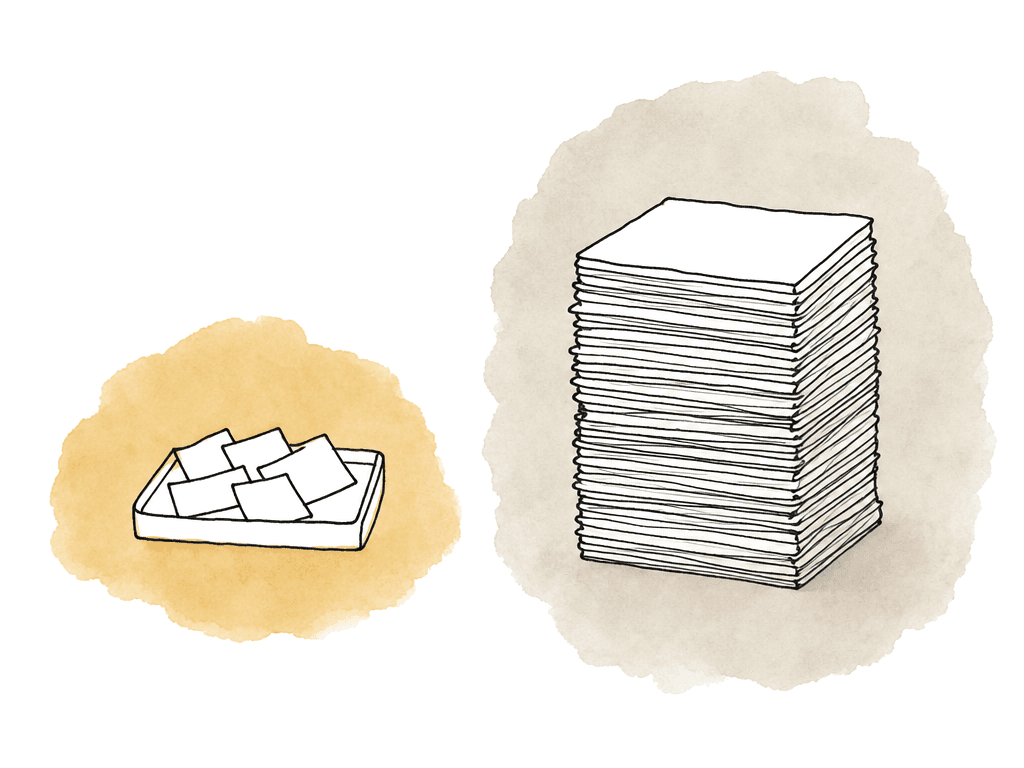
- Editing day: the current episode, scene selects, music, graphics, and a handful of source cards.
- Color day: the locked timeline, handles, reference files, stills, LUTs, cache renders, and any source clips the colorist may jump into.
- VFX review day: plates, pulls, latest comps, and reference renders.
- Active camera originals used in the current timeline.
- Proxy or optimized media Resolve may read instead of originals.
- Reference movies and client exports.
- Resolve’s own cache, gallery stills, and render cache if those are local.
- Headroom for jumping around the timeline instead of playing straight through.
Pin media before offline grading
Streaming is great until the connection disappears. Pin the media before the session for flights, hotel rooms, and client offices. The same goes for remote stages and field grading setups. In Aspect, pinning files or folders downloads them for offline use outside the normal cache. Cached data can be evicted when the cache reaches its limits. Pinned media stays available offline.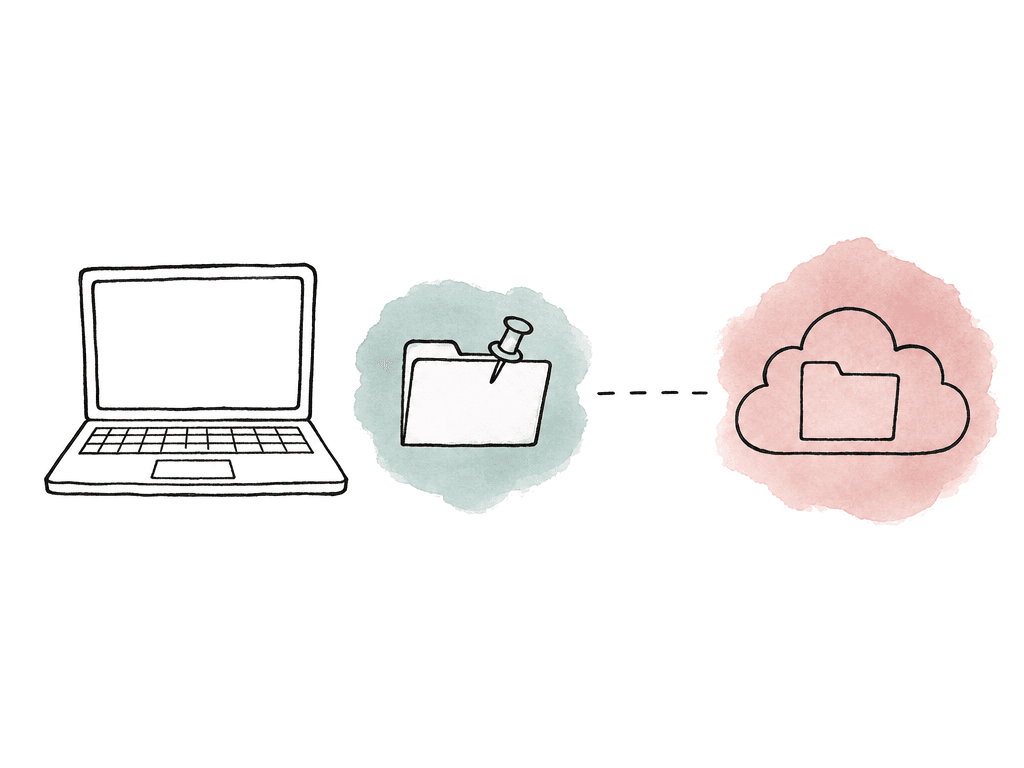
- A locked timeline and all source clips used by that timeline.
- The day’s selects or hero shots for look development.
- A proxy folder for an offline edit.
- LUTs, stills, reference movies, audio stems, and graphics needed for context.
- DRP exports, XMLs, EDLs, and notes needed to rebuild or validate the session.
Browser previews for R3D and BRAW change who needs Resolve
Resolve can work directly with R3D and BRAW, but most stakeholders shouldn't need Resolve at all. Aspect generates previews and proxies for uploaded video and image files, including RED and Blackmagic RAW formats. That means producers, clients, and brand teams can watch camera-original footage in the browser. So can archivists, assistants, and coordinators. Nobody has to launch Resolve, install camera SDKs, or debayer anything locally.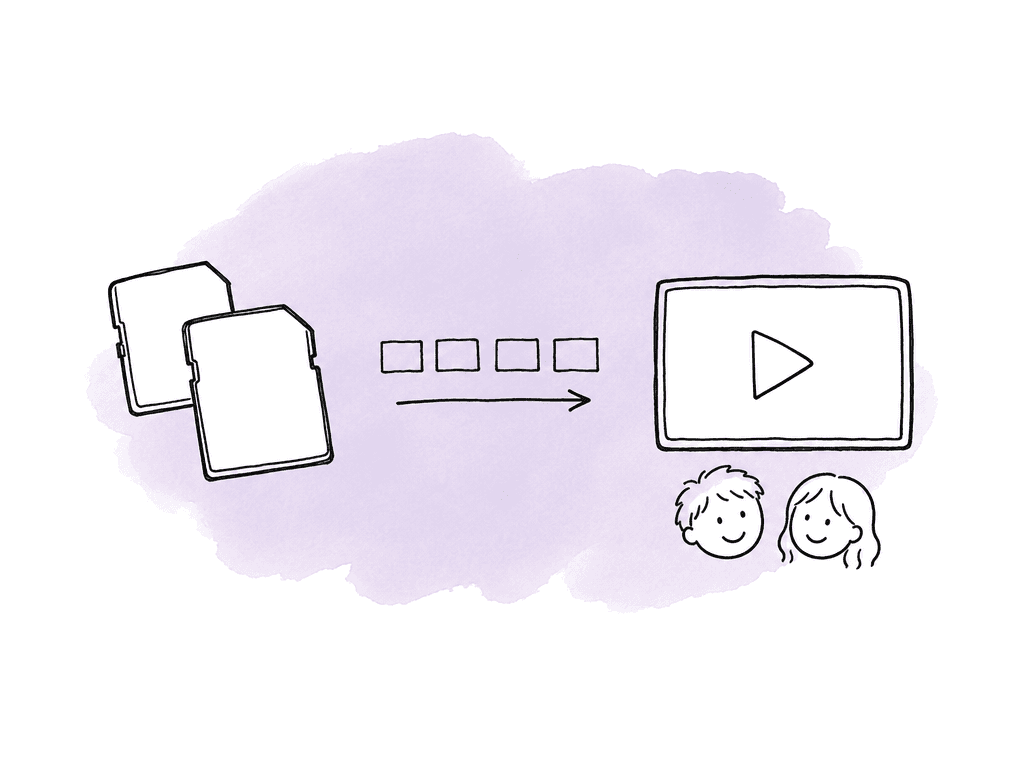
Where generated proxies fit offline-to-online
There are two proxy conversations in a Resolve workflow, and mixing them up causes confusion. Aspect-generated previews and proxies are about access outside Resolve. They make heavy media streamable in the browser and available for lower-bandwidth viewing or download. They help the whole team interact with footage without requiring the original file or a local NLE. Resolve proxy media is about NLE performance and conform behavior inside Resolve. Blackmagic’s Resolve 20 Editor’s Guide covers proxy generation and management with the Blackmagic Proxy Generator. Resolve has its own expectations for proxy linking, filenames, folders, and timeline behavior. Both can exist in the same workflow. They aren't automatically the same thing.| Media layer | Primary job | Typical location | Offline behavior | Conform implication |
|---|---|---|---|---|
| Camera originals | Authoritative online media for conform, grade, finishing, and final render | Protected source folder in Aspect | Pin the clips needed for RAW work when the workstation will be offline | Keep names, card structure, timecode, and metadata stable |
| Aspect previews and proxies | Browser playback, review, logging, metadata, approvals, and lower bandwidth access | Generated and served by Aspect from uploaded media | Useful while connected; if a proxy file is used locally, make sure it is pinned or downloaded before travel | Not automatically a Resolve proxy workflow; cutting with these files needs a planned relink path |
| Resolve-generated proxy media | Resolve-native offline editing and playback performance | Dedicated proxy folder, optionally stored in Aspect for team access | Pin the proxy folder when the offline edit must work without a connection | Best fit when Resolve will later switch or relink back to originals |
| Resolve render cache, optimized media, and stills | Workstation playback and grading performance | Resolve-managed cache or gallery location, usually fast local storage | Local to one workstation unless deliberately exported or shared | Performance aid, not the source of truth for archive or online |
| Aspect pinned media | Guaranteed local availability for a selected working set | Local pinned storage outside normal cache eviction | Available offline after pinning completes | Scope the pin set to the session so missing clips do not break Resolve offline |
- Keep camera originals in Aspect as the authoritative online media.
- Use Aspect previews for browser review, logging, metadata, approvals, and general access.
- Use Resolve-generated proxies when the edit team needs Resolve-native proxy behavior.
- Store those Resolve proxies in Aspect if multiple users need the same proxy set.
- Relink or switch back to camera originals for online conform, color, finishing, and final render.
Shared Resolve projects need a project strategy, not just shared media
Aspect solves shared media access, but it doesn't replace Resolve’s project collaboration layer. Blackmagic describes Resolve as a post-production system where a whole team works on the same project: editors, colorists, and VFX artists, plus animators and sound engineers. That includes collaboration through Blackmagic Cloud. Blackmagic’s own site also says the free version enables collaboration, while Studio adds a larger set of advanced features. If your main problem is multiple Resolve users working in the same live Resolve project at the same time, Blackmagic Cloud and Resolve’s collaboration features are the right layer to evaluate. Aspect sits beside that as the shared file space and review layer. Use Resolve or Blackmagic Cloud for the Resolve project state. Use Aspect for the media and the surrounding workflow: ingest and folder structure, browser previews and comments, and archive. A common team setup looks like this:- Resolve project library or Blackmagic Cloud manages the collaborative Resolve project.
- Aspect stores the media folders mounted by each workstation.
- Assistants manage imports, proxies, turnovers, and exports in shared folders.
- Reviewers use Aspect browser previews and comments instead of opening Resolve.
- Your team uploads final renders and archive packages back to Aspect with versions and metadata.
Review, metadata, and archive around the grade
Resolve is where the timeline gets finished. Aspect is where the finished work stays understandable to everyone else. For review, upload or render cuts back into Aspect so stakeholders can leave frame-accurate comments and annotations on the asset version. Keep revisions stacked on the same asset when the edit changes, rather than creating a trail of mystery files named final, final-v2, and final-approved-real. That keeps comments, approvals, and version history connected. For metadata, use Aspect to track what doesn't belong inside a Resolve timeline alone. That includes campaign, client, and product. Region, usage rights, and approval status belong there too. So do shoot day, scene, talent, and archive category. Aspect can also make media searchable by spoken words and people, by objects and scene descriptions, and by custom metadata. That pays off after delivery, when someone asks for “the coffee shop shot from last spring with the red jacket” and nobody remembers the card name. When archiving a project, preserve more than the camera files. Your Resolve archive package should include the pieces needed to understand and revive the job later:- Camera originals and production audio.
- Resolve project exports such as DRPs, XMLs, EDLs, and stills where relevant.
- LUTs, CDLs, reference movies, offline cuts, and approved masters.
- Proxy folders if they're part of the handoff or future edit plan.
- Review history, versions, comments, metadata, and approvals.
- Any delivery specs or client notes that explain why the final looks the way it does.
Signals the workflow is working
A good Aspect and Resolve workflow should feel quiet during the session. Media opens and paths relink. Reviewers can see footage. The colorist isn't waiting on missing files, and assistants aren't making emergency duplicates. Healthy signs include:- Resolve can relink from the mounted Aspect path without manual hunting.
- The active timeline plays acceptably for the chosen media type, proxy mode, and workstation.
- Aspect cache usage grows during the session but doesn't constantly hit the size limit.
- Review comments and versions stay attached to the right asset.
- Your team uploads final renders, project exports, references, metadata, and archive material back to Aspect.
FAQ
Size the Aspect cache for the working set of the session, not the whole project. For an edit, that may be the active episode, selects, music, graphics, and source cards. For grading, it may be the locked timeline and handles, the RAW source clips, and the references, LUTs, and any files the colorist may jump to. Aspect cache and Resolve cache are separate. Aspect cache helps Resolve read mounted cloud media efficiently. Resolve render cache, optimized media, gallery stills, and Resolve proxy media are managed by Resolve. Both should ideally live on fast local storage.
Caching is opportunistic. Aspect keeps recently or actively used streamed file data locally within the configured cache limits. Pinning is intentional offline availability. If a folder or file is pinned, Aspect downloads it outside the normal cache behavior so it remains available when the network is gone. For offline grading, pin the known working set before leaving a reliable connection, then open the Resolve project and spot-check media. If Resolve later needs a clip that wasn't pinned, it can't stream that missing clip without network access.
Yes, Aspect can generate browser previews and proxies for uploaded video and image files, including RED R3D and Blackmagic RAW media. That lets producers, clients, and archivists watch camera-original footage in the browser, along with assistants and coordinators. None of them need Resolve, camera SDKs, or a local RAW-capable workstation. The preview is for access, review, organization, and comments. It shouldn't replace Resolve for final RAW interpretation, color decisions, or debayer settings, and it shouldn't replace Resolve for highlight recovery, noise reduction, or finishing output.
Not necessarily. Aspect-generated previews and proxies are primarily for platform access, browser playback, lower-bandwidth viewing, and team review. Resolve proxy media is designed for Resolve’s own performance, relinking, timeline behavior, and conform expectations. For a serious offline-to-online workflow, keep camera originals authoritative in Aspect and use Aspect previews for review and logging. Generate Resolve-compatible proxies when the edit workflow requires them, then relink or switch back to originals for online conform, color, and final render. Blackmagic’s Resolve Editor’s Guide should be treated as the source of truth for Resolve proxy behavior in the installed version.
No. Aspect is the shared media, review, metadata, access, and archive layer around the Resolve workflow. If the main need is multiple Resolve users working in the same live Resolve project, Blackmagic Cloud and Resolve’s collaboration features are the better layer to evaluate. Aspect works beside that by storing the mounted media, the generated previews and exports, and the review versions, comments, metadata, and archive packages. Teams should still standardize mount paths and folder structure so each Resolve workstation can relink media predictably.
Usually no. Resolve is still the right place for RAW decode decisions, grading, and finishing. Review stakeholders often only need to see, comment on, and organize footage. Aspect generates browser-viewable proxies and previews for uploaded video and image files, including RED and BRAW, so non-Resolve users can review camera-original footage through generated proxies and previews.